RECEIVER SETUP
Section 6, Page 3 May 2002
INITIALIZING THE CALIBRATION CACHE
It is good field practice to initialize the Survey Program Calibration Cache before performing a
calibration. This avoids confusion about the most recent calibration.
For example:
Yesterday, a calibration was run from 0.125 to 8192 Hz.
Today, a calibration was run from 1 to 8192 Hz.
Today’s calibration from 1 to 8192 Hz data is current (since the most previous calibration
data will overwrite previous values at those frequencies); however, the old 0.125 to 0.5
Hz calibration data remains in the cache. This problem can be avoided by performing
each calibration over the same frequency range.
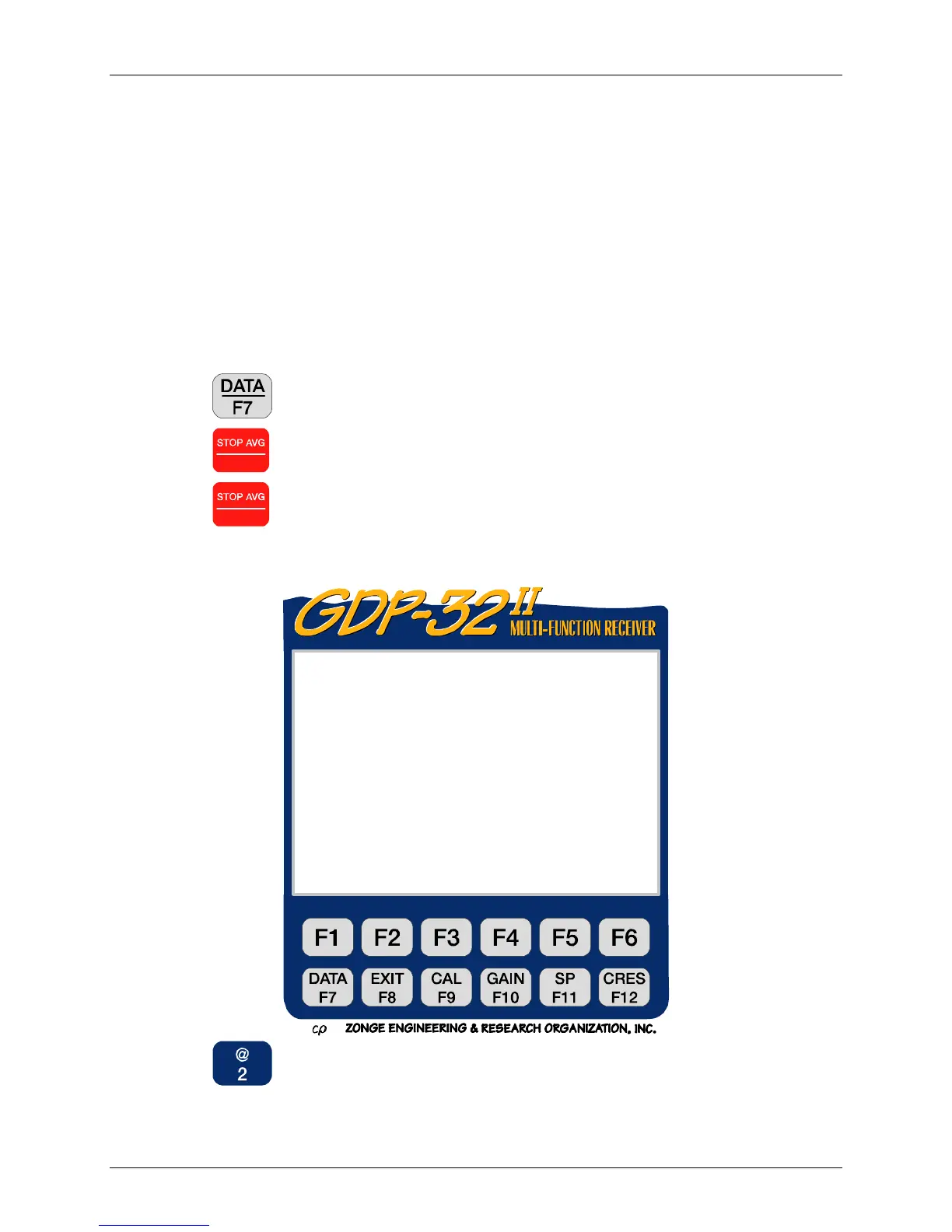
To initialize the Calibration Cache:
1. Press
to enter Data Mode.
2. Press
Escape
to bring up the Field Data Menu.
3. Press
Escape
a second time to bring up the Cache Utilities Menu.
4. Press
, “Initialize Cache”.
VER 320 Main Menu
Current:Field Data Remaining:3388KB
Parallel Port Disabled
1) Access Cache
2) Initialize Cache
3) Configure Serial Port
4) Set Parallel Port Mode
5) Memory Diagnostics
6) Rebuild Cache Index
(Press 1 – 6, ESCAPE):



 To Next Page