RECEIVER SETUP
Section 6, Page 5 May 2002
STARTING A CALIBRATION
NOTE: A summary of the Calibration procedure is located in the Section 4 - Quick Start.
From the Program Menu, select the Survey Program to calibrate. Proceed to the Data
Acquisition Screen. Select the lowest frequency, cycles and the notch filter.
NOTE: The notch filter to be used for the survey must be selected before starting the calibration.
Perform the calibration using that filter setting, and then acquire the field data with the same
filter setting. If a different setting is required, either recalibrate at the new filter setting, or input
new calibrations into the GDP-32
II
using a calibration data set stored previously on a field
computer.
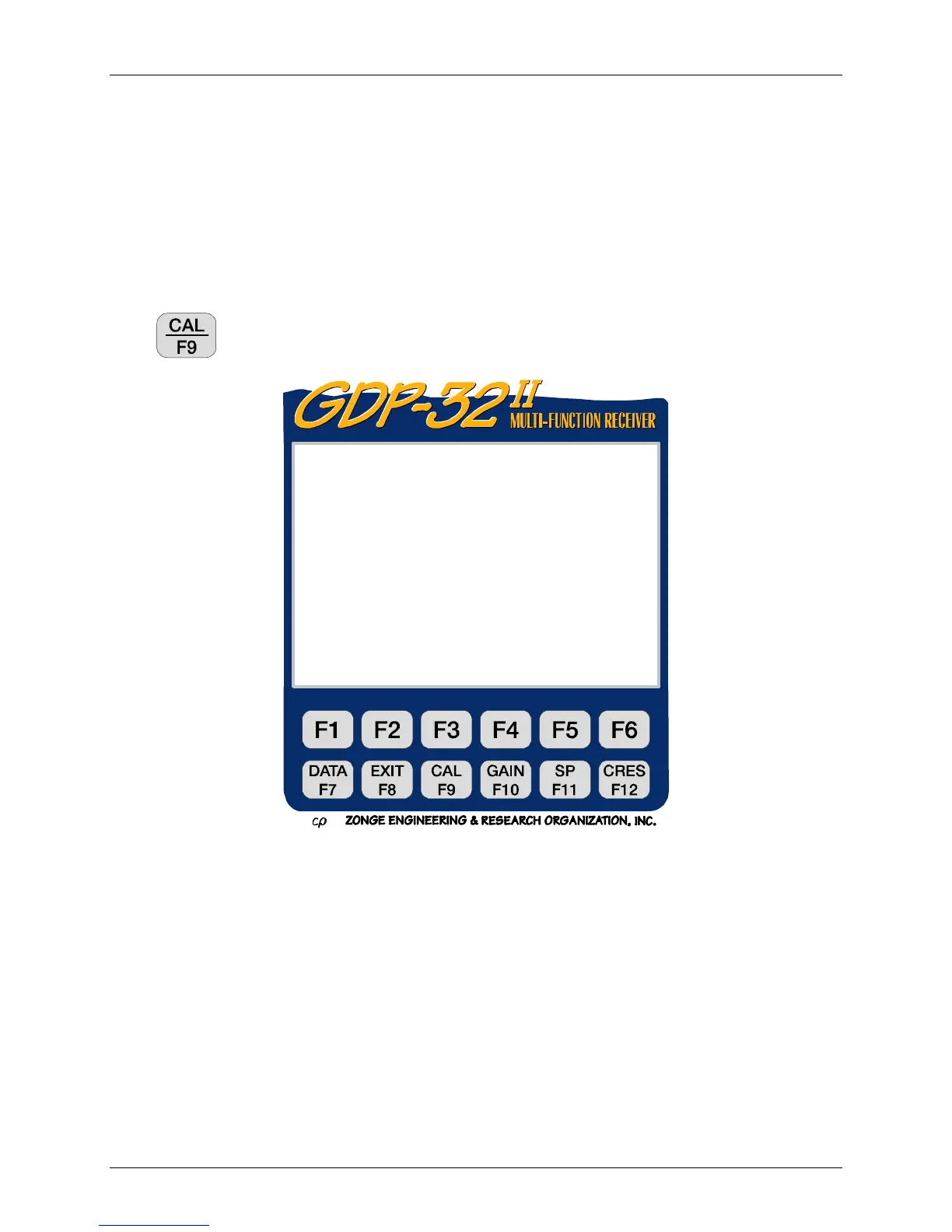
Press
to enter Calibration mode. The following message appears:
Only the first option performs an automatic calibration and loads the results into the Calibration
and Field Data caches. The second and third options are system checks, useful for checking
calibrations and general machine operation. Data from system checks are automatically stored in
the Field Data cache.
0151 RPIP0613 11.7 26 Jan 00 20:31:58
Survey D-D
Tx 1Rx 700N 60, 5
1Hz 16CyclesTxCurr 8
1) Create new calibrate records
2) System check
3) Auto system check
4) Set calibrate voltage
(Press 1 – 4, ESCAPE):



 To Next Page