GDP-32
II
INSTRUCTION MANUAL
May 2002 Section 6, Page 10
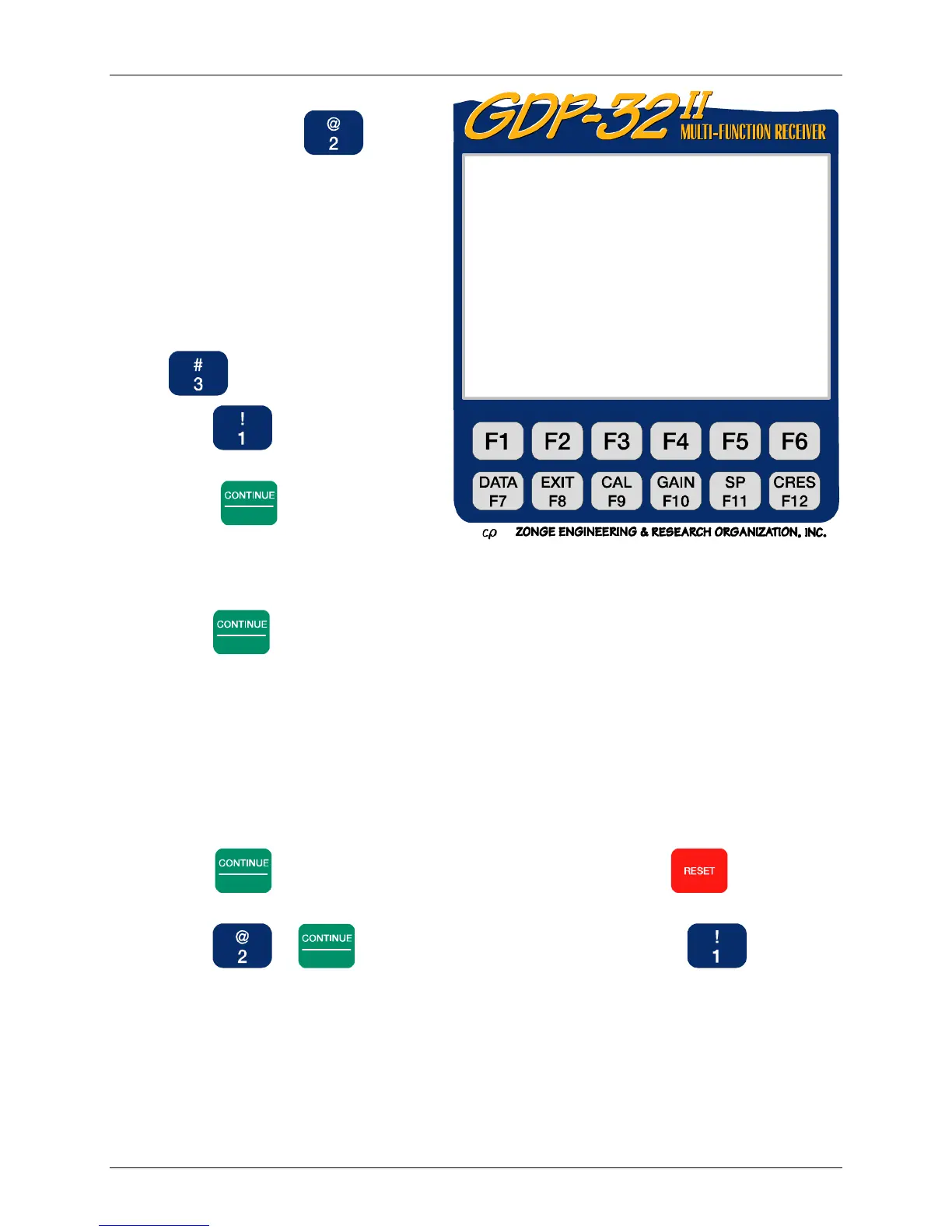
3. To check the calibration for a single
frequency, select , “System
check” from the Calibration Screen.
The system check is performed one
frequency at a time. After each
check, the operator has the option
of continuing or exiting. Before
continuing, the frequency must be
incremented manually.
NOTE: When checking multiple
frequencies select option
,“Auto System Check”.
4. Press
for “Internal” voltage
source.
5. Press
Enter
to set the default
calibration voltage (ISys=1v.)
6. Press
Enter
to begin data acquisition. If this is the first time data have been acquired at
this frequency, the automatic gain adjust program takes over. Watch the screen to see
how it adjusts the gains. The program goes directly from automatic gain setting to data
acquisition.
7. The GDP-32
II
receiver:
Stacks and averages the calibration signal
Calculates a standard error of the mean (SEM) on the real- time parameter displayed
Calculates the resistivity and IP parameters, displays them, and asks if you want to
save or discard your data.
8. Press
Enter
to store the data in the Field Data cache, or press to discard the
data.
9. Press or
Enter
to stay in the System Check mode, or press to exit.
0151 RPIP0613 11.7 26 Jan 00 20:31:50
Survey D-D
Tx 1Rx 700N 60, 5
1Hz 16CyclesTxCurr 8
1) Create new calibrate records
2) System check
3) Auto system check
4) Set calibrate voltage
(Press 1 – 4, ESCAPE):



 To Next Page