GDP-32
II
INSTRUCTION MANUAL
May 2002 Section 6, Page 30
NOTE: The Attenuator should not be used at frequencies above 32 Hz unless an external
calibration is made with the attenuators IN.
NOTE: If the front-end gain state (G0) is enabled, then above in paragraph 3, where gain stage
G1 is mentioned should read “G0 and then G1”
SETTING GAINS
To set Gains, all receiving wires must be connected to the receiver.
1. Turn on the transmitter.
2. On the GDP-32
II
, enter the Data Acquisition Screen for the survey program.
3. Select the Frequency and set the
Current level.
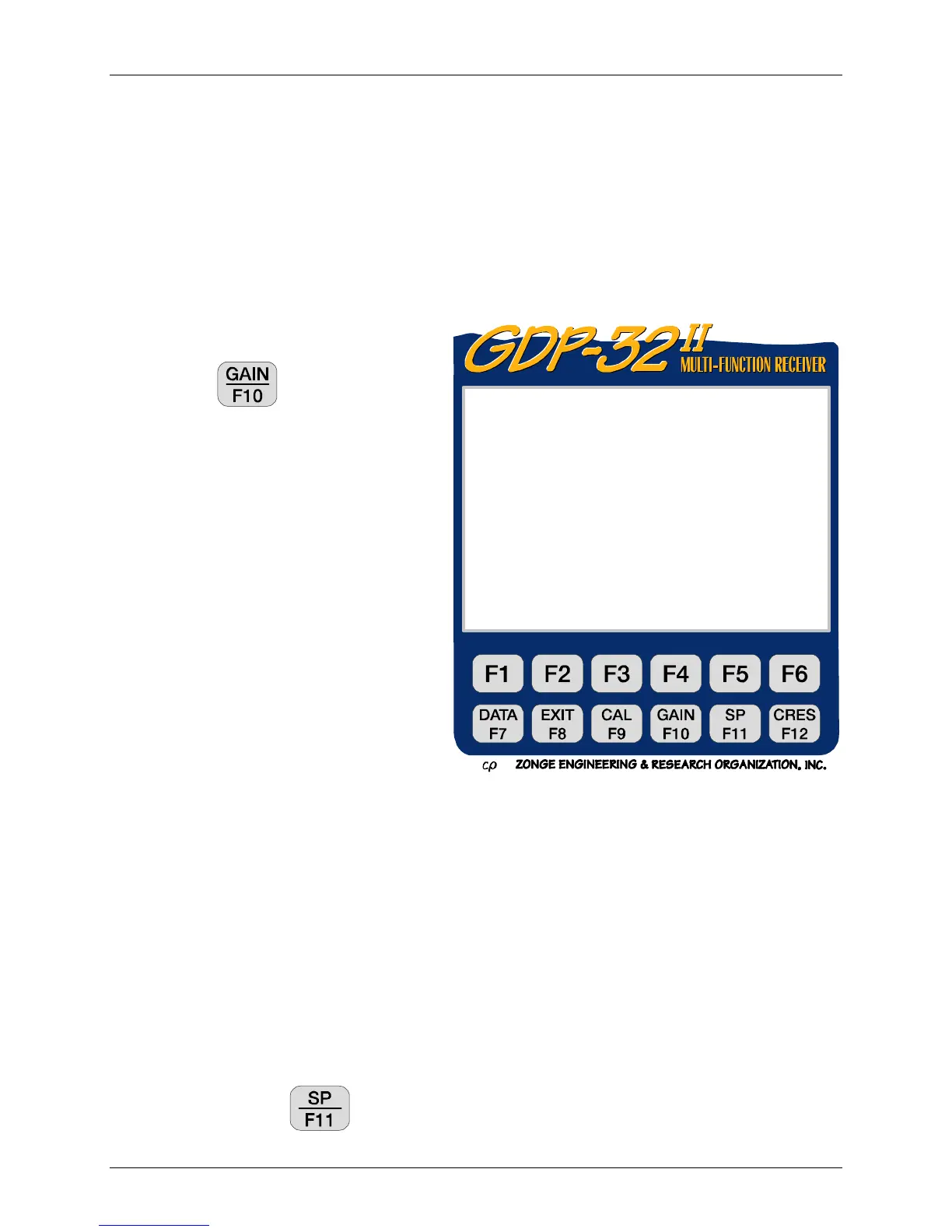
4. Press
. The Gain Setting
Menu appears (in this case for
NanoTEM):
The Gain Setting Menu has six Gain-
Setting options, a setting for the number of
data stacks to acquire and one Independent
SP control. Detailed instructions for using
each option are included after the brief
descriptions that follow.
Option 1 – Turn OFF (or ON) full
automatic mode
Toggles the default setting of Full
Automatic Mode between ON and
OFF. The receiver automatically
adjusts gains each time the
frequency, transmitter current, Rx,
Tx, N, station number, Powerline
notch filter or delay (for TEM) are
changed.
Option 2 – Automatic Gain
Automatically determines Gains. The receiver adjusts the gains, then returns to the Data
Acquisition screen.
Option 3 – Manual Gain
Allows the operator to manually set and fix Gains and Attenuator. The operator may flip
Gains between amplifier stages.
Option 4 – Clear and unfix all gains and SP
Sets all Gains to unity, sets SP buckout to 0.0, and clears any FIX flags.
Option 5 – Adjust SP
Adjusts the SP buckout without changing the gain settings. The operator may adjust SP
in environments where it varies rapidly and you do not want to continue adjusting the
gains. Pressing
also adjusts the SP.
0179 NANO0613 11.6 28 Oct 16 04:04:33
Survey In Loop
Tx 1Rx 700
32 Hz 256 Cycles Tx Curr 8
Window 80.22u Delay 3.212u Alias 1 u
1) Turn off full automatic mode
2) Automatic gain
3) Manual gain
4) Clear and unfix all gains and SP
5) Adjust SP
6) Turn on noisy gain mode
7) Set number of repeats
(Press 1 – 7, ESCAPE):



 To Next Page