Defining Multicast Groups 211
To configure Port Setup:
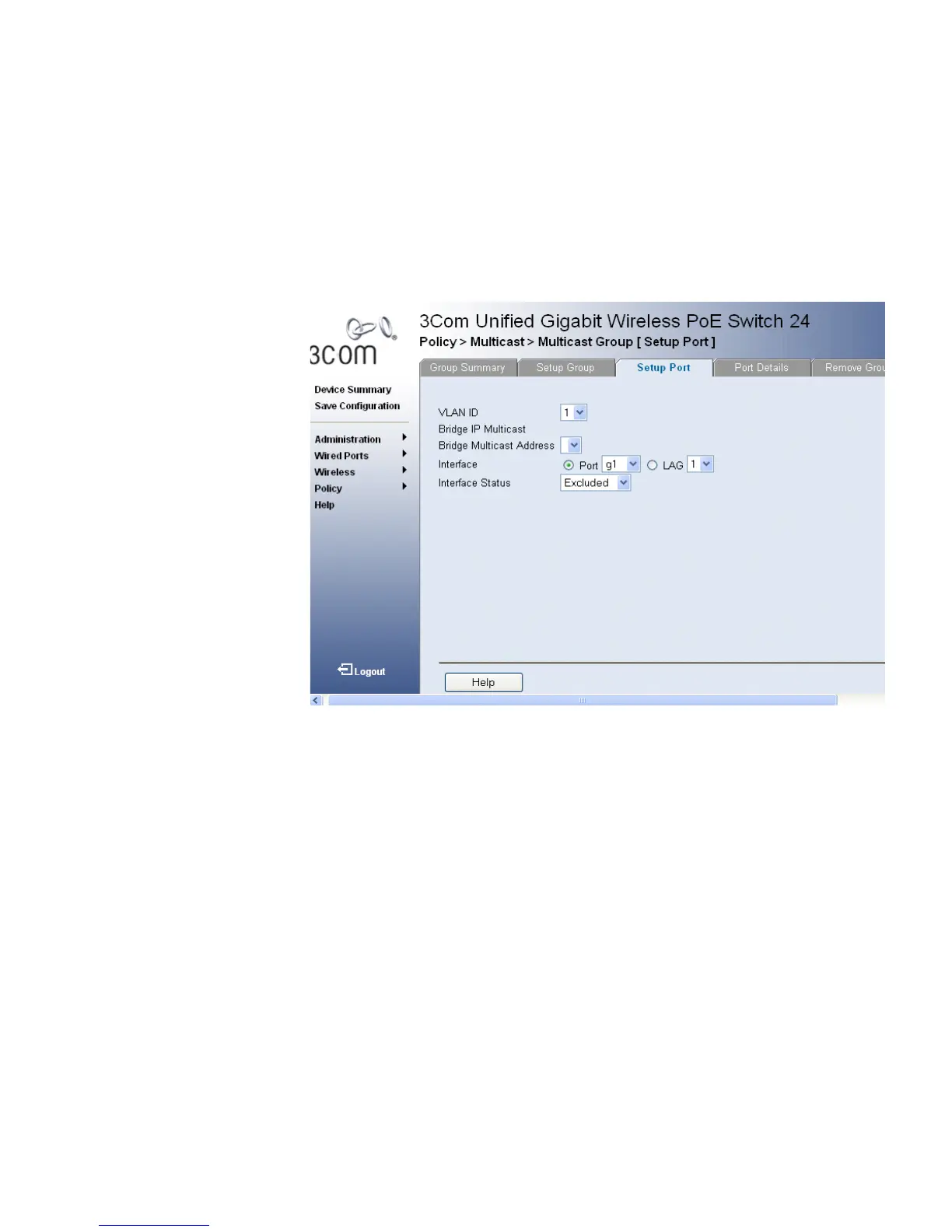
1 Click Policy > Multicast > Multicast Group > Setup Port. The
Multicast Port Setup Page opens:
Figure 109 Multicast Port Setup Page
The Multicast Port Setup Page contains the following information:
■ VLAN ID — Identifies a VLAN and contains information about the
Multicast group address.
■ Bridge Multicast IP Address — Identifies the Multicast group IP
address.
■ Bridge Multicast IP Address — Identifies the Multicast group MAC
address.
■ Interface — Displays the port number.
■ Interface Status— Indicates the port status. The possible field values
are:
■ Static — Attaches the port to the Multicast group as static
member.
■ Forbidden — Indicates the port is not included in the Multicast
group, even if IGMP snooping designated the port to join a
Multicast group.












 To Next Page