ptg
C H A P T E R T W E L V E Creating and Handling Forms
252
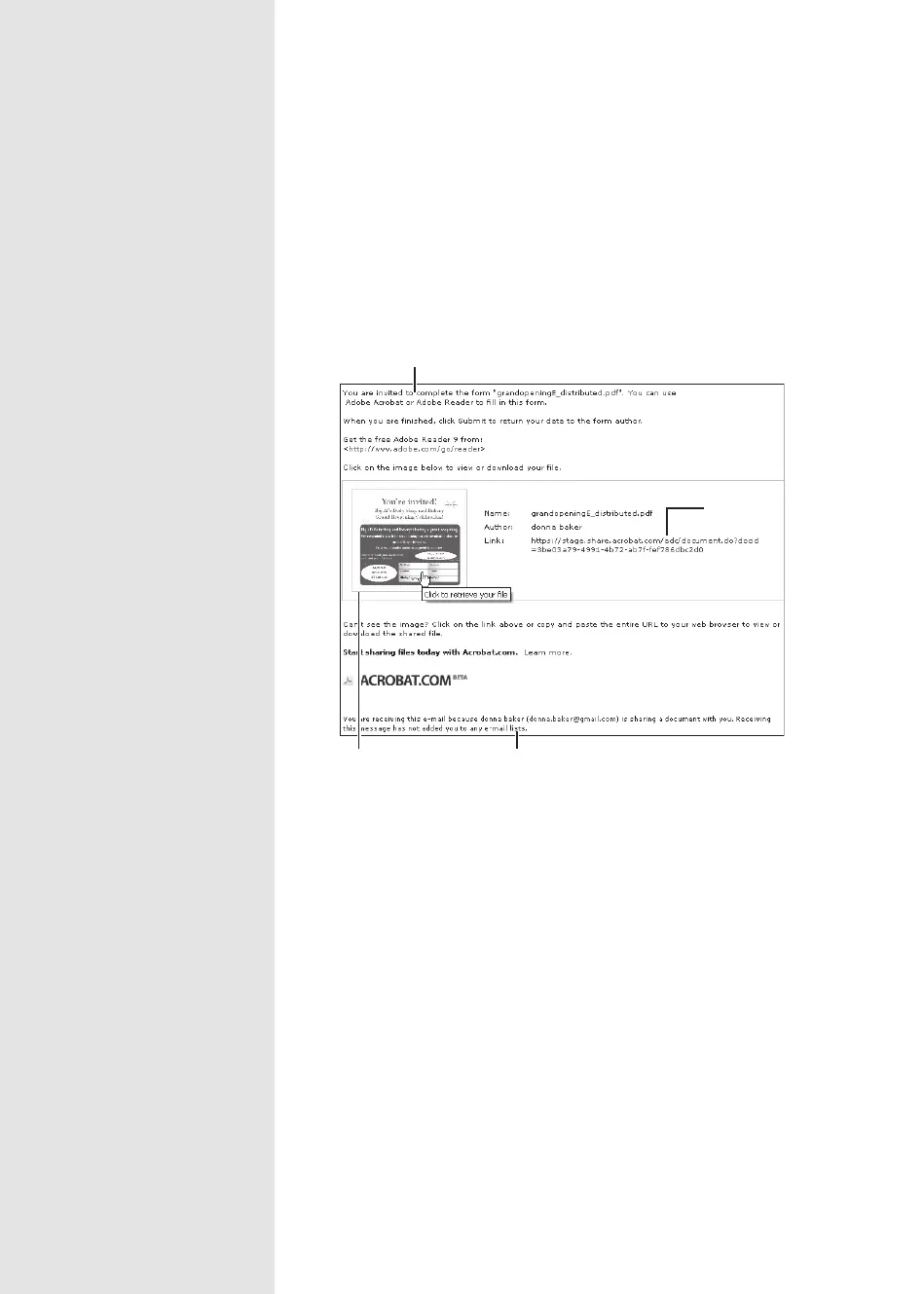
When a recipient receives the e-mail, the information provided is
included, along with links to the le at Acrobat.com (Figure 92b). The link
opens a Flash image of the form at Acrobat.com—not an actual interac-
tive copy of the form itself. Click the Download button above the form to
download a copy to the hard drive for completion.
Notification re: form origination
Thumbnail of form
Link to file at
Acrobat.com
Instruction from distribution process
Figure 92b The invitees receive the e-mail and links to the online file.
From the Library of Daniel Dadian



 To Next Page