ptg
C H A P T E R F O U R T E E N Using Drawings, Maps, and Layers
292
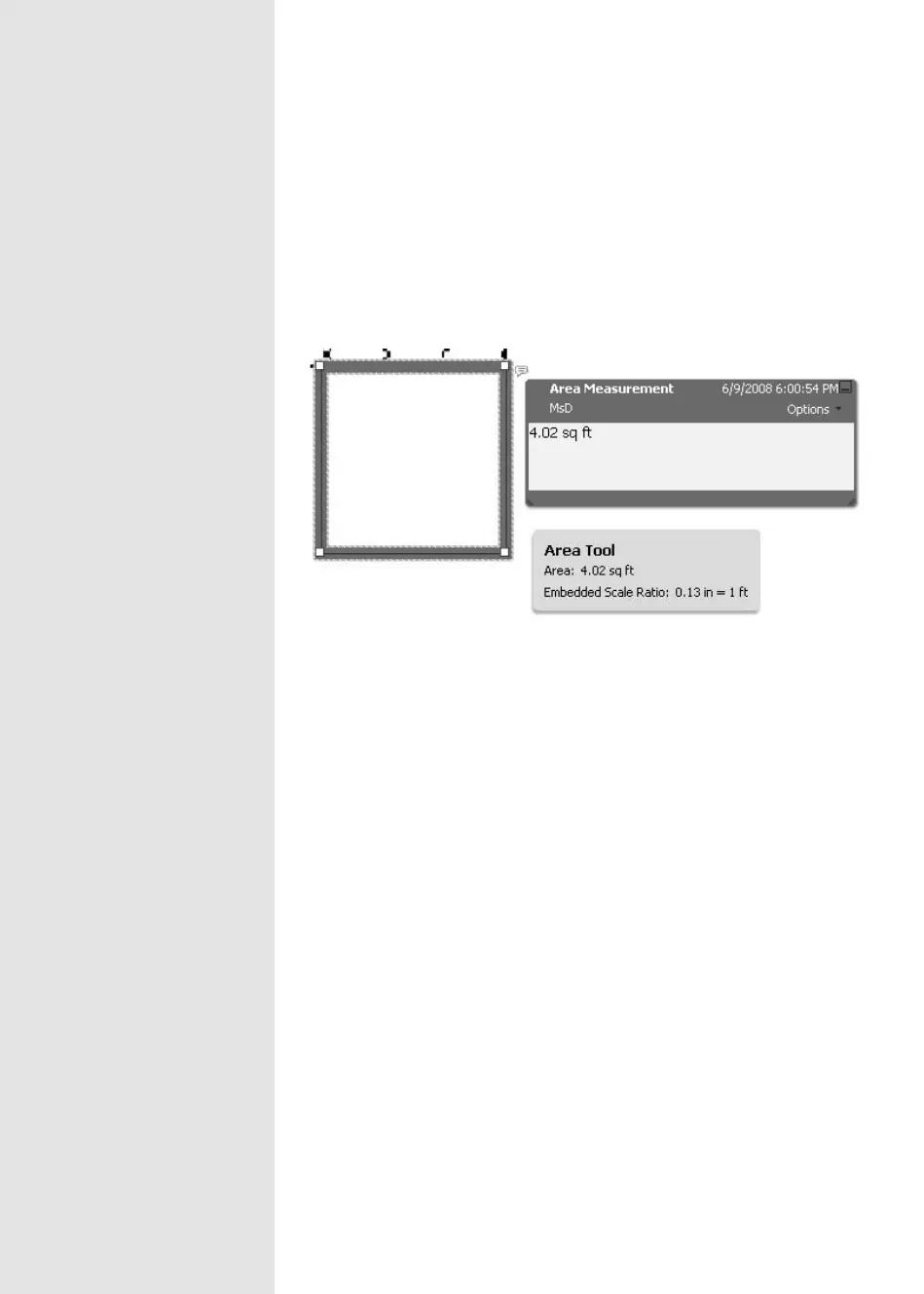
Once you’ve nished drawing the measurement, the value is shown in
the Measurement Info widget and inserted as a comment (Figure 108c).
The shape can be recongured (read how in the sidebar “Make It Snappy”),
and the values in the comment and Measurement Info widget automati-
cally update.
Figure 108c The measurement appears in a comment.
From the Library of Daniel Dadian



 To Next Page