ptg
327
4. Click Sign to open the Save As dialog. Name the le and select its stor-
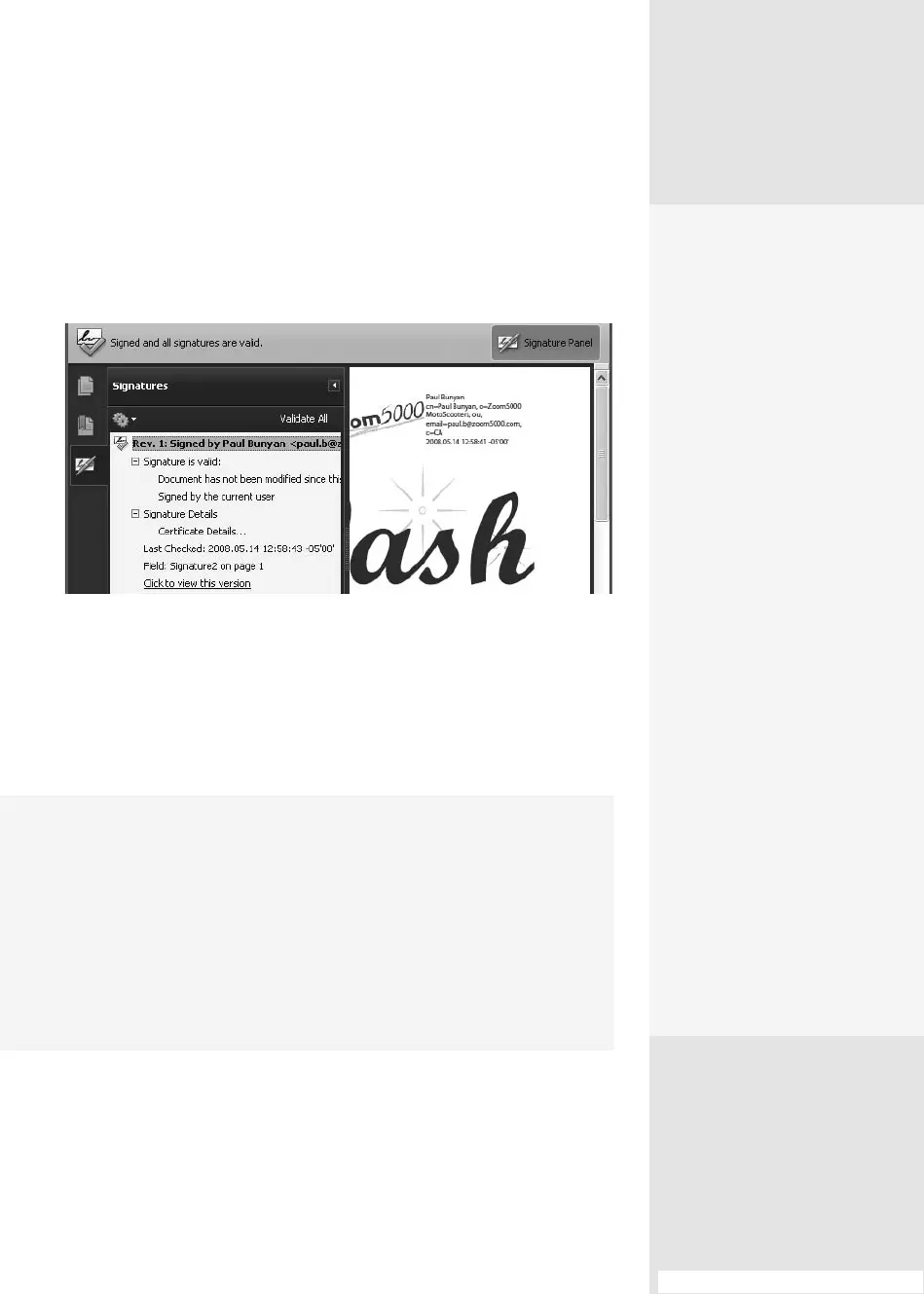
age location; click Save to close the dialog. You’ll see your signature in
the eld and listed in the Signatures pane, which displays automati-
cally when the document is saved (Figure 121c).
Figure 121c Read details about the signature in the Signature Panel.
To check a signature’s validity, select it in the Signature Panel and
choose Options > Validate Signature in the panel. The signature is tested,
and Acrobat displays the results in a dialog. Click Close to dismiss the
dialog. If you have several signatures to validate, click Validate All in the
Signature Panel.
#121: Signing a Document
Make It Valid—and Quick
If your work includes a lot of signature validation, it can be time-consuming
to choose commands repeatedly to validate a signature or signatures in each
document you open. Instead, set a preference to have signatures validated
automatically when the document opens. Choose Edit > Preferences (Acrobat >
Preferences) and click the Security category in the list. Click the “Verify signa
-
tures when the document is opened” check box at the top of the dialog and click
OK. Next time you open a document that contains signatures, they are verified
automatically.
Preview Before
Signing
Acrobat offers a Preview
Document mode, where
you can see what items
(if any) may compromise
the document’s security,
such as 3D models, lay-
ers, or Flash video. Choose
Edit > Preferences (Acrobat
> Preferences) and select
Security. Click the Select
View Documents in Preview
Document Mode When
Signing check box and
click OK.
When you click a signa-
ture field, the Document
Message Bar opens and
describes the status. Click
View Report to show a list
of items that can affect the
status, then click Close to
dismiss the dialog. Click Sign
Document to proceed with
signing.
If you work with a lot of
dynamic content and
signatures, the Preview
Document mode likely won’t
explain anything you don’t
already know, and simply
adds extra mouse clicks.
From the Library of Daniel Dadian



 To Next Page