ptg
331
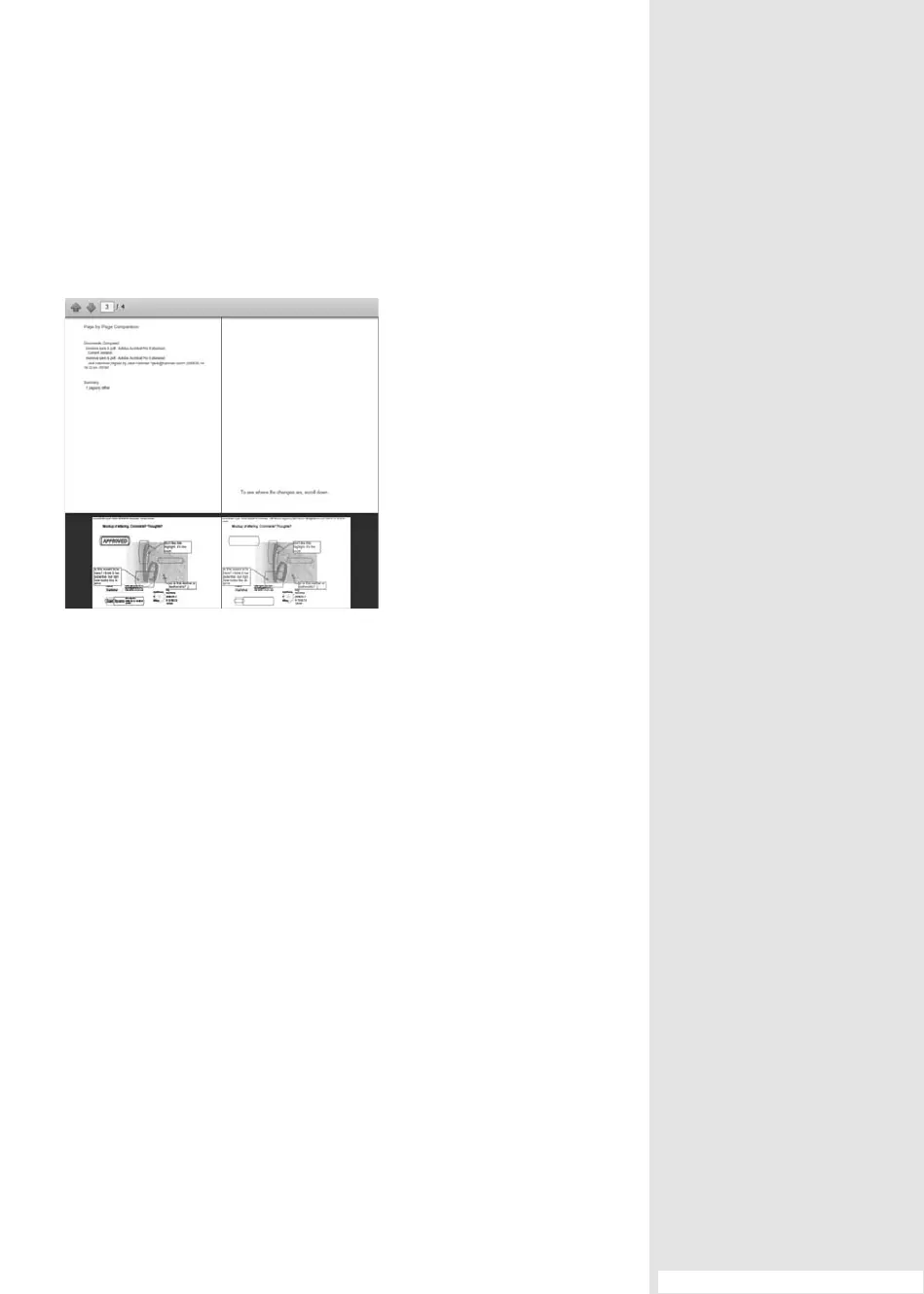
The dierences are shown in a new window (Figure 122c). If you like, you
can save the results document, or close the signed document’s window
to return to the parent document.
Figure 122c View differences in a document
between the time a selected signature was
applied and the current state of the file.
You can also use the history to check out one particular version. Read
how that’s done in the sidebar “Check It Out Another Way.”
#122: Tracking Changes
From the Library of Daniel Dadian



 To Next Page