DD+DIS150
.06E
Repair and Service
Adjustments and Calibrations
DOCUMENT CONTROL NOTE:
The controlled version of this document resides on MedNet. Any printed copy of this document is uncontrolled.
3.1.1 Verifying a successful Shading Calibration
Verification
(1) Expose and scan a flatfield.
(2) Print or archive the image.
(3) Check the image for homogeneity in slow scan and fast scan direction.
Evaluation:
If the scanned image does not show stripes in fast scan or slow scan direction or
large area inhomogeneities no further action is required.
If there are unacceptable effects in slow scan or fast scan direction, see
Troubleshooting Guide, DD+DIS151.09E.
NOTE:
For external partners accessing the “Troubleshooting Guide” on MedNet, GSO
Library may be restricted. In such a case please contact your local Agfa
representative.
Checking the images may only happen on light boxes and viewing stations that
comply with the specified installation and configuration conditions for diagnostic
reading. For details please refer to the respective instructions of the viewing stations
or light boxes.
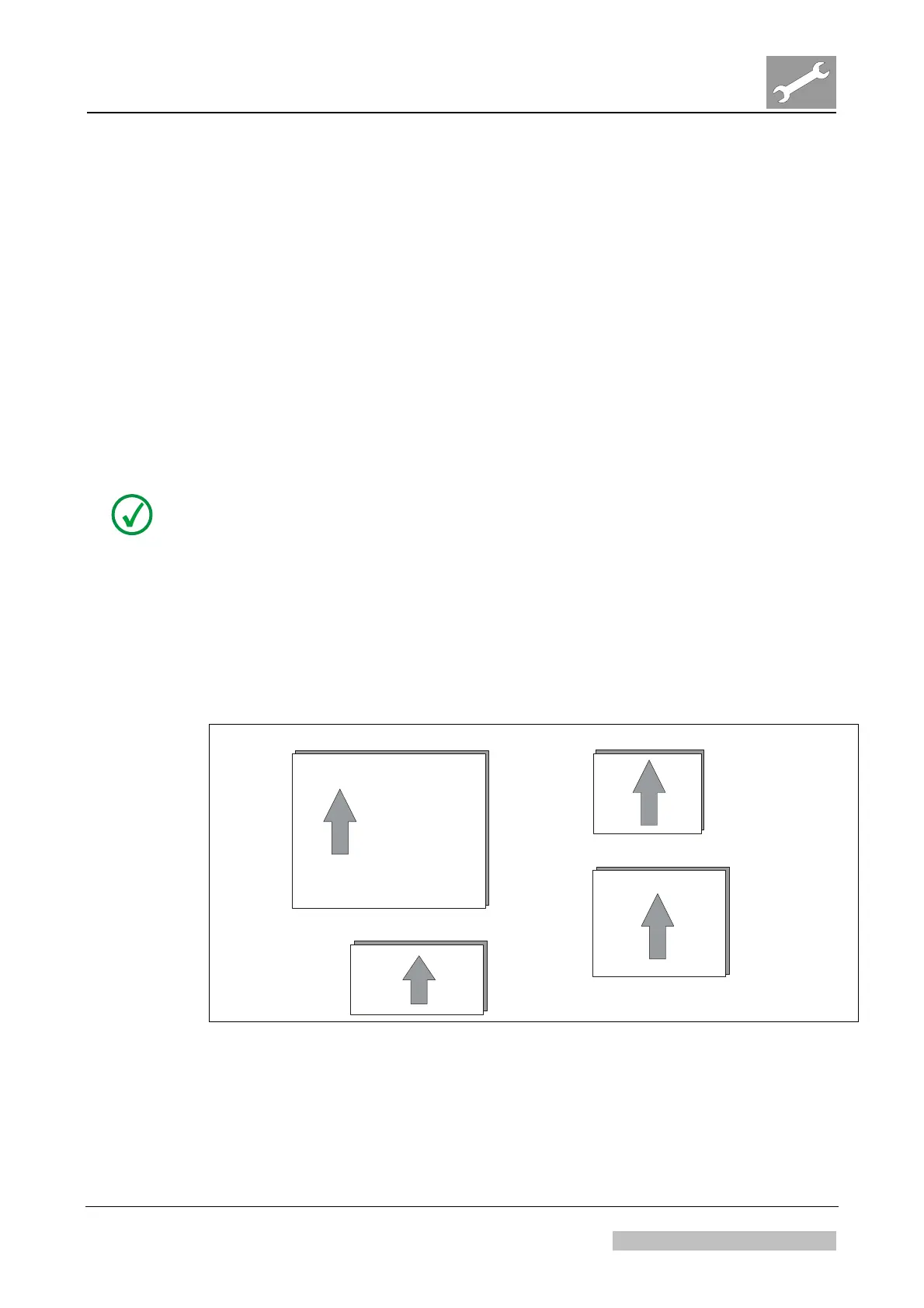
The slow scan direction is always the long side of the scanned area.
43 cm
35 cm
24 cm
30 cm
30 cm
15 cm
517509ab.cdr
18 cm
24 cm
Slow scan
direction
Figure 44: Slow scan direction
Result
The shading calibration is executed.
Edition 1, Revision 3 CR 30-X Chapter 3.6 / 32
10-2009 Type 5175 / 100/110 Agfa Company Confidential



 To Next Page