DD+DIS150
.06E
Controls, Connections, and Setup Procedures
DOCUMENT CONTROL NOTE:
The controlled version of this document resides on MedNet. Any printed copy of this document is uncontrolled.
(3) Select the button <Backup selected files> to perform a backup.
(4) Enter the file name (e.g. backup_CR30-X_SN_XXXX.ZIP) and select the
partition <D:\> of the control PC as storage place.
(5) Wait till the backup is finished (may take up to one minute).
(6) Insert a backup USB stick at the USB port of the control PC.
(7) Copy the backup file stored on the partition <D:\> on the control PC to the
USB stick.
(8) Unmount and remove the USB stick from the control PC and store it on a save
place.
(9) Close the service client.
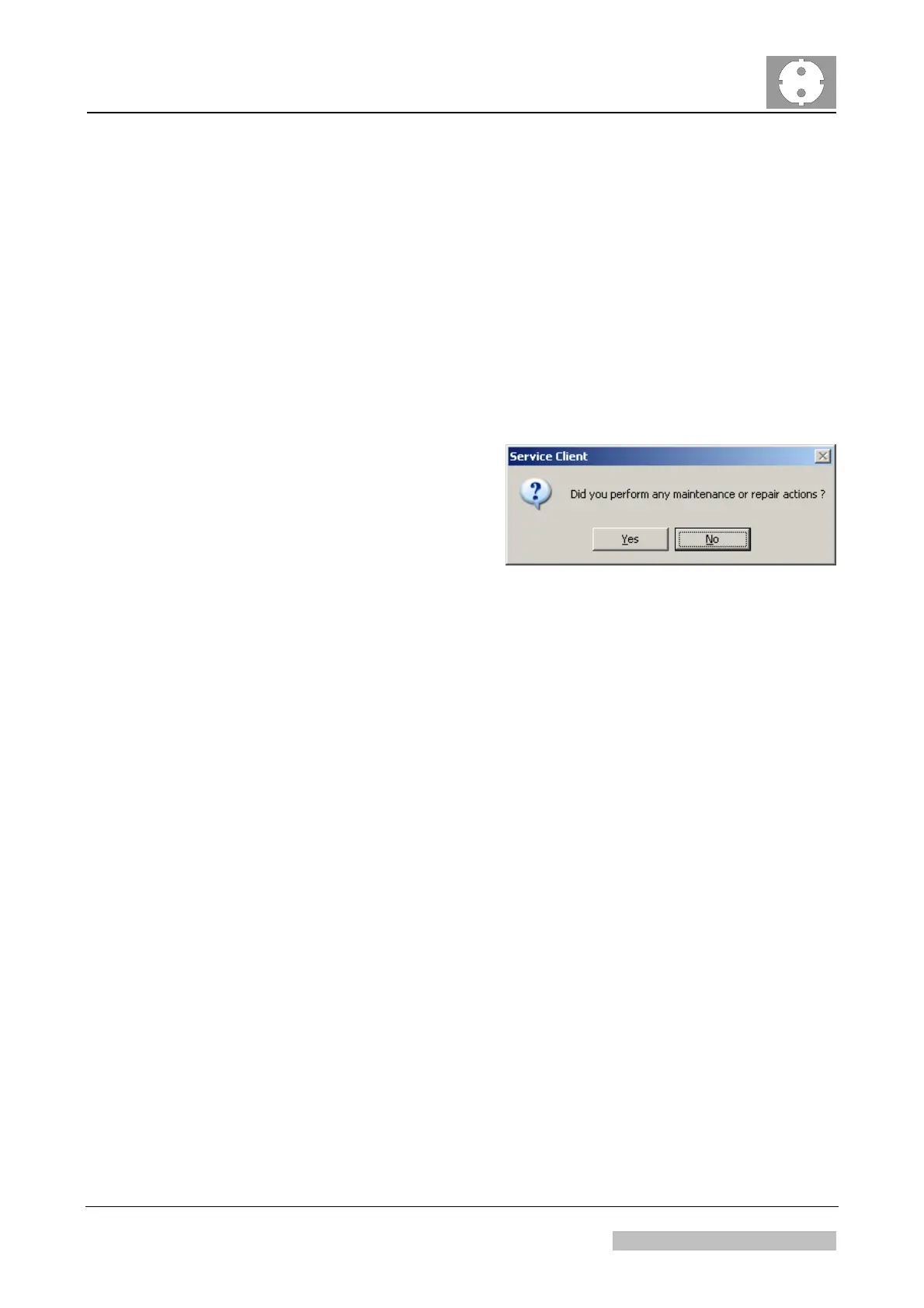
(10) Answer the dialogue popping up
“did you perform any repair or
maintenance activities” with "No".
Figure 25
7.2 Hand-over of the System to the Clinical Application Specialist
(1) Inform the Clinical Application Specialist about:
Completion of technical installation.
Any irregularities during the installation.
Edition 1, Revision 5 CR 30-X Chapter 1 / 23
11-2009 Type 5175 / 100/110 Agfa Company Confidential



 To Next Page