DD+DIS171.06E
Maintenance
DOCUMENT CONTROL NOTE:
The controlled version of this document resides on MedNet. Any printed copy of this document is uncontrolled.
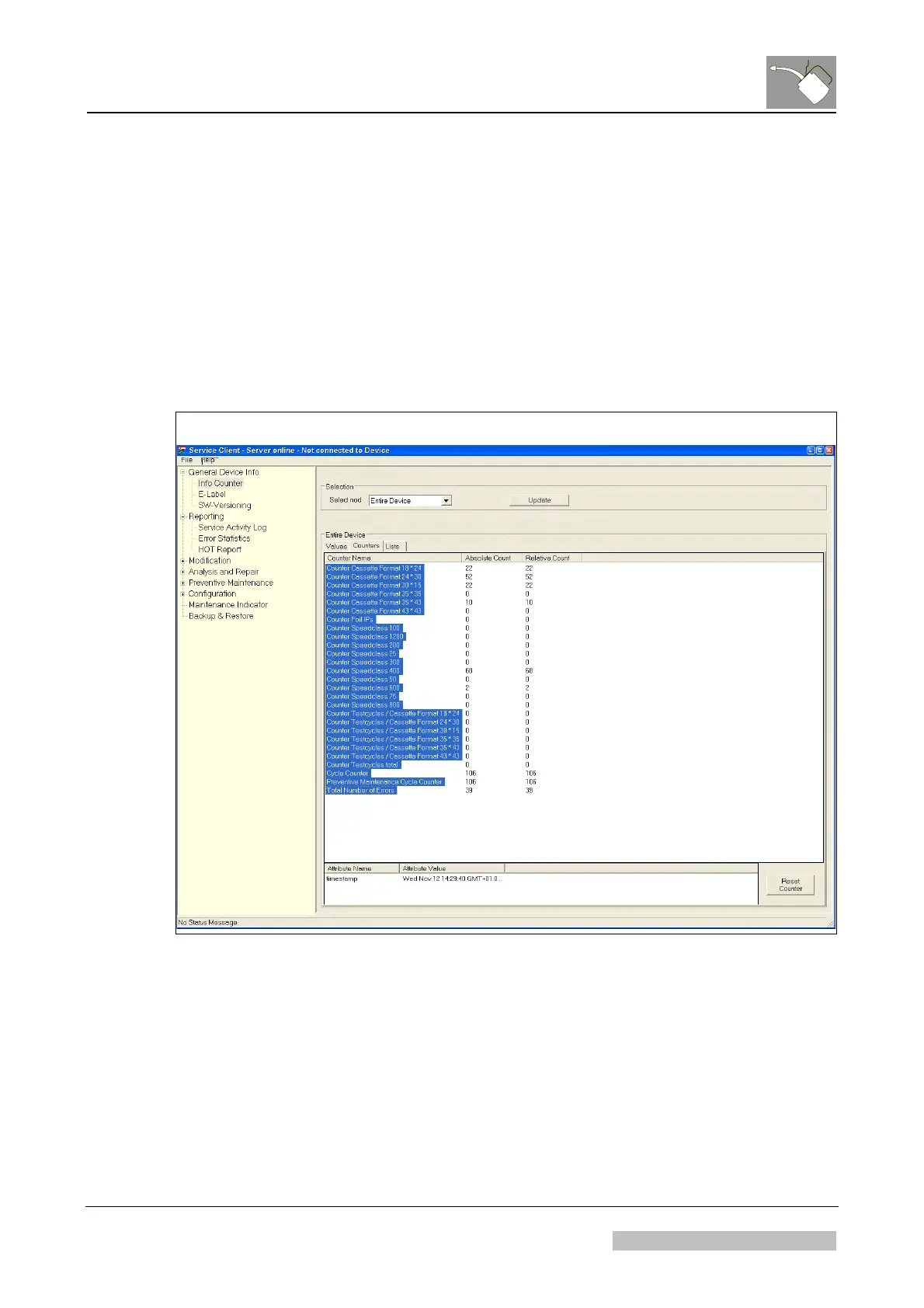
2.5 Reset of the Relative Counters
(1) In the Infocounter select the node "Entire device".
(2) Select tab “Counters”.
(3) Select all events (select upper most event, then select lowest event with the shift
key pressed).
(4) Select "Reset Counter".
(5) Repeat steps 3 and 4 for all other nodes.
Figure 2
Edition 1, Revision 1 CR 30-X Chapter 9 / 10
01-2009 Type 5175 / 100/110 Agfa Company Confidential



 To Next Page