DD+DIS150
.06E
Controls, Connections, and Setup Procedures
DOCUMENT CONTROL NOTE:
The controlled version of this document resides on MedNet. Any printed copy of this document is uncontrolled.
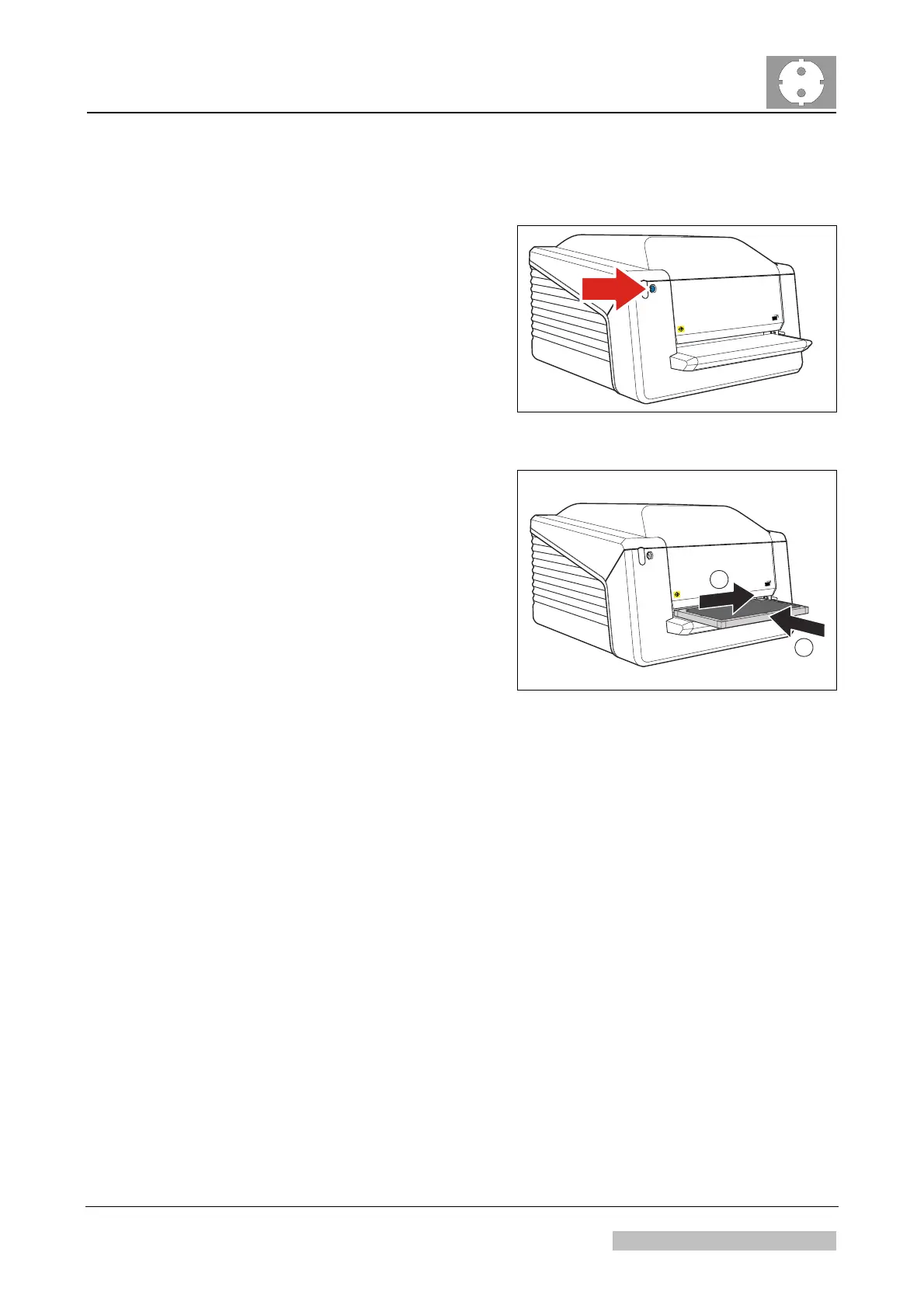
6.1.2 Erasing the Cassette
(1) Press the Erase button.
The Digitizer switches to erase
mode.
The status indicator is continuously
lighting up in blue.
517501eg.cdr
Figure 18: Digitizer erase button
(2) Put the cassette in the digitizer:
Erasing starts.
2
1
517501fg.cdr
Figure 19
(3) Remove the cassette with the erased image plate from the cassette output.
Edition 1, Revision 5 CR 30-X Chapter 1 / 18
11-2009 Type 5175 / 100/110 Agfa Company Confidential



 To Next Page