100
"JOB MENU" - F4 GPS DATA
15.4
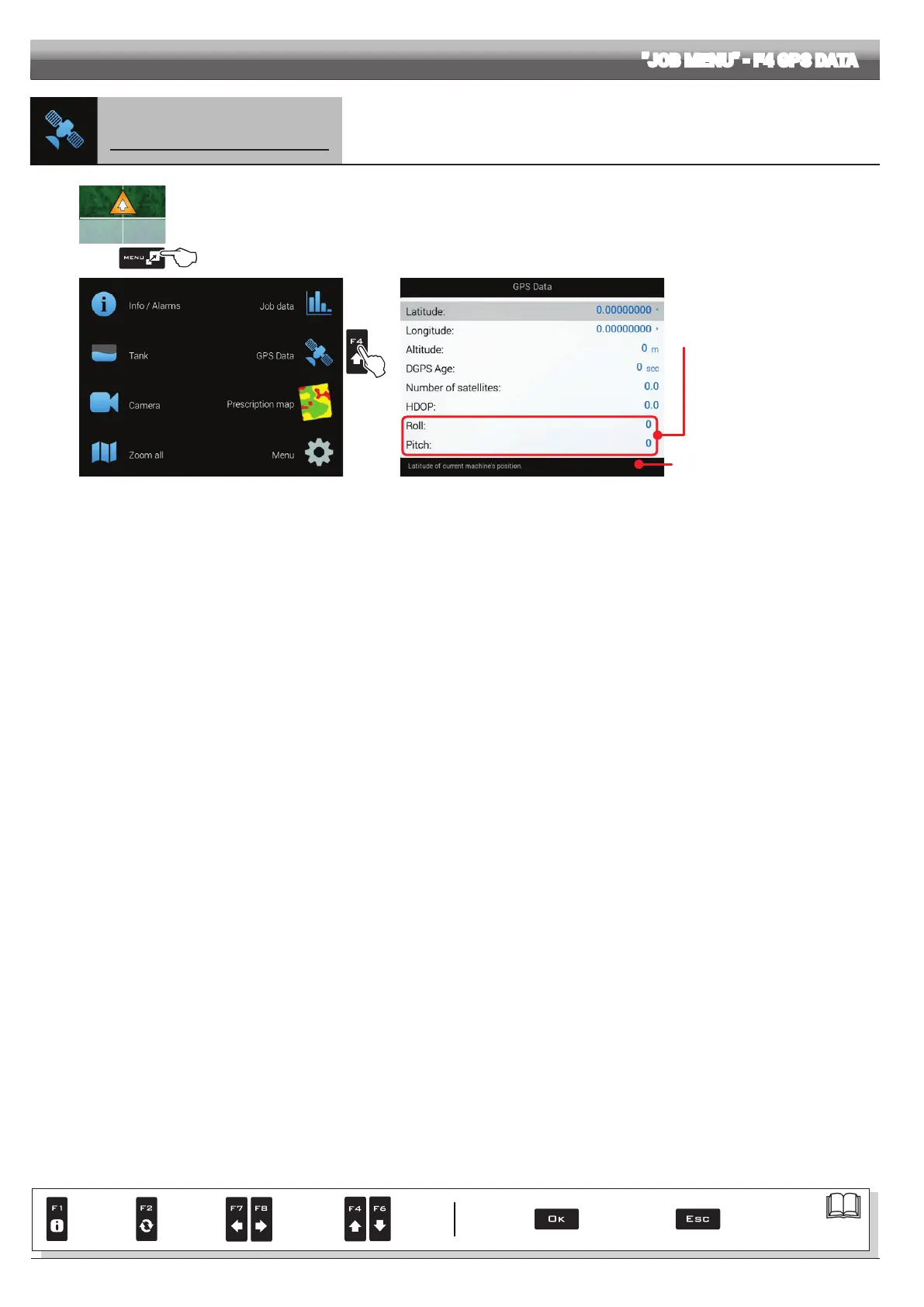
F4 GPS Data
Displays GPS data
1
2
Fig. 323
1 In the guidance screen, press
Menu.
2 Press F4 to view the GPS Data menu (Fig. 324).
This screen shows the data sent to the GPS receiver.
Fig. 324
Enabled for GPS receiver Smart-Ag Tilt
and Smart 6T models only.
(see General ARAG Cat.)
A description of the selected data is
shown at the bottom of the display.
Par.
7. 4
Conrm access
or data change
Exit the function or
data change
Delete
selected
character
Scroll
(LEFT /
RIGHT)
Data
increase /
decrease
Scroll
(UP /
DOWN)
Enter
selected
character



 To Next Page