95
"HOME" MENU - F6 INFO / ALARMS
14.6
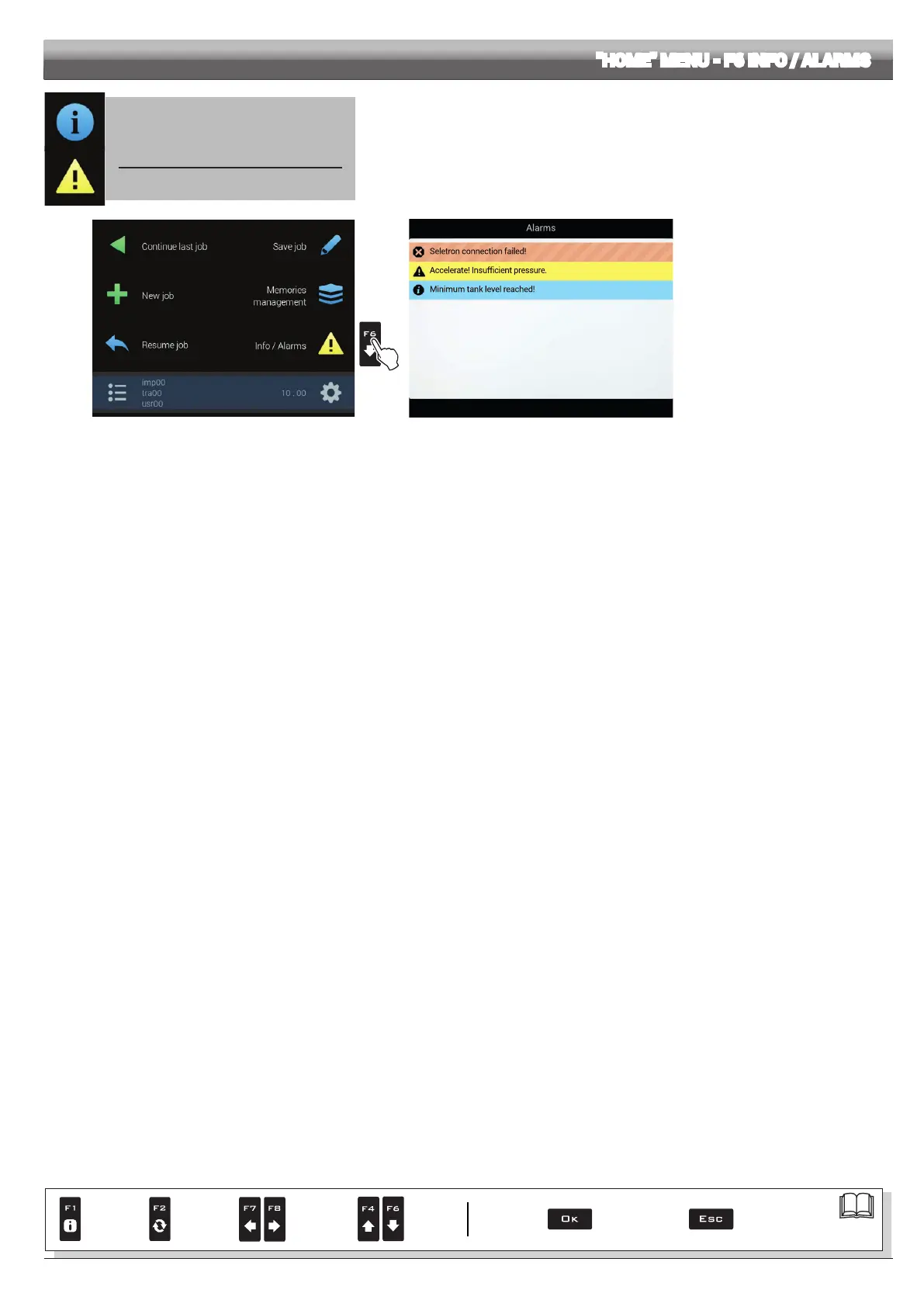
F6 Info / Alarms
Displays job information / alarms.
1
Fig. 310
Fig. 311
1 Press
F6 to view the Info / Alarms
menu (Fig. 311).
This screen gives an overview of the
active notications for the operator, rated
by importance as Critical alarms, Low
priority alarms and Info.
Par.
7. 4
Conrm access
or data change
Exit the function or
data change
Delete
selected
character
Scroll
(LEFT /
RIGHT)
Data
increase /
decrease
Scroll
(UP /
DOWN)
Enter
selected
character



 To Next Page