43
ADVANCED SETUP "IMPLEMENT"
END 10.1.11 Alarms
> > > 10.1.11 Alarms
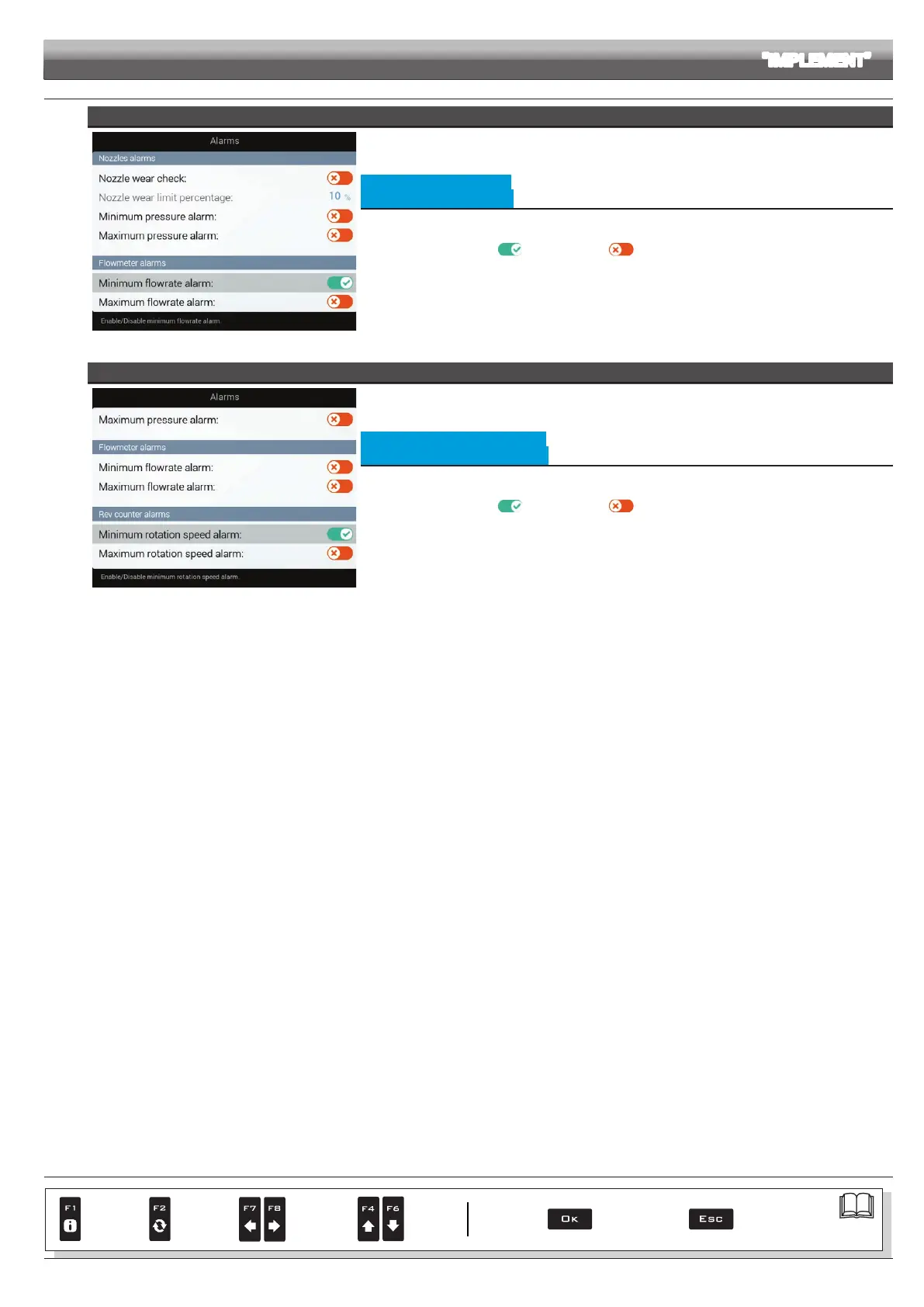
FLOWMETER ALARMS
Fig. 126
• Minimum owrate alarm
• Maximum owrate alarm
Allows to enable/disable minimum and maximum owrate alarms for the owmeter.
- Select the item you wish to set up.
- Enable/disable the alarm (
Alarm enabled / Alarm disabled).
- Repeat the setup for each alarm.
Outside the range set in the
Minimum flowrate / Maximum flowrate menus (par. 10.1.3 Flowmeter), the
computer triggers an alarm.
REV COUNTER ALARMS
Fig. 127
• Minimum rotation speed alarm
• Maximum rotation speed alarm
Allows to enable/disable minimum and maximum speed alarms for the rev counter.
- Select the item you wish to set up.
- Enable/disable the alarm (
Alarm enabled / Alarm disabled).
- Repeat the setup for each alarm.
Outside the range set in the
Minimum rotation speed / Maximum rotation speed menus
(par. 10.1.9 Rev counter), the computer triggers an alarm.
Par.
7. 4
Conrm access
or data change
Exit the function or
data change
Delete
selected
character
Scroll
(LEFT /
RIGHT)
Data
increase /
decrease
Scroll
(UP /
DOWN)
Enter
selected
character



 To Next Page