41
ADVANCED SETUP "IMPLEMENT"
TANK LEVEL SOURCE: LEVEL SENSOR
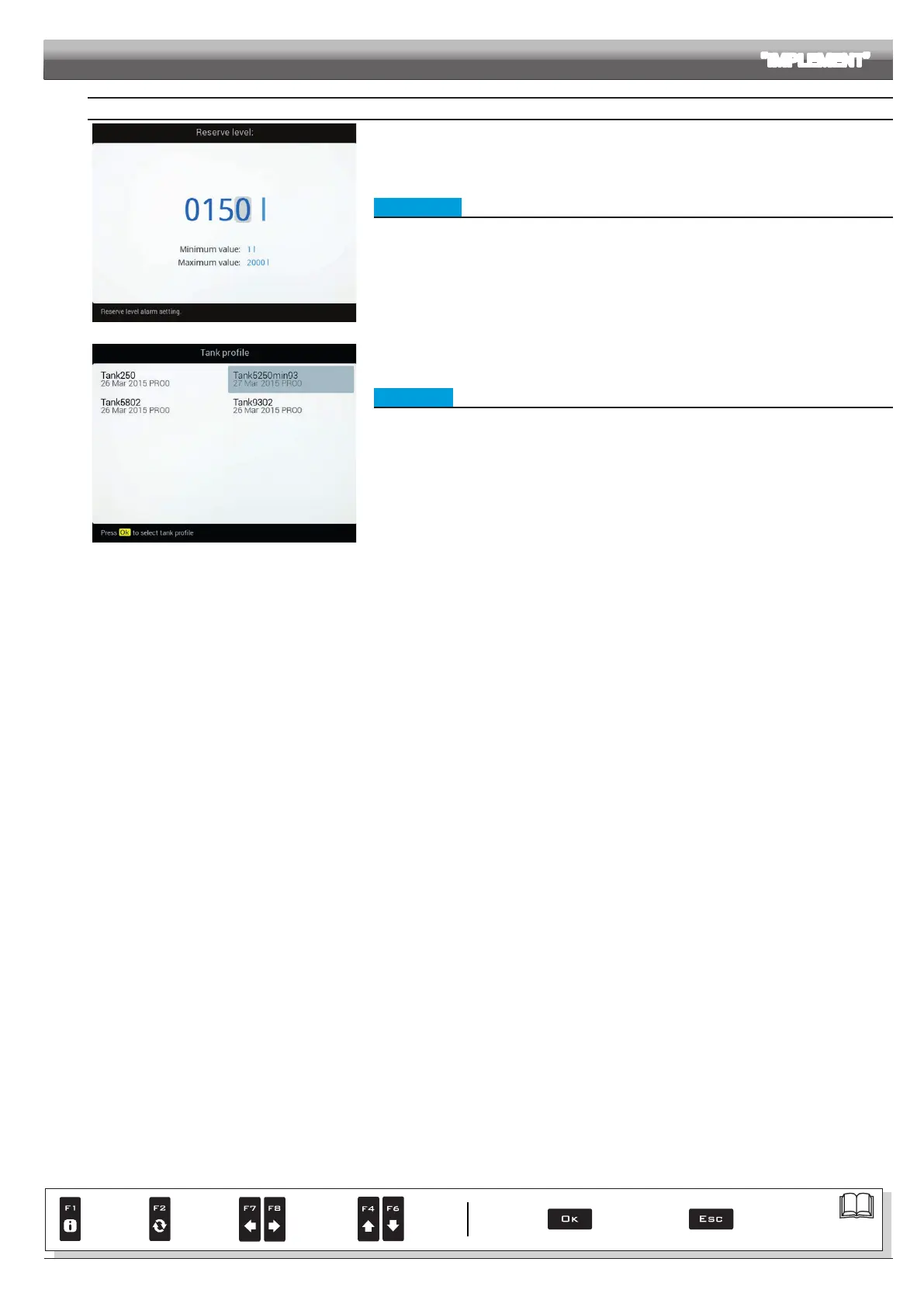
Fig. 120
• Reserve level
Indicate range value.
The tank alarm is triggered when, during spraying, the tank level falls below the set value.
For the procedure to be followed when an alarm occurs, please refer to par. 17.1 Error messages.
Fig. 121
• Tank prole
The tank proles can be loaded or saved on the internal memory so as to recongure the computer if
necessary, solve problems or congure another tank without repeating all operations manually.
In this menu, indicate the current tank prole.
The proles are ONLY available if copied onto the internal memory (par. 14.4.4), or after calibrating
the tank prole (par. 10.1.14).
After loading a tank prole it is NECESSARY to perform a zero calibration of the level sensor (
Tank
level zero value, par. 10.1.14).
Par.
7. 4
Conrm access
or data change
Exit the function or
data change
Delete
selected
character
Scroll
(LEFT /
RIGHT)
Data
increase /
decrease
Scroll
(UP /
DOWN)
Enter
selected
character



 To Next Page