119
17.2 Troubleshooting
FAULT CAUSE REMEDY
The display does not switch on
No power supply • Check power supply connection
Computer is OFF • Press the ON key
Valve controls take no effect Valves not connected • Connect the connectors
One valve does not open No power supply to valve • Check valve electric connection and operation
Output volume readout inaccurate Wrong setup
• Check boom setup (par. 10.1.2)
• Check the setup of the owmeter constant (par. 10.1.3)
• Check pressure sensor full scale setting (par. 10.1.5)
Distance traveled count displayed does not
match actual distance covered
Wrong setup
• Check the boom setup (par. 10.1.2)
• Check implement geometry
(par. 10.2.1 - 10.2.2 - 10.5.2 - 10.5.3)
• Check tractor geometry
(par. 10.5.2 - 10.5.3 - 10.5.4)
Sprayed uid count displayed does not match
liters/gal actually sprayed
Wrong setup
• Check the setup of the owmeter constant (par. 10.1.3)
• Check selected nozzle conguration
(par. 10.1.1 - par. 12.5)
Unable to reach output volume value set for the
automatic operation
Wrong setup
• Check spray rate setup (par. 12.5 - 16.1)
• Check the setup of the boom width (par. 10.1.2)
System not adequately sized to provide required rate
• Check maximum pressure valve adjustment
• Make sure control valve is adequate for specic system
Control valve malfunction • Check valve operation
Instantaneous pressure readout inaccurate
Wrong setup • Check full scale setup for pressure sensor (par. 10.1.5)
Pressure sensor not calibrated • Perform the calibration (par. 10.1.14)
Pressure sensor wrong installation • Check connections to pressure sensor
Instantaneous pressure is not displayed
Wrong setup • Check pressure sensor setting (par. 10.1.5)
Computer does not receive signals from pressure sensor • Check connections to pressure sensor
Pressure sensor wrong installation • Check connections to pressure sensor
Rpm readout inaccurate Wrong setup • Check rpm sensor constant setting (par. 10.1.9)
Rpm value not displayed
Monitor does not receive signals from RPM sensor • Check connections to RPM sensor
Rpm sensor wrong installation • Check connections to RPM sensor
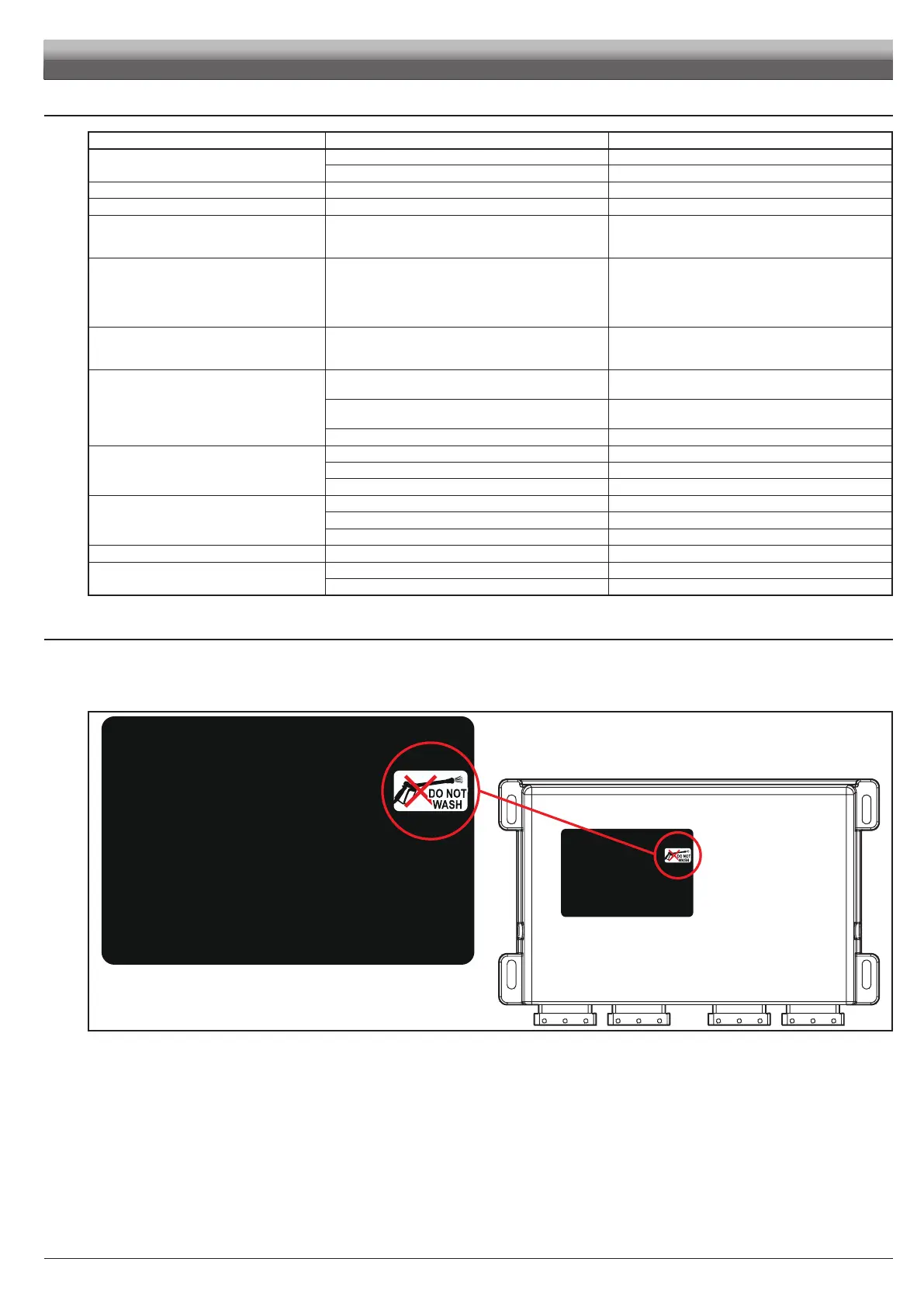
17.3 Cleaning rules
- Clean only with a soft wet cloth.
- DO NOT use aggressive detergents or products.
- DO NOT aim water jets directly at monitor and control unit.
Fig. 372
MAINTENANCE / DIAGNOSTICS / REPAIRS



 To Next Page