36
10.1.6 Valves
*
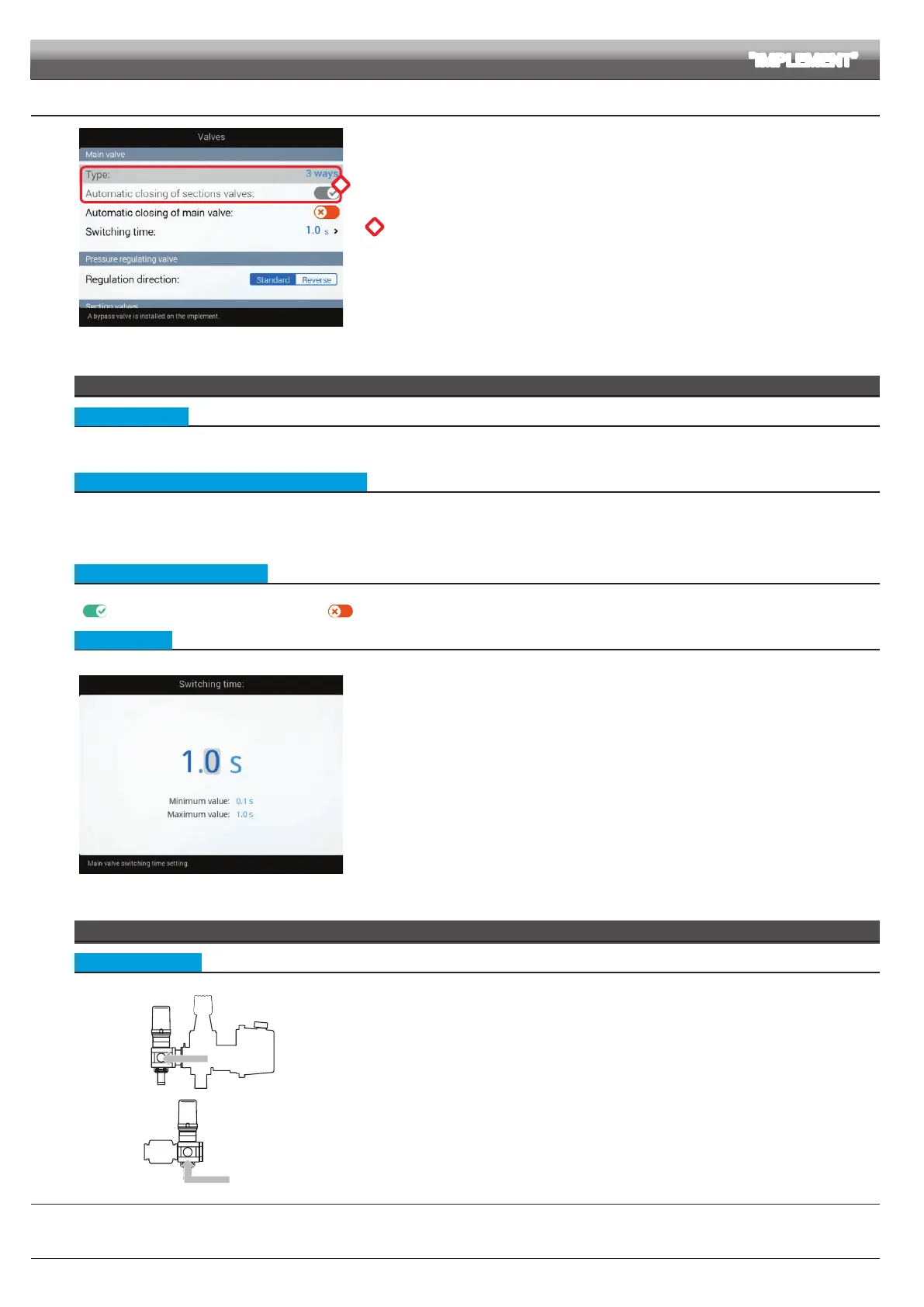
Fig. 100
Set the type of valve installed on the system and the relevant values.
*
The items Main valve > Type and Automatic closing of sections valves appear as a
REMINDER: they are enabled during guided setup (chap. 9).
Therefore, they cannot be modied from this screen.
MAIN VALVE
• Type (REMINDER)
Main control valve installed. Available options are:
None, 2 ways (drain valve), 3 ways (main valve)
• Automatic closing of sections valves (REMINDER)
On a Seletron system, automatic closing of sections is automatically enabled ("M" type):
The section valves are closed or opened by acting on the main switch, provided that the section valve specic switch is in the correct position, i.e. if the section
switches are set to OFF (lever down), acting on the main switch the sections will not be controlled. If one or more section valve switches are set to ON (lever up),
opening or closing the main switch opens or closes the section valves as well.
• Automatic closing of main valve
When all section valves are closed and this option is enabled, main valve automatic closing is performed as well.
(
Automatic closing of main valve enabled / Automatic closing of main valve disabled)
• Switching time
Indicate the time between the moment when the command is sent to the main valve and the actual moment in which spraying starts / stops.
Fi g. 101
PRESSURE REGULATING VALVE
• Regulation direction
Indicate the type of installed control valve. Available options are:
•
Standard =
• Reverse =
CONTINUES > > >
ADVANCED SETUP "IMPLEMENT"



 To Next Page