19
SETUP
ORDINARY SWITCHING ON
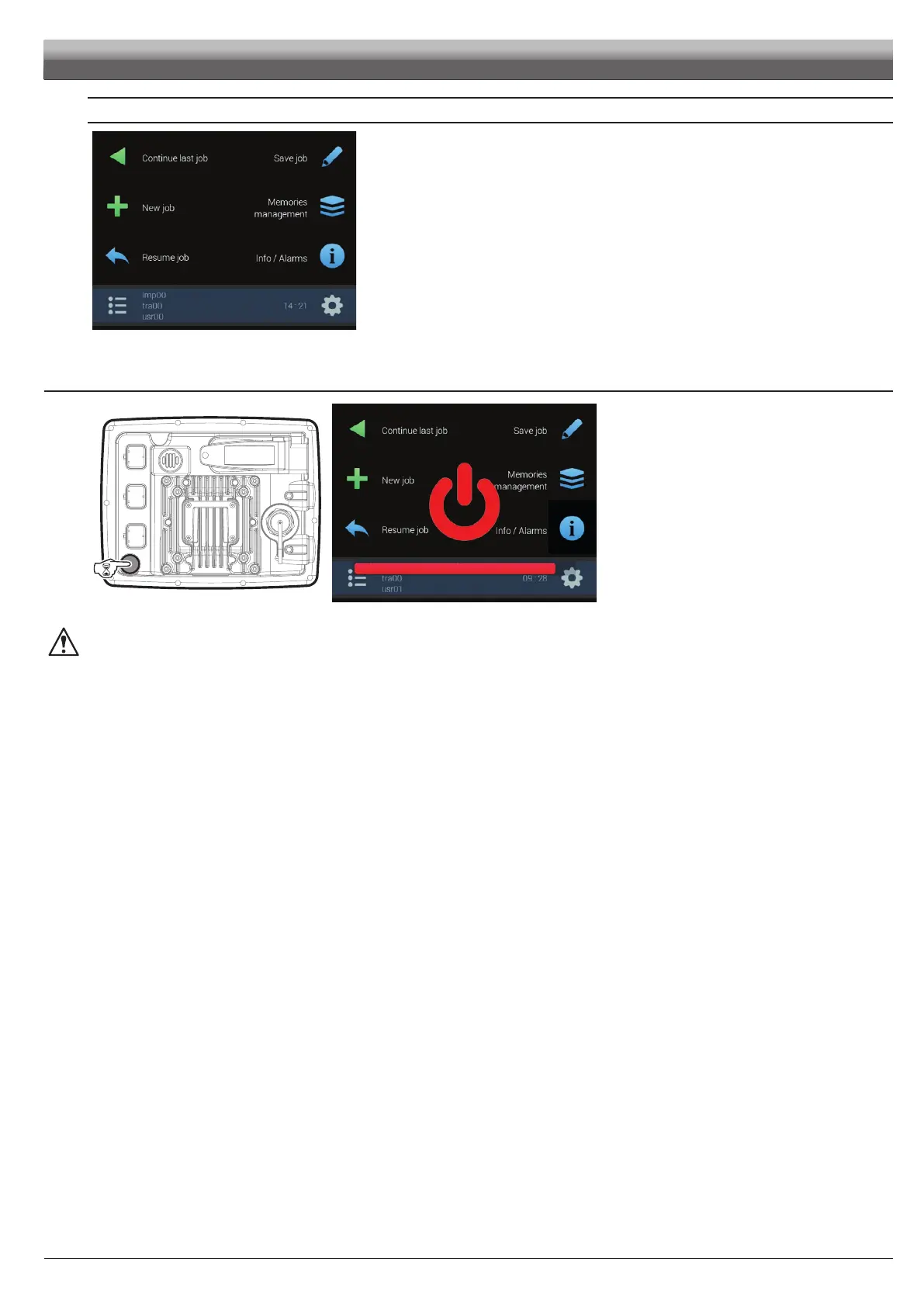
Fig. 32
After the software version, Delta 80 displays the "Home" screen (Fig. 32).
Go to device basic settings (chap. 9).
7.3 Switching off
Fig. 33
Fig. 34
Hold the button at the back of the monitor down until Delta
80 switches off.
During switching off, Delta 80 automatically saves the current job: Do NOT press any other key and do NOT disconnect the
power supply until Delta 80 turns off.
WARNING: ALWAYS use the special key to switch off the device; otherwise ALL data concerning the spraying and the setup will
be lost.



 To Next Page