65
ADVANCED SETUP "GENERAL OPTIONS"
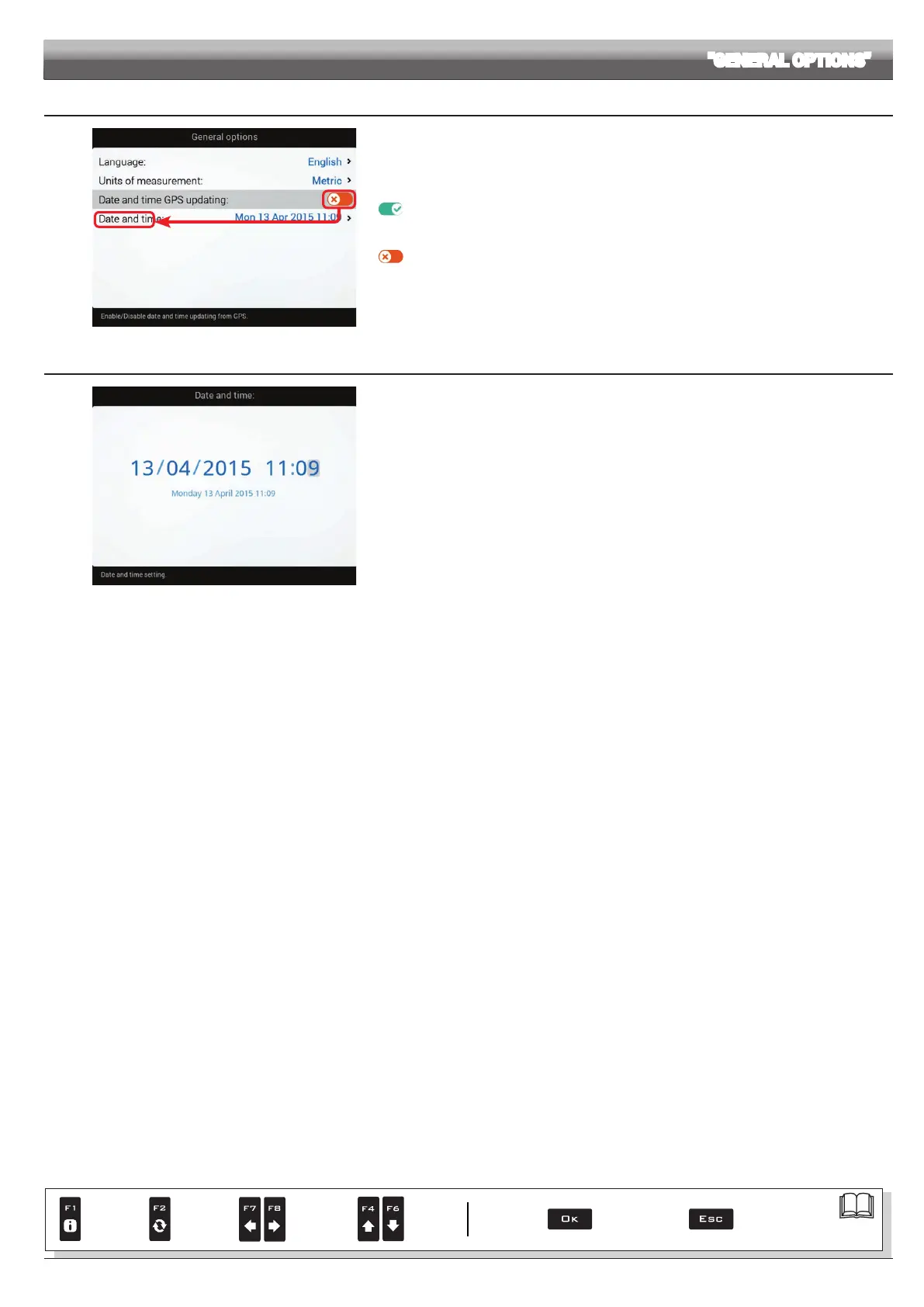
10.7.3 Date and time GPS updating
Fig. 221
Allows to enable / disable computer automatic date and time updating.
Acquisition enabled
The local time, date and timezone will be constantly updated thanks to the signal picked up by the GPS
receiver.
Acquisition disabled
Set date and time manually.
The display will show the Date and time menu (Fig. 221).
10.7.4 Date and time
Fig. 222
To congure the items on this menu, you must disable
Date and time GPS updating (Fig. 221).
Now set the computer time.
Par.
7. 4
Conrm access
or data change
Exit the function or
data change
Delete
selected
character
Scroll
(LEFT /
RIGHT)
Data
increase /
decrease
Scroll
(UP /
DOWN)
Enter
selected
character



 To Next Page