48
ADVANCED SETUP "IMPLEMENT"
10.1.13 Trail control
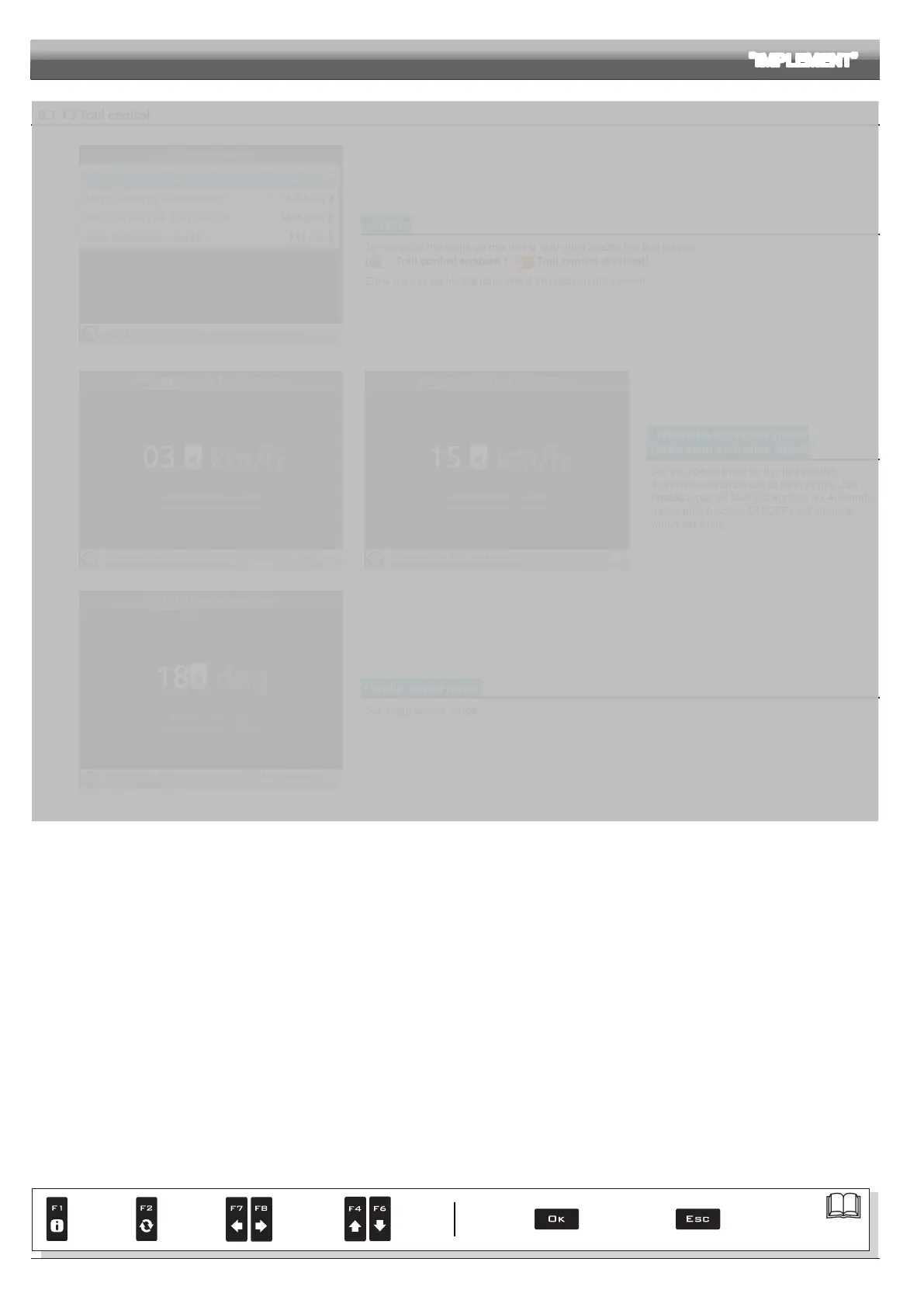
• Status
To congure the items on this menu, you must enable the trail control
(
Trail control enabled / Trail control disabled).
Enter the values for the trail control installed on the system.
• Minimum activation speed
• Maximum activation speed
Set the speed limits for the trail control.
Automatic management of trail control, duly
enabled (par. xx New job and par. xx Automatic
trail control function ON/OFF), will operate
within set limits.
• Angle sensor range
Set angle sensor range.
DRAFT
Par.
7. 4
Conrm access
or data change
Exit the function or
data change
Delete
selected
character
Scroll
(LEFT /
RIGHT)
Data
increase /
decrease
Scroll
(UP /
DOWN)
Enter
selected
character



 To Next Page