CHAPTER 5 CUSTOMIZING THE EFD1000 PFD
Page 5-8
091-00019-001 REV B
Page 5-9
091-00019-001 REV BEFD1000 C3 Pro PFD Pilot’s Guide
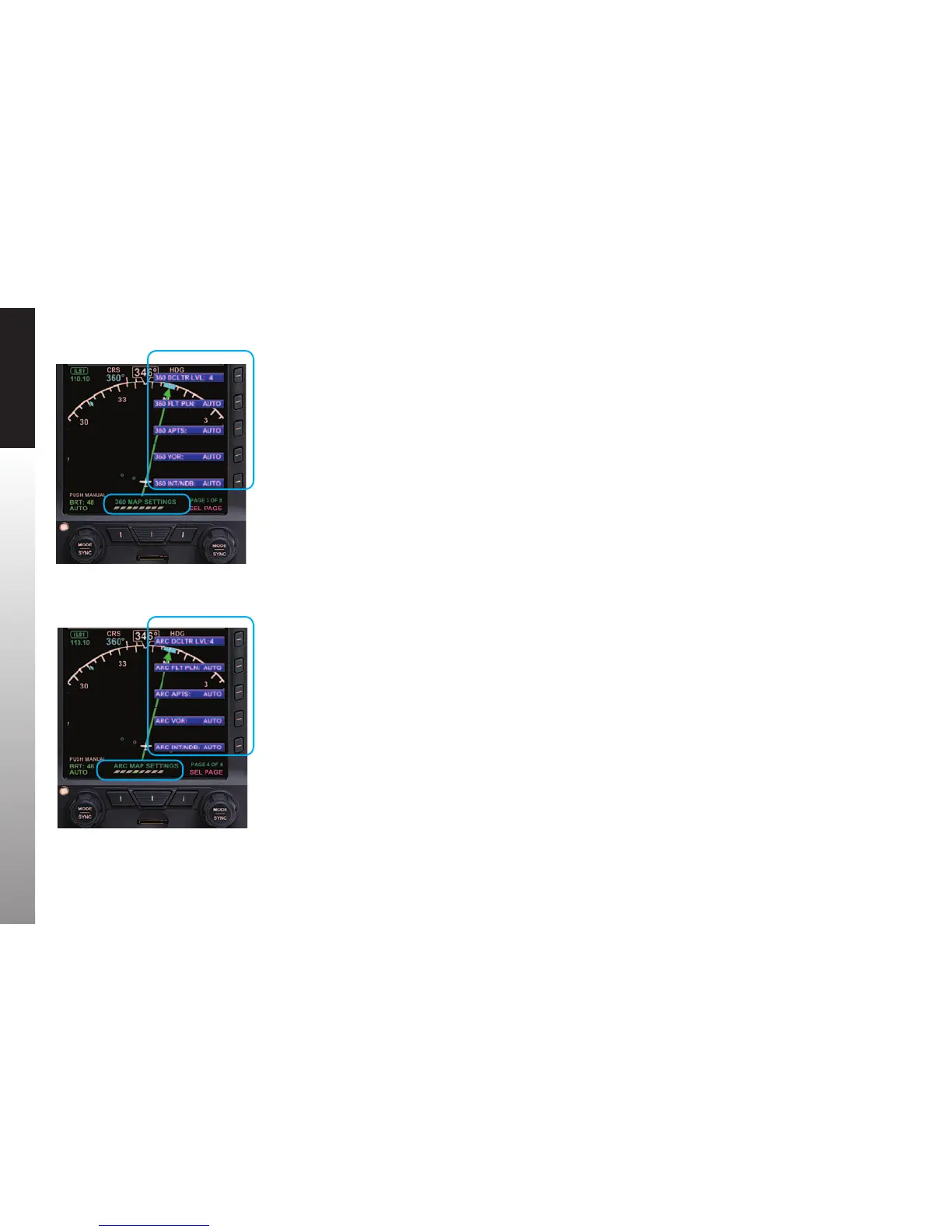
5.2. Customizing Basemap Symbol Declutter Settings
The pilot can customize the Basemap symbol declutter settings to Level 4, Level 3,
Level 2, Level 1, or Level 0 (OFF) by pressing the MENU Button and selecting the 360
MAP SETTINGS Menu page or the ARC MAP SETTINGS Menu page.
Each Compass Mode has its own Menu page for Map Setting basemap symbol
display.
• The 360 MAP SETTINGS Menu page oers Map Setting options for the 360°
Compass Mode (Figure 5-12).
• The ARC MAP SETTINGS Menu page oers Map Setting options for the ARC
Compass Mode (Figure 5-13).
As described in Table 5-9, the selected declutter level and range determine which
Basemap symbols are displayed. Basemap symbol identiers may also be shown next to
their symbol.
See Chapter 4, Section 4.4.1. for more details about Compass Mode options
Figure 5-10
ARC Compass Mode Display Options
Figure 5-9
360° Compass Mode Display Options



 To Next Page