CHAPTER 3 FLYING THE EFD1000 C3 PRO PFD
Page 3-6
091-00019-001 REV B
Page 3-7
091-00019-001 REV B EFD1000 C3 Pro PFD Pilot’s Guide
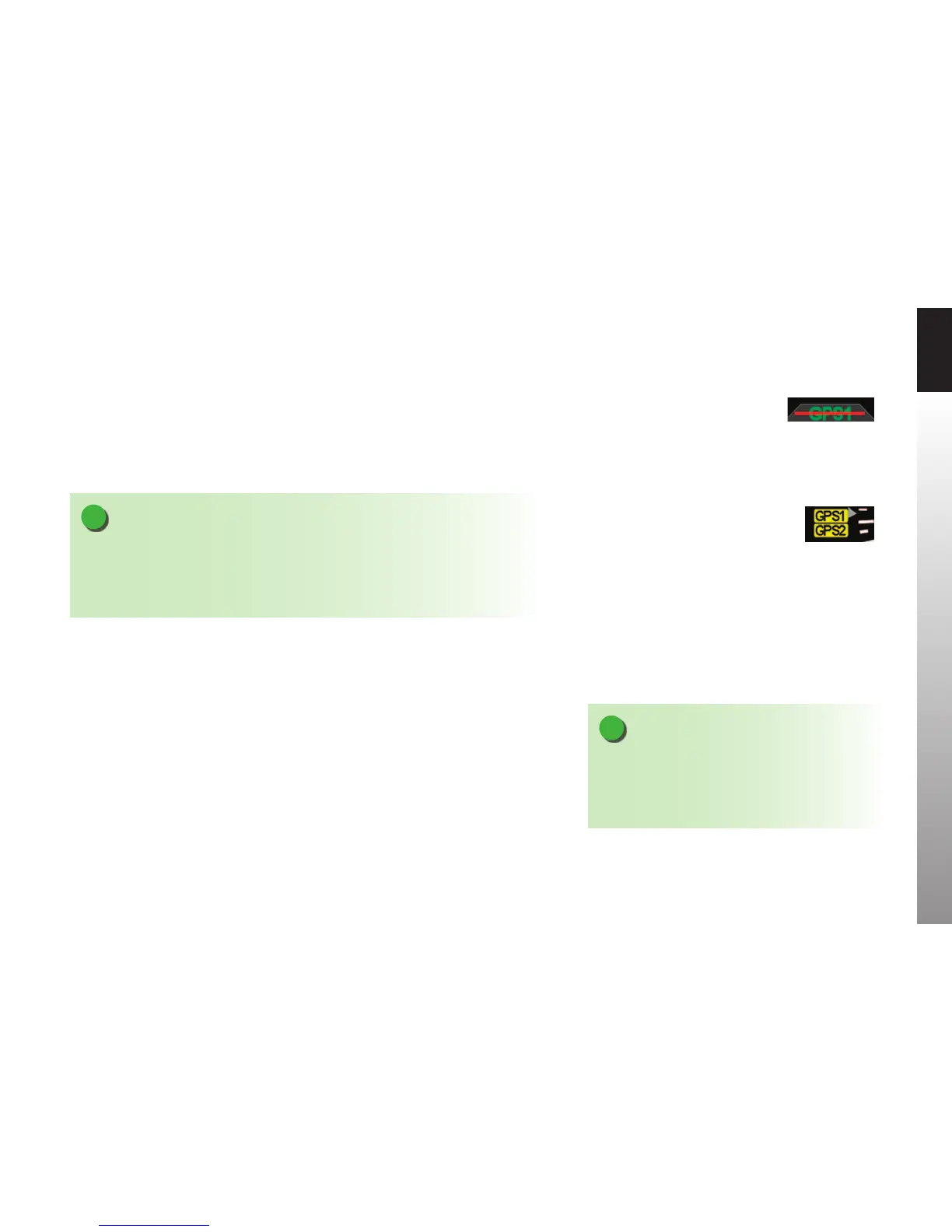
Turn the Avionics Master ON. Until the navigation radios are operational, the CDI
Navigation Source annunciations on the PFD is slashed as invalid (Figure 3-4), and
the GPS1, GPS2 caution annunciations on the left (Figure 3-5), and INTEG caution
annunciated on the right edge of the display. The CDI Navigation Source Select will
default to VLOC1 the rst time the PFD is turned on. After that the CDI Navigation
Source Select will display the last used CDI Source. Once the nav radios have warmed
up, the red line will be removed from the CDI Navigation Source annunciation.
NOTE
GPS navigators will not output valid navigation information until programmed with
an active flight plan or direct-to waypoint, and thus will be treated as invalid by the
PFD and cannot be selected as a CDI or Bearing Pointer navigation source until they are
programmed with an active waypoint.
When the PFD is interfaced to a Garmin 4xx /5xx or 4xx(W)/5xx(W) navigator, and the
navigator’s Instrument Panel Self-Test page is displayed, the indicated lateral deviation
can be veried on the PFD’s CDI. This conrms that a valid digital signal has been
received from the Garmin system.
The interface between the Garmin 4xx/5xx and PFD system should be considered fully
operational once the presence of the digital signal is conrmed. If there is no GPS failure
annunciation on the PFD, the lateral deviation indication on the PFD HSI correlates to
the indication on the Garmin 4xx/5xx Instrument Panel Self-Test Page, then the digital
signal is conrmed and the interface is operational.
Figure 3-4
CDI Source Slashed Invalid
Figure 3-5
GPS Caution Annunciations
NOTE
The graphics used in this chapter illustrate the
descriptions of the features and tasks, but do not
necessarily correspond to the values associated with
this example flight scenario.



 To Next Page