CHAPTER 3 FLYING THE EFD1000 C3 PRO PFD
Page 3-6
091-00019-001 REV B
Page 3-7
091-00019-001 REV BEFD1000 C3 Pro PFD Pilot’s Guide
3.2.1. Pre-Departure (Startup)
Once the pre-ight inspections and checklists are complete, start the engines and turn
on the PFD Master switch.
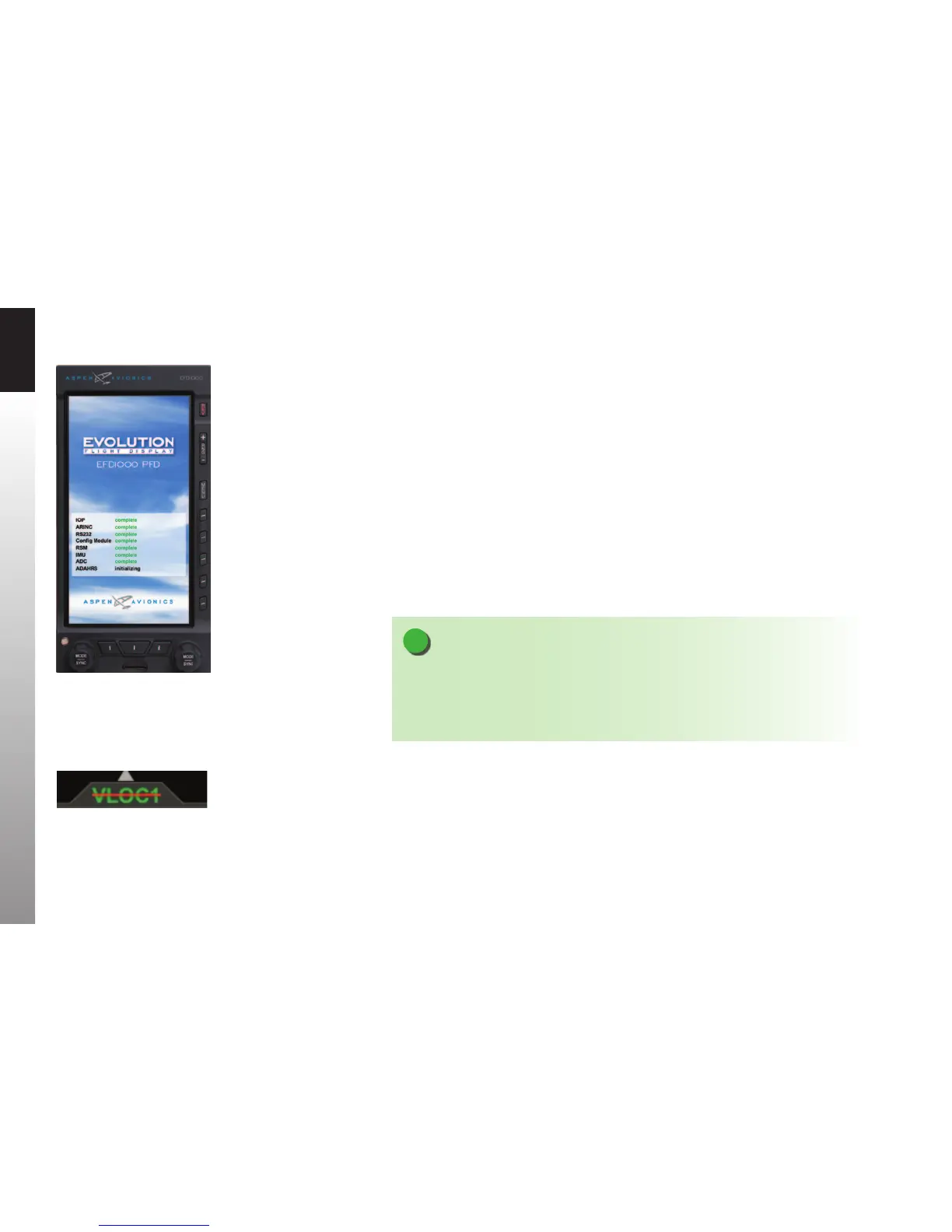
When power is applied to the PFD, the bezel backlighting illuminates and within a few
seconds the PFD splash screen displays while it initializes and the AHRS data is validated
(Figure 3-2).
As the software initializes and the PFD warms up, the Attitude and Navigation Displays
will appear rst (typically within 20-30 seconds), with red X’s showing for the airspeed
and altitude tapes and the CDI Navigation Source is slashed as invalid (Figure 3-3).
Depending on how cold the aircraft is, the air data sensors will quickly warm to
operating temperature, and the airspeed and altitude tapes will appear. At this point,
the red X’s will disappear and the PFD is ready.
NOTE
Start-up times for the PFD are highly dependent on aircraft temperature. In extremely cold
weather, when the aircraft has been cold soaked, it may take several minutes (usually no
more than five) for the PFD to be fully operational. On the second or third flight of the day,
and/or on very hot days, the PFD may initialize within 30 seconds or less.
Figure 3-2
EFD1000 PFD Initializing
Figure 3-3
CDI Navigation Source
Slashed Invalid



 To Next Page