CHAPTER 5 CUSTOMIZING THE EFD1000 PFD
Page 5-8
091-00019-001 REV B
Page 5-9
091-00019-001 REV B EFD1000 C3 Pro PFD Pilot’s Guide
Set Map Symbol Display
1. Press the MENU Button.
2. Rotate the Right Knob to navigate to the appropriate Map Settings Menu
page.
3. Press the desired Map Symbol Menu Key.
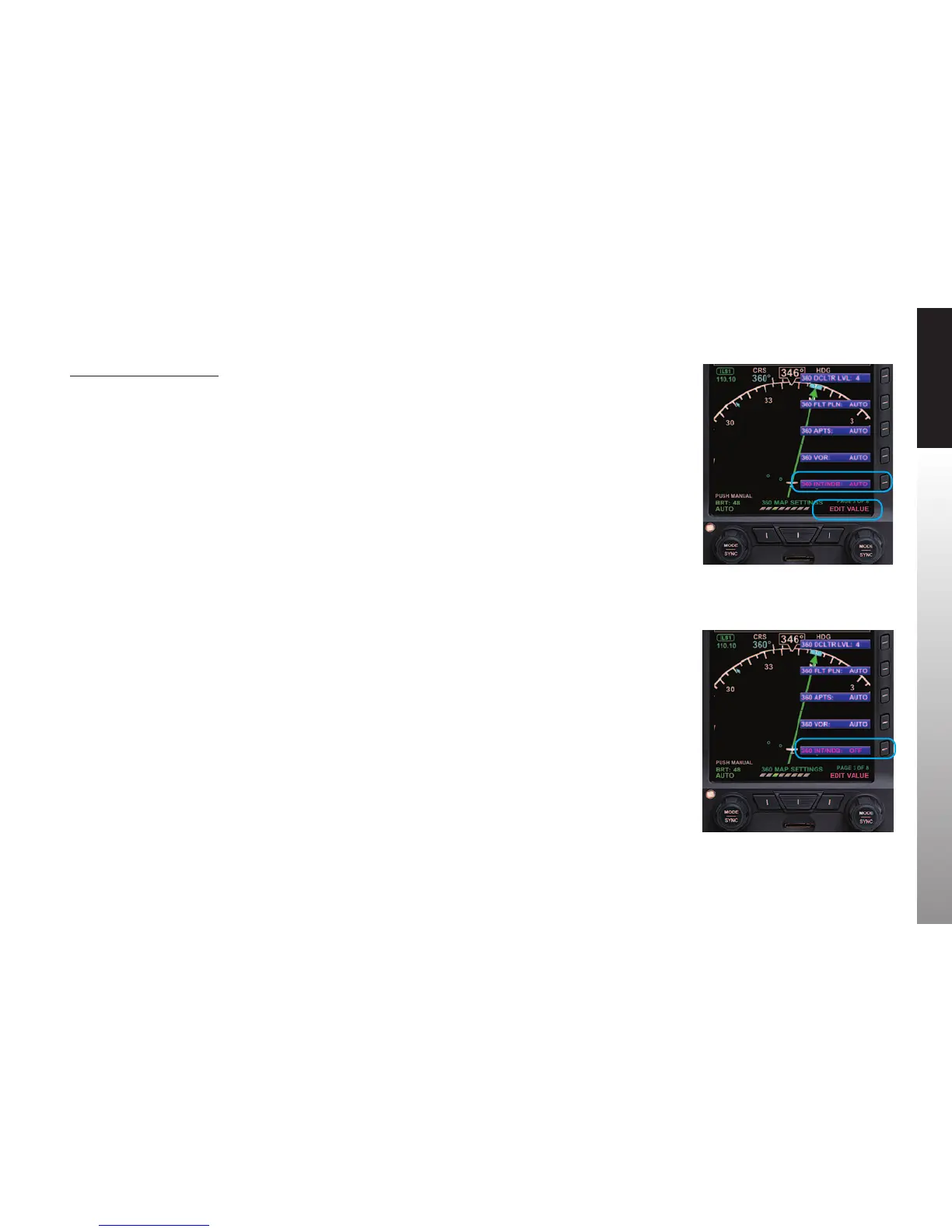
The menu label turns magenta, and the EDIT VALUE label displays above the
Right Knob (Figure 5-11 and 5-12).
4. Rotate the Right Knob to the desired value.
5. Select another Map Symbol Menu Key and edit the display option or press
the MENU Button to exit.
Figure 5-11
Editing 360° Airports Display Option
Figure 5-12
360° Airports Display Option Set To OFF



 To Next Page