Page 6-12
091-00019-001 REV B
Page 6-13
091-00019-001 REV B
CHAPTER 6 EXPANDED EMERGENCY AND ABNORMAL PROCEDURES
EFD1000 C3 Pro PFD Pilot’s Guide
6.7. Power Override
In the event that the pilot wishes to override the PFD’s automatic power conguration,
proceed as follows:
Power Override
1. MENU .............................................................................“POWER SETTINGS” Page
To switch FROM aircraft power to Internal Battery:
2. “BATTERY” LINE SELECT KEY ..............................PRESS
To switch FROM internal Battery TO aircraft power:
3. “EXT PWR” LINE SELECT KEY .............................PRESS
View External Voltage Status
1. Press the MENU Button.
2. Rotate the Right Knob to the POWER SETTINGS Menu displays.
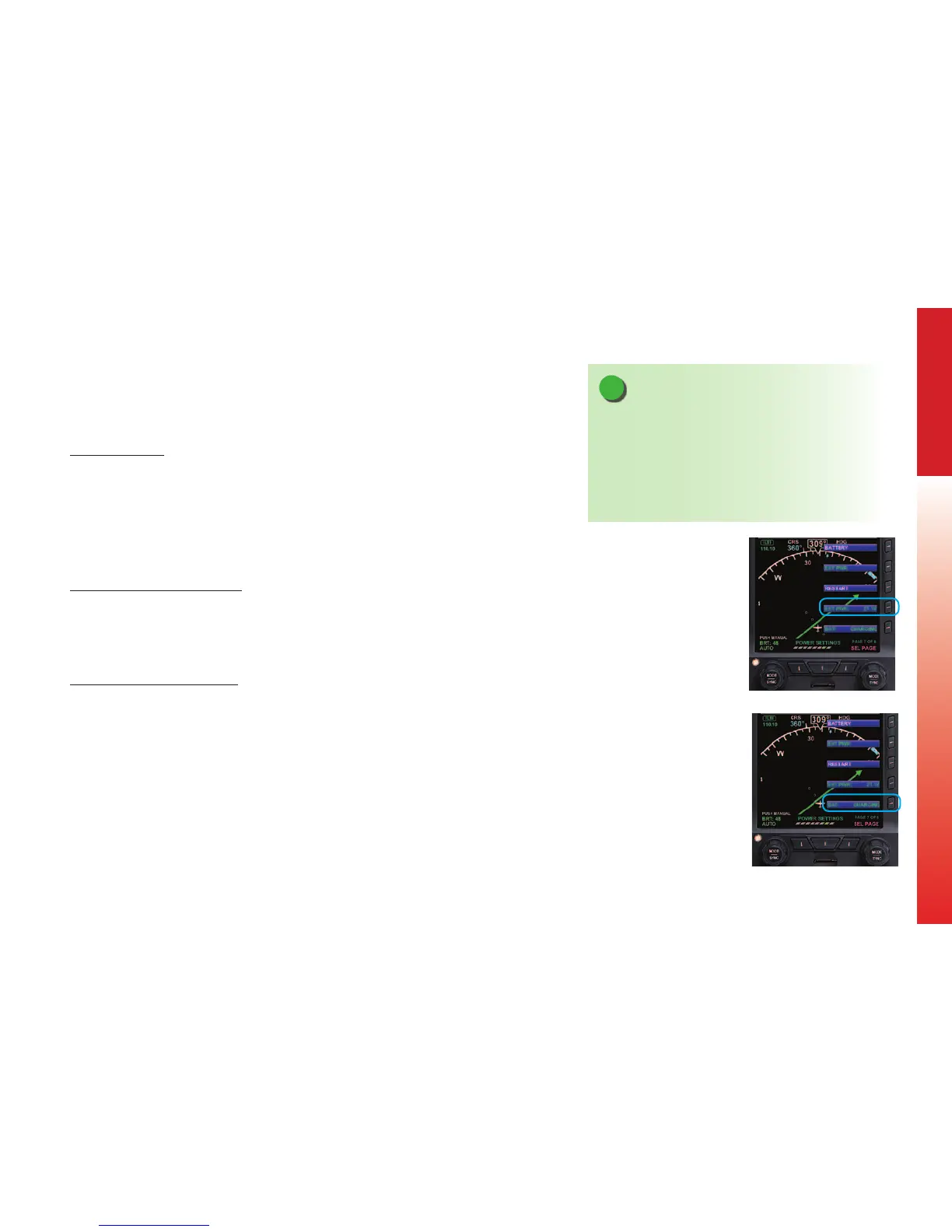
3. The EXT PWR Menu Key (Figure 6-3) displays the external power voltage.
4. Press the MENU Button to exit.
View Internal Battery Status
1. Press the MENU Button.
2. Rotate the Right Knob to the POWER SETTINGS Menu displays.
3. The BAT Menu Key (Figure 6-4) displays the current Battery Status as either
Charging or a Percentage of Charge.
4. Press the MENU Button to exit.
NOTE
When airborne, if the PFD’s input voltage is below the
12.8V (14V Electrical System) or 25.6V (28V Electrical
System) automatic battery transition threshold, and
EXT PWR is selected through the POWER SETTINGS
Menu, the PFD will automatically remain connected to
its internal battery.
Figure 6-3
External Power Voltage Status
Figure 6-4
Battery Status



 To Next Page