CHAPTER 5 CUSTOMIZING THE EFD1000 PFD
Page 5-10
091-00019-001 REV B
Page 5-11
091-00019-001 REV BEFD1000 C3 Pro PFD Pilot’s Guide
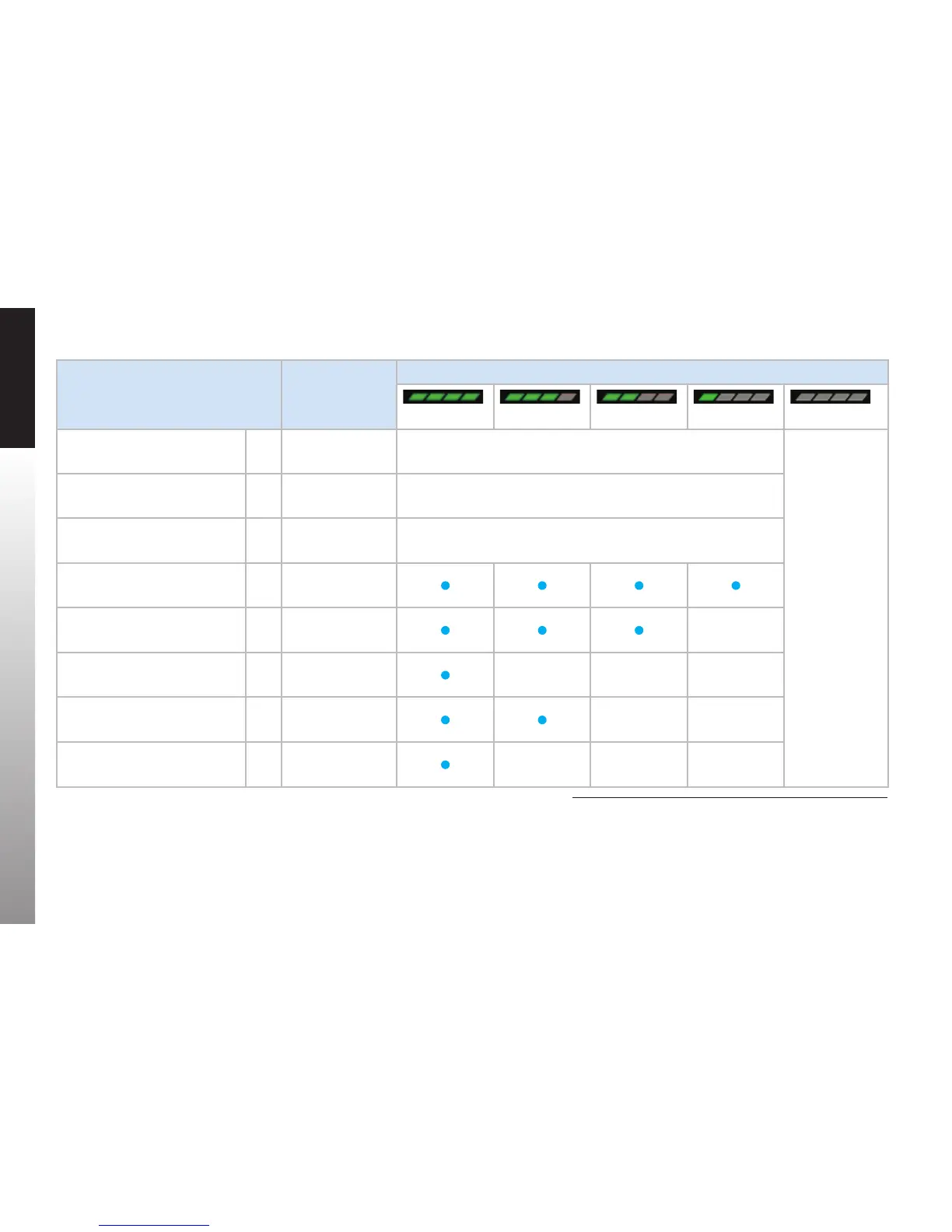
Feature Group & Layer Order
(top to bottom)
Max Range Declutter Setting
Figure 5-13 Level 4 Figure 5-14 Level 3 Figure 5-15 Level 2 Figure 5-16 Level 1 Figure 5-17 Level 0 (O)
Trac Overlay Symbol 1
Overlay — enabled
via Hot Key
Always ON regardless of declutter level
No symbols, legs,
or waypoints —
regardless
of selected
range — are
displayed.
When selected,
the Basemap
declutter and
range display
for two seconds
and then are
removed from
view. The MAP
Hot Key legend
is shown in gray.
Ownship Symbol
2
Always ON regardless of declutter level
Instruments
1
and Annunciations
2
3 Always ON regardless of declutter level
Flight Plan Legs and Waypoints
3
4 200
Airports
3
5 100
NDBs
3
6 15
VORs, (HIGH, LOW, Terminal)
3
7 200
Intersections 8 15
Table 5-9
Map Feature Group Layering, Range, and Declutter Levels
1. e.g. VSI, Direction Indicator, CDI, TO/FROM
2. e.g. NAV INFO Block, Range
3. Shown only when data is provided by a compatible and connected GPS system



 To Next Page