38 Chapter 3 Aircraft
19 DEBUG
Used to connect to a computer for firmware updates or
debugging.
20
Side Expansion
Mounting Holes
Located on both sides of the fuselage, 4 screw holes (with a
space of 64×94 mm, for M3×6 screw) to secure additional
Note
Current drone version is not supported for WLAN, please do not insert SIM card. Any query,
please contact Autel Robotics for detail information.
Warning
The interfaces of the aircraft cannot be used for charging. For how to charge the aircraft,
see “5.3.4 Charging the Smart Battery” in Chapter 5.
There are rubber protective covers on the interfaces on both sides of the fuselage. Please
make sure that the rubber protective covers are securely closed during flight.
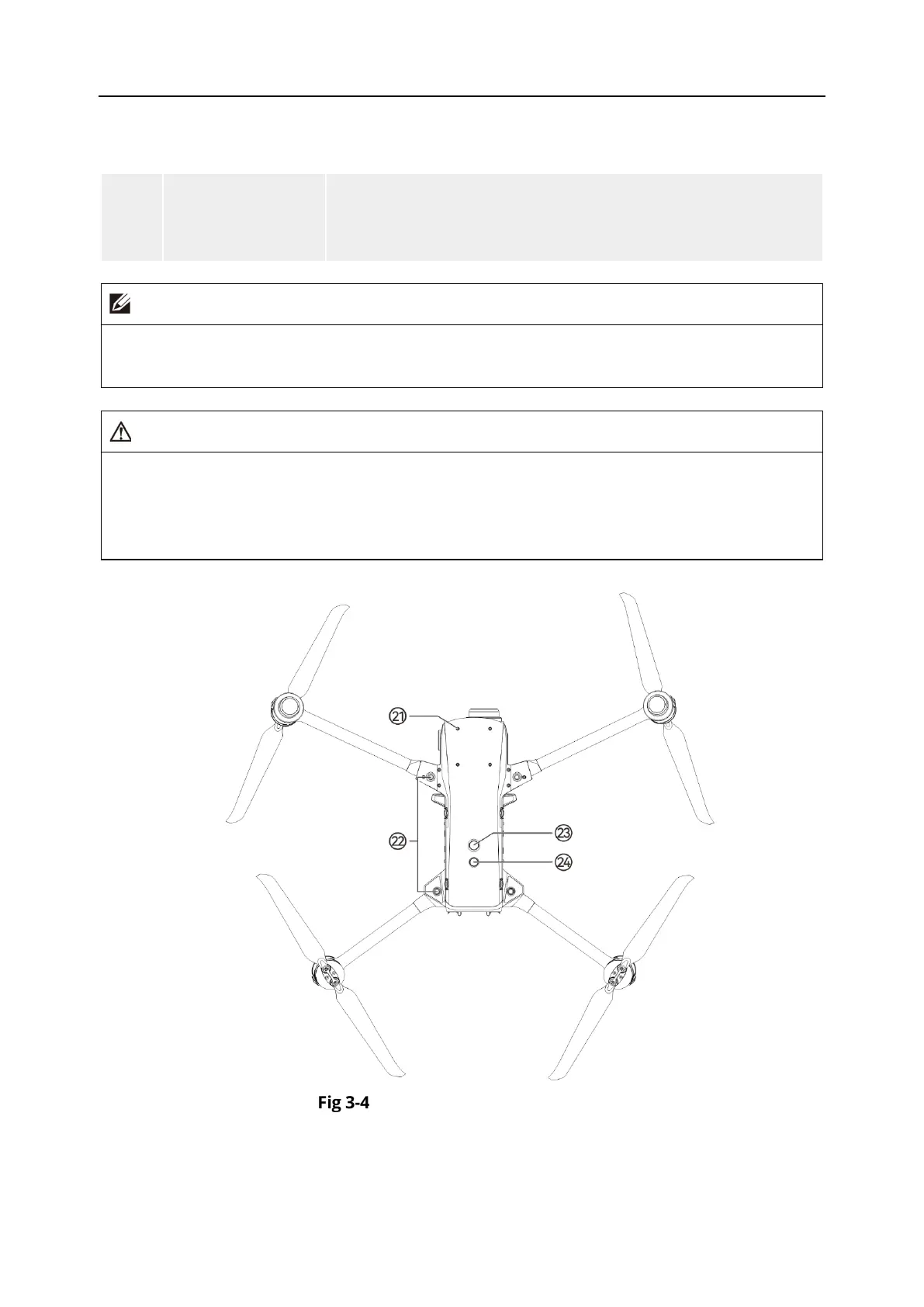
Aircraft Top-Down View












 To Next Page