EasyManua.ls Logo

Bardac PLX - 5.2.5 Full menu diagram (Application blocks and configuration)

Default Icon
235 pages
Print Icon
To Next Page IconTo Next Page
To Previous Page IconTo Previous Page
Loading...
Menu tree stucture 53
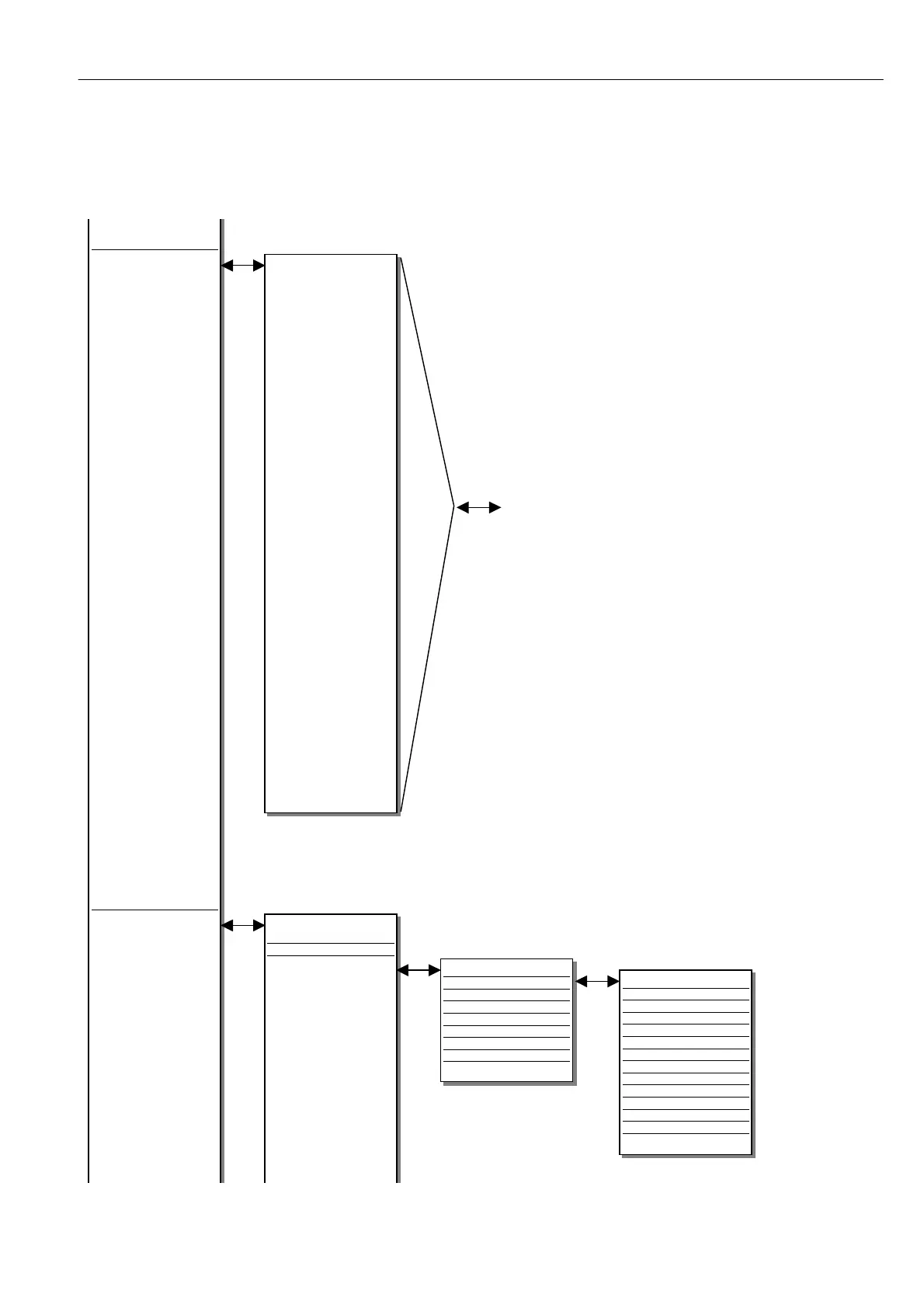
5.2.5 Full menu diagram (Application blocks and configuration)
APPLIC ATIO N BLOC KS
Section 1 2
Summer 1
Summer 2
PID 1
PID 2
Parameter profile
Reel diameter calculator
Taper tension calculator
Torque compensator
Preset speed
Multi-function 1
Multi-function 2
Multi-function 3
Multi-function 4
Multi-function 5
Multi-function 6
Multi-function 7
Multi-function 8
Latch
Filter 1
Filter 2
Batch counter
Interval timer
Comparator 1
Comparator 2
Comparator 3
Comparator 4
C/O S witch 1
C/O S witch 2
C/O S witch 3
C/O S witch 4
Note. Further
application blocks
may be available.
Please refer to
the separate
APPLIC A TIO N
BLO CKS MANU AL
for details on the
specification and
use of the apps
blocks.
UNIVERSAL INPUTS
UIP2 setup
UIP3 setup
UIP4 setup
UIP5 setup
UIP6 setup
UIP7 setup
UIP8 setup
UIP9 setup
UIP SETUP (2 - 9)
UIP input range
UIP input offset
UIP calibration ratio
UIP maximum clamp
UIP minimum clamp
UIP analog goto
UIP digital output 1 goto
UIP digital output 2 goto
UIP high value output 1
UIP lo w value output 1
UIP high value output 2
UIP lo w value output 2
UIP threshold
Application blocks
Configuration
Continued from previous page..
CONFIGURATION
Section 13
Enable goto, getfrom
Universal inputs
Continued on next page..

Table of Contents