EasyManua.ls Logo

Bardac PLX - 5.2.6 Full menu diagram (Configuration continued)

Default Icon
235 pages
Print Icon
To Next Page IconTo Next Page
To Previous Page IconTo Previous Page
Loading...
54 Menu tree structure
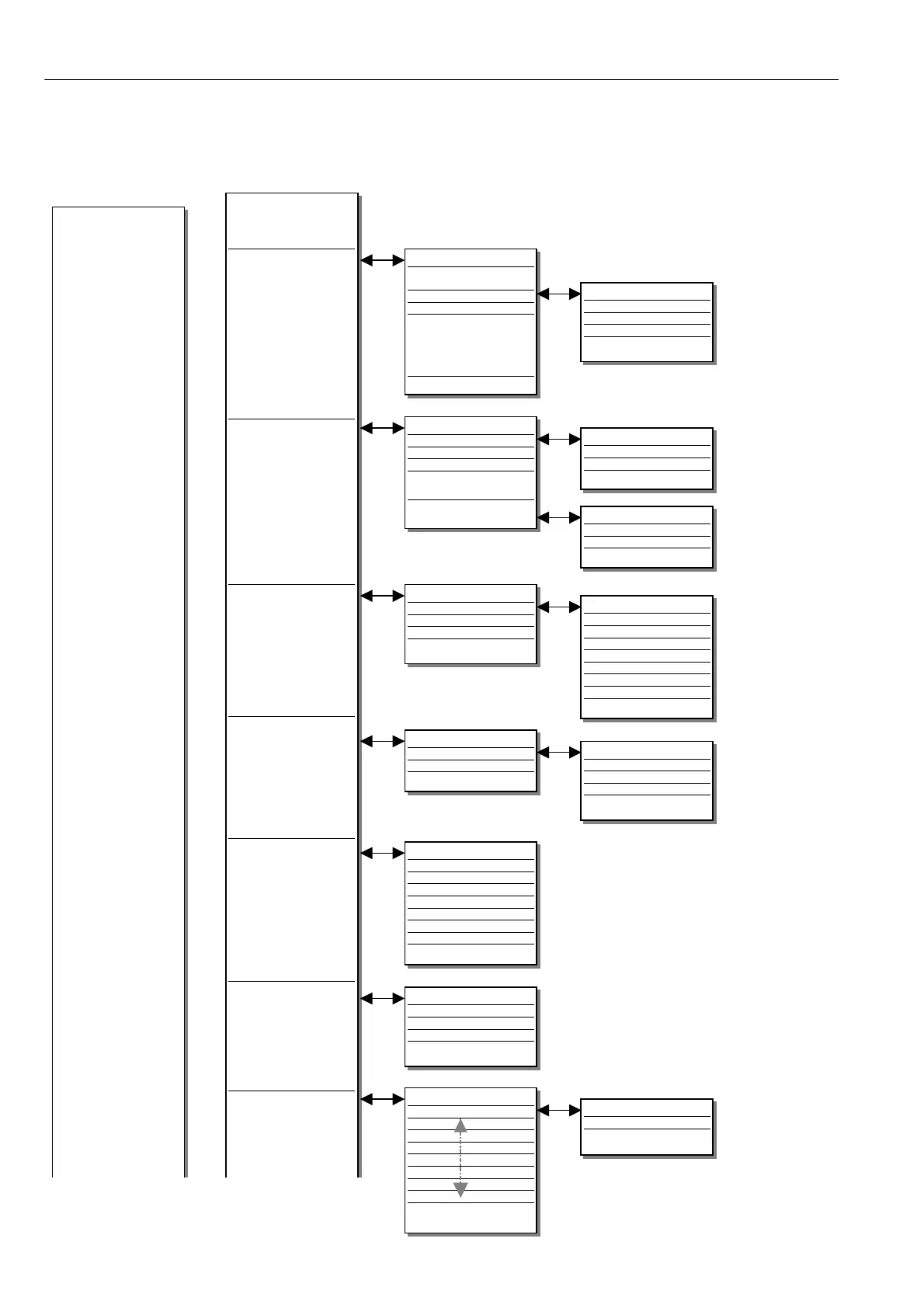
5.2.6 Full menu diagram (Configuration continued)
ANALOGUE OUTPUTS
Armature current output
rectify
A OP1 setup
A OP2 setup
A OP3 setup
Scope output select
AOP SETUP (1 - 3)
A OP divider
A OP offset
A OP rectify enable
Get from
DIGITAL IN/OUTPUTS
DIO1 Setup
DIO2 Setup
DIO3 Setup
DIO4 Setup
DIO SETUP (1 - 4)
DIO output mode
DIO rectify enable
DIO threshold
DIO invert mode
Get from
Goto
DIO input high value
DIO input low value
RUN INPUT SETUP
Run input high value
Run input low value
Goto
DIP SETUP (1 - 4)
DIP input high value
DIP input l o w value
Goto
DOP SETUP (1 - 3)
DOP rectify enable
DOP threshold
DOP invert mode
Get from
STAGING POSTS
Digital post 1
Digital post 2
Digital post 3
Digital post 4
Analog post 1
Analog post 2
Analog post 3
Analog post 4
JUMPER CONNECTIONS
Jumper 1
Jumper
Jumper
Jumper
Jumper
Jumper
Jumper
Jumper
Jumper 16
DIGITAL INPUTS
DIP1 setup
DIP2 setup
DIP3 setup
DIP4 setup
Run input setup
DIGITAL OUTPUTS
DOP1 setup
DOP2 setup
DOP3 setup
Analog outputs
Digital inputs
Digital in/outputs
Digital outputs
Staging posts
Soft w are terminals
Jumper connections
SOFTWARE TERMINALS
Anded run
Anded jog
Anded start
Internal run input
Continued on next page..
JUMPER (1 - 16)
Get from
Goto
Continued from previous page..

Table of Contents