DIA GNOSTICS 121
7 DIAGNOSTICS
7 DIAGNOSTICS............................................................................................... 121
7.1 DIA GNOSTICS / SPEED LO OP MONIT OR ..............................................................................122
7.2 DIA GNOSTICS / ARM I LOOP MONITOR...............................................................................125
7.3 DIA GNOSTICS / FLD I LOOP MO NITOR ................................................................................128
7.4 DIA GNOSTICS / AN ALOG IO MONITOR ...............................................................................130
7.5 DIA GNOSTICS / DIGIT AL IO MONITOR ................................................................................131
7.6 DIA GNOSTICS / BLOC K OP MONITOR .................................................................................133
7.7 DIA GNOSTICS / EL1/2/3 RMS MON PIN 169 .....................................................................134
7.8 DIA GNOSTICS / DC KILO W A TTS MON PIN 17 0 .................................................................134
See also 5.1.6 Default % DIAGNOSTIC summary windo ws.
DIA GNOSTICS menu
PIN number range 123 to 170
The diagnostics menu provides a monitoring facility
for all the main drive parameters.
If an adjustable par amete r has been configured to
be a GOTO target, its value is then a monitor of
the source a nd is no longer adjustable.
The unit consists of functional softw are blocks that
each perform a given task within the overall block
diagram. Some of these blocks are permanently
connected e. g. armature current loop. Application
blocks ho w ever are only functioning when their
output is connected using a G OTO.
See 13.2.1 Key features of GOTO window .
The diagnostics menu is provided for monitoring
the important parameters within the permanently
functioning blocks, as listed in this menu.
The Application and some other block outputs are
all gathered together in the BLOCK OP MO NIT OR.
For most blocks, the monitoring points are also
found within the block menus themselves.
Also there are some less important parameters that
may be useful to monitor, that may be found in
their block menu, rather than the diagnostics
menu.
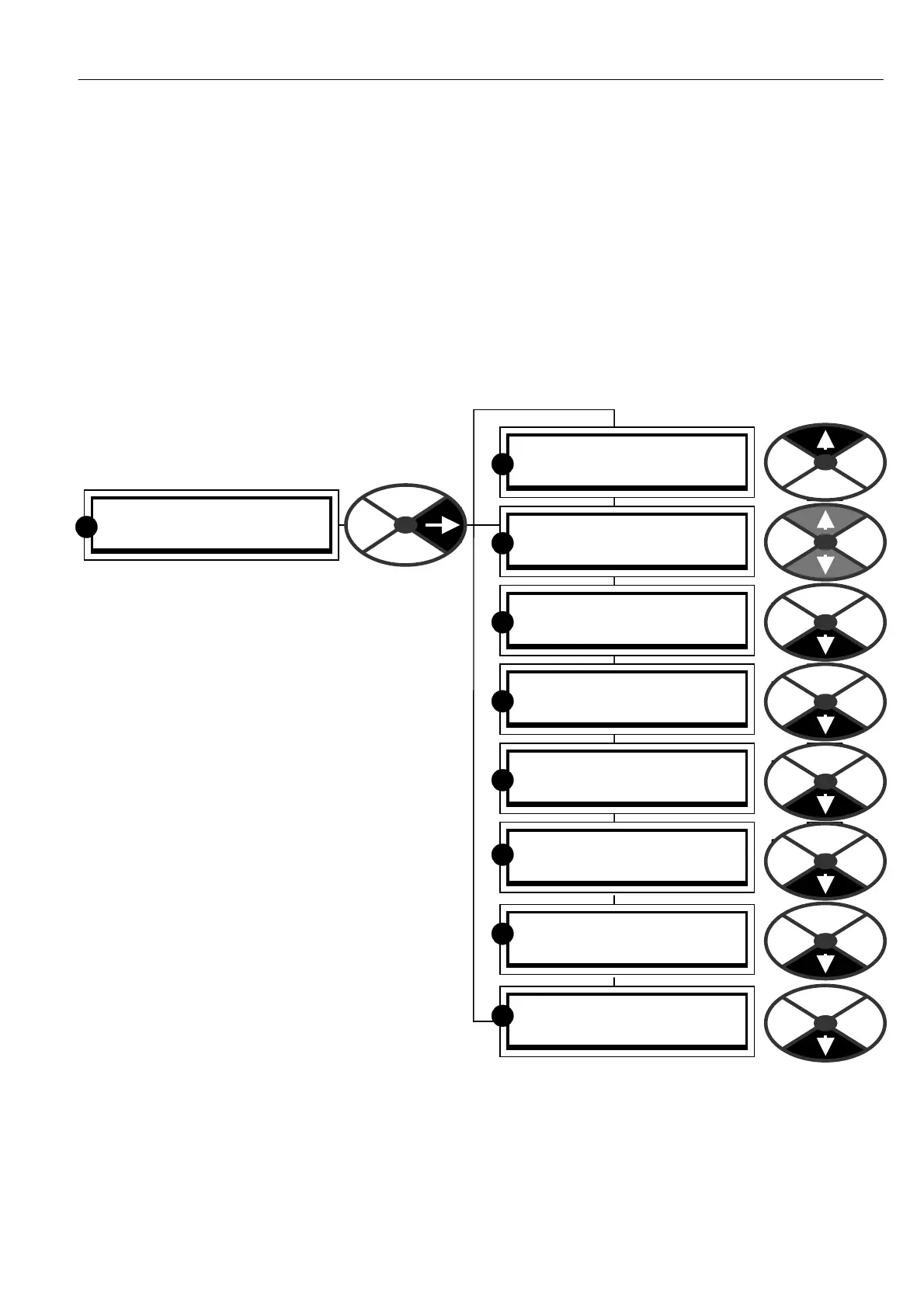
Note. When you travel right by tapping the right key in the diagnostics menu you will eventually come to the
end of a branch which will display the parameter to be monitored. The UP key hops to the end of the branch
above, and the DO W N key hops to the end of the branch belo w giving rapid access to the monitored
parameters within each sub-menu. It also provides a reminder that you are not in a parameter changing
menu, where this branch hopping feature is not available.
ENTRY MENU LEVEL 1
DIA GNOSTICS 2
R
DIA GNOSTICS 2
SPEED LO OP MONITOR 3
DIA GNOSTICS 2
DIGIT AL IO MONITOR 3
DIA GNOSTICS 2
ARM I LOOP MONITOR 3
DIA GNOSTICS 2
FLD I LOOP MO NITOR 3
DIA GNOSTICS 2
ANALO G IO MONITOR 3
R
R
R
R
DIA GNOSTICS 2
BLO CK OP MONITOR 3
R
R
DIA GNOSTICS 2
170)DC KILO W A TTS MON
R
DIA GNOSTICS 2
169)EL1/2/3 RMS M ON
R



 To Next Page