Chapter 5: Running Samples Manually 103
For example, make the following selections.
• For Acquisition Gate, leave the defaults Accept and All.
• For Collection Criteria, enter 2,000 and choose G1 = R1.
• For Storage Gate, leave All.
• Keep the Resolution at 1024.
With these choices, data collection will stop when 2,000 events are counted
within the G1 gate, but all data will be saved.
3 Click OK to exit the dialog or close the Inspector.
4 Save the Experiment document.
Specifying Parameter Labels (Optional)
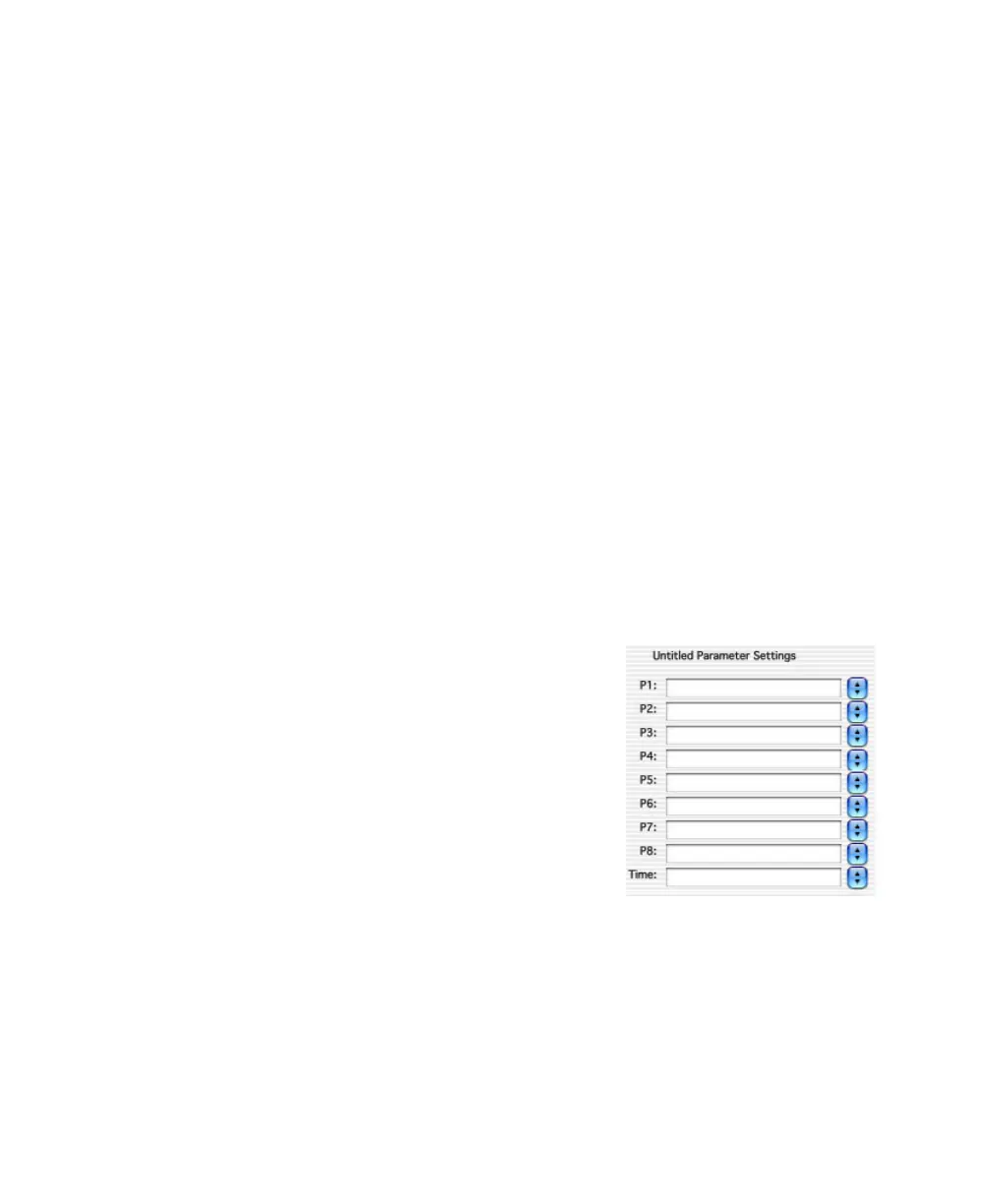
Use parameter labels to associate reagent names with fluorescence parameters.
Labels can be entered in the Browser, or associated with a panel.
Define a panel if you acquire the same reagent
combination for multiple experiments or donors
(page 104). Enter labels in the Browser if you are
acquiring tubes stained with a unique reagent
combination.
• Click the pop-up control next to a
parameter name and choose a label from
the menu that appears, or
• Enter a custom label in the parameter field.
The new labels are saved with the
Experiment document.



 To Next Page