104 BD FACSCalibur Instructions for Use
Defining Panels (Optional)
Parameter labels associate reagent names with fluorescence parameters. Labels
can be entered in the Browser, or associated with a panel.
Enter labels in the Browser if you are acquiring tubes stained with a unique
reagent combination (page 103). Define a panel if you acquire the same reagent
combination for multiple experiments or donors.
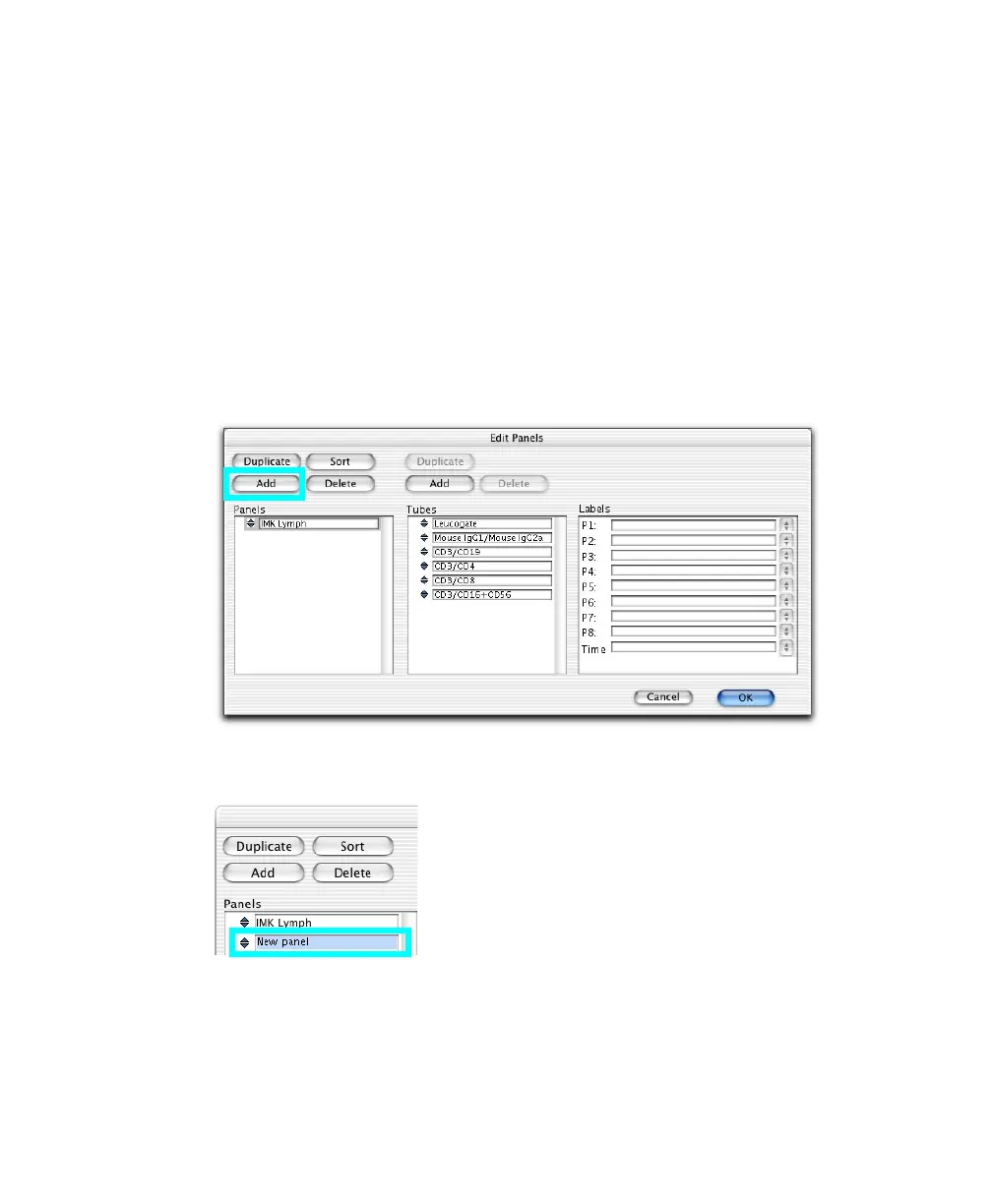
1 Choose Acquire > Edit Panels.
2 Click Add.
3 Enter a name for the new panel (up to 32 characters).



 To Next Page