Chapter 5: Running Samples Manually 105
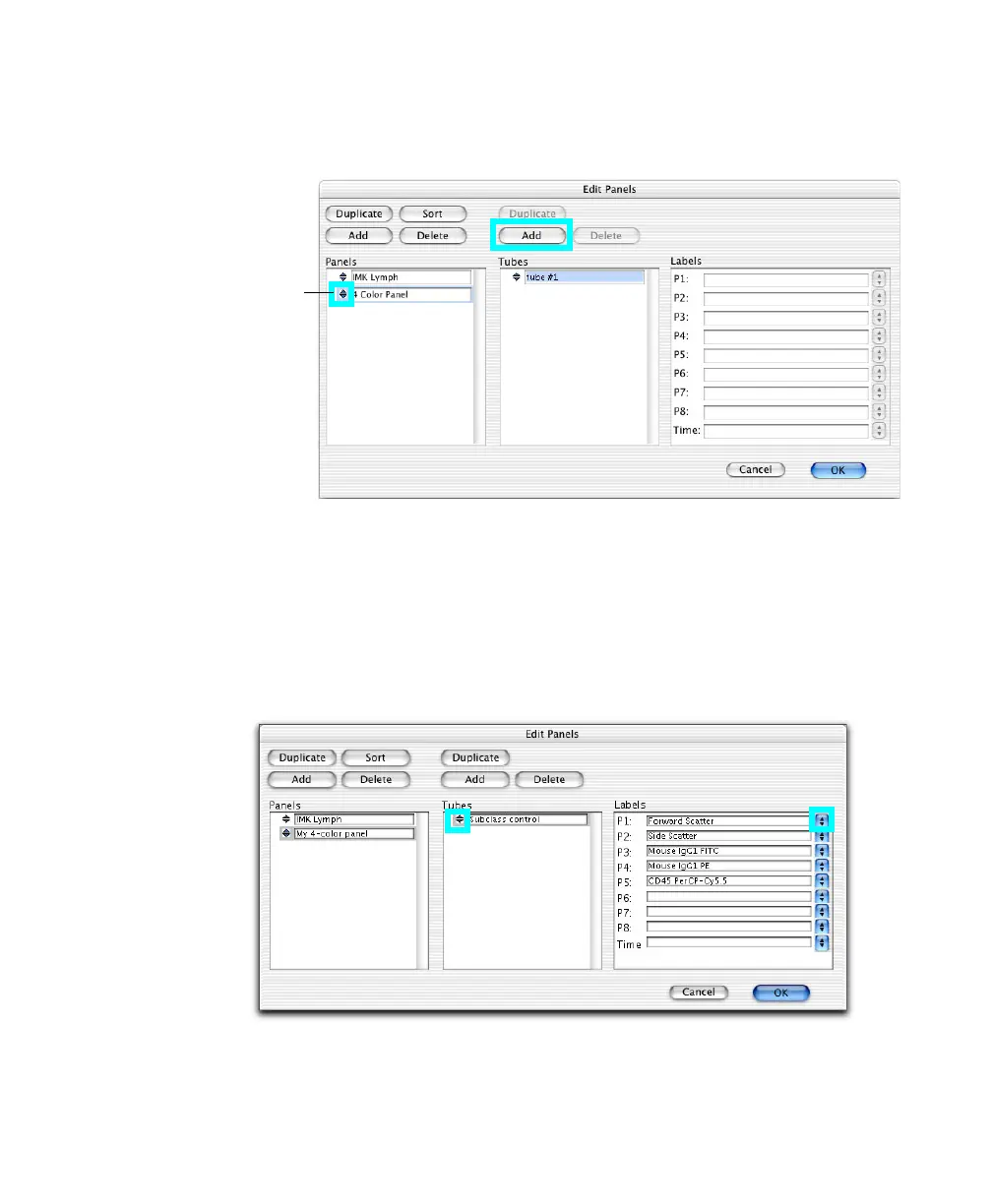
4 Click the selection icon to select the panel, and click Add above the Tubes
list.
5 Enter a name for the tube (up to 32 characters).
6 Click the selection icon to select the tube, and choose parameter labels.
Click the pop-up control next to a parameter name and choose a label from
the menu that appears, or enter a custom label. The new labels are saved
with the Experiment document.
selection
icon



 To Next Page