Chapter 4: Instrument QC 73
If you do not select an option within 5 seconds, the software automatically
proceeds to the Compensation view.
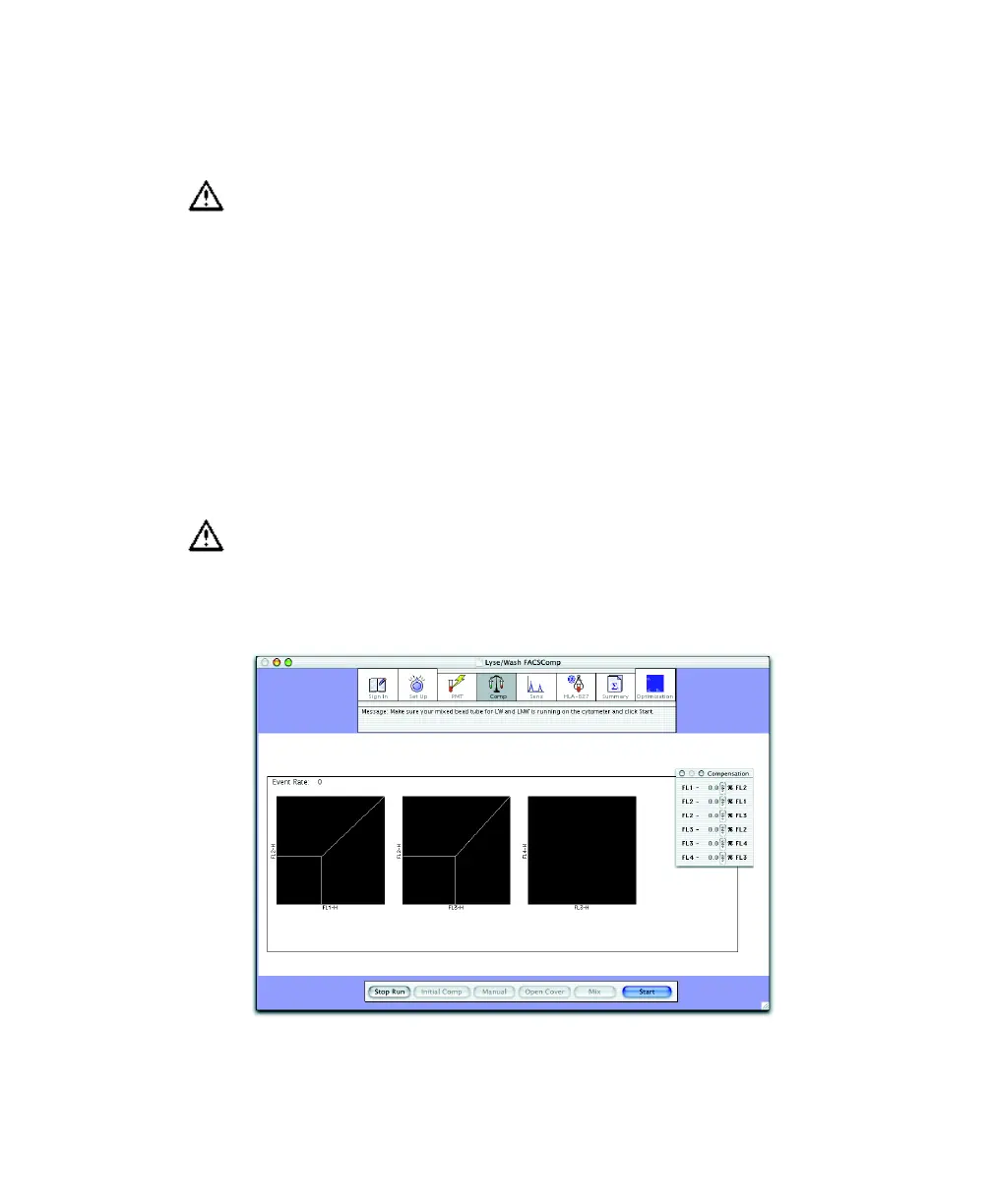
Compensation Adjustment
1 Remove the unlabeled (or unlabeled and APC) bead tube from the
cytometer.
2 Gently mix and install the mixed bead tube.
3 At the Comp view, click Start.
If you proceed with compensation after a failed time-delay calibration, the
compensation values you obtain for FL3–%FL4 and FL4–%FL3 might vary
substantially. If compensation appears incorrect during optimization, verify
time-delay calibration. A failed calibration is noted in the comments section
of the Summary Report.
Running the wrong FL3 beads will result in inaccurate FL4–%FL3 results.
Make sure to install the appropriate mixed beads tube for the assay.



 To Next Page