74 BD FACSCalibur Instructions for Use
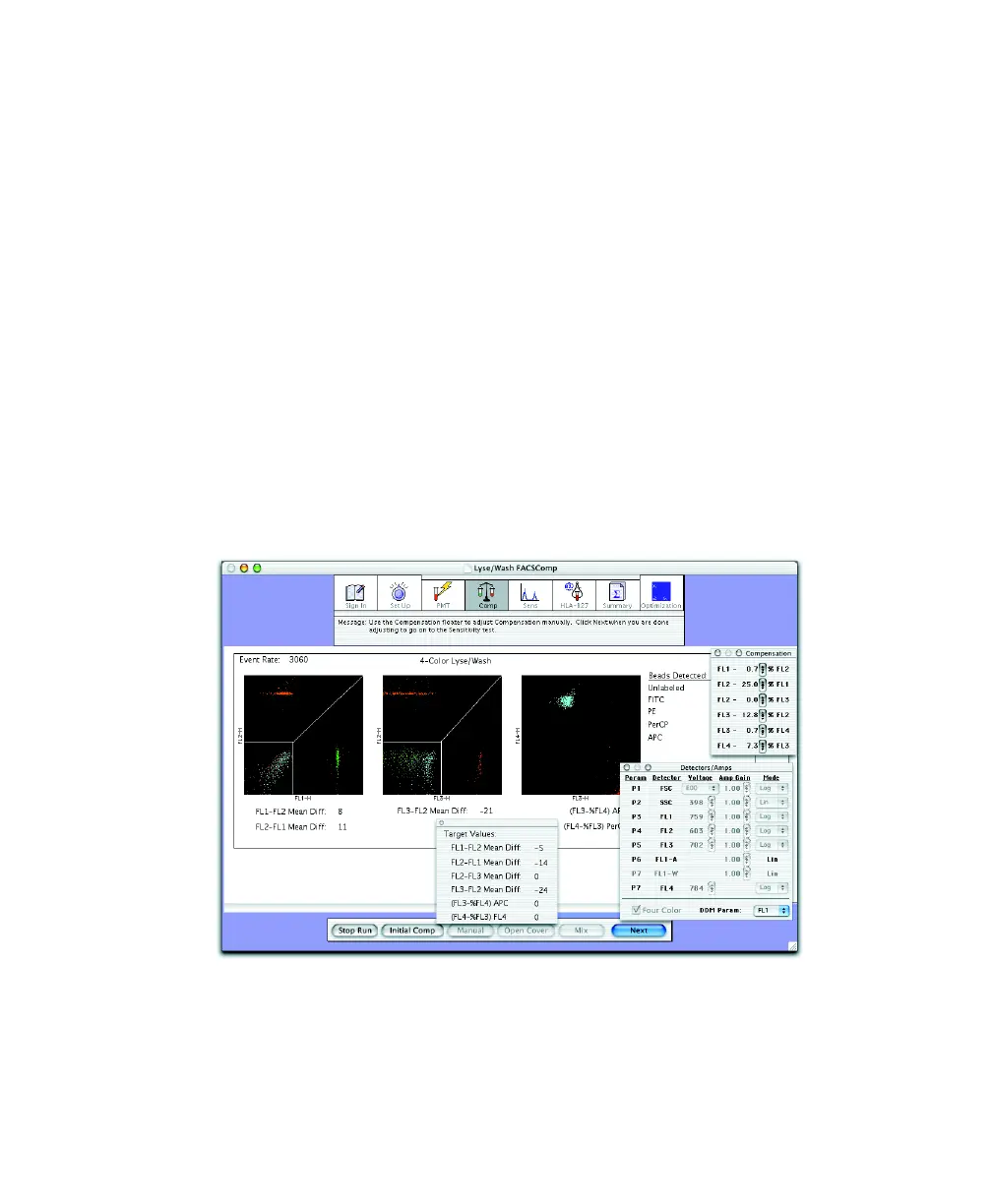
BD FACSComp software adjusts compensation until the target mean
difference (or target mean for FL4) is achieved. If APC beads are not
detected, 3-color setup is performed. If PerCP beads are not detected,
2-color setup is performed. (You need at least 3 colors to perform
PerCP-Cy5.5 assays.)
When compensation is set, checkmarks appear and the message
Compensation Set Successfully appears. If compensation cannot be set
automatically, see page 195 for troubleshooting.
The software counts down for 5 seconds. Unless you pause, it proceeds to
the Sensitivity view.
4 If necessary, click Manual to adjust compensation manually.
Compensation controls are enabled and Target Values appear in a separate
window. Adjust compensation settings until the mean differences below the
plots are within ±2 channels of the target values.



 To Next Page