94 BD FACSCalibur Instructions for Use
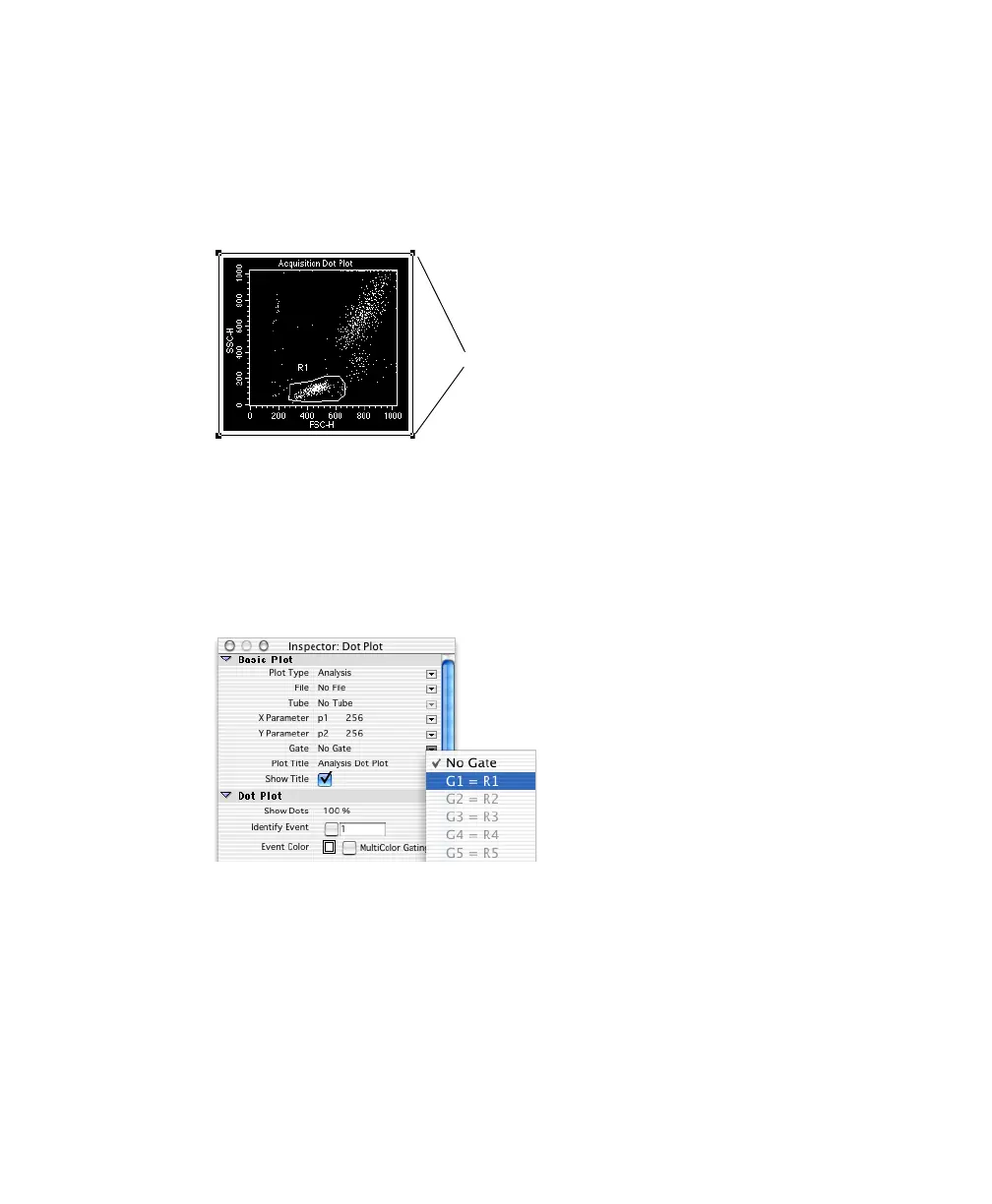
3 Select all plots except the FSC vs SSC plot and choose Windows > Show
Inspector.
To select multiple plots, press Shift as you click the border of each plot. A
selected object has selection handles on each corner.
The contents of the Inspector change, depending on the object(s) selected.
In this case, the Inspector shows dot plot options.
4 Choose G1 = R1 from the Gate pop-up menu.
The plots change to show only events that are in gate G1 (lymphocytes).
selection handles



 To Next Page