Chapter 5: Running Samples Manually 95
Adjusting Fluorescence Detector Settings
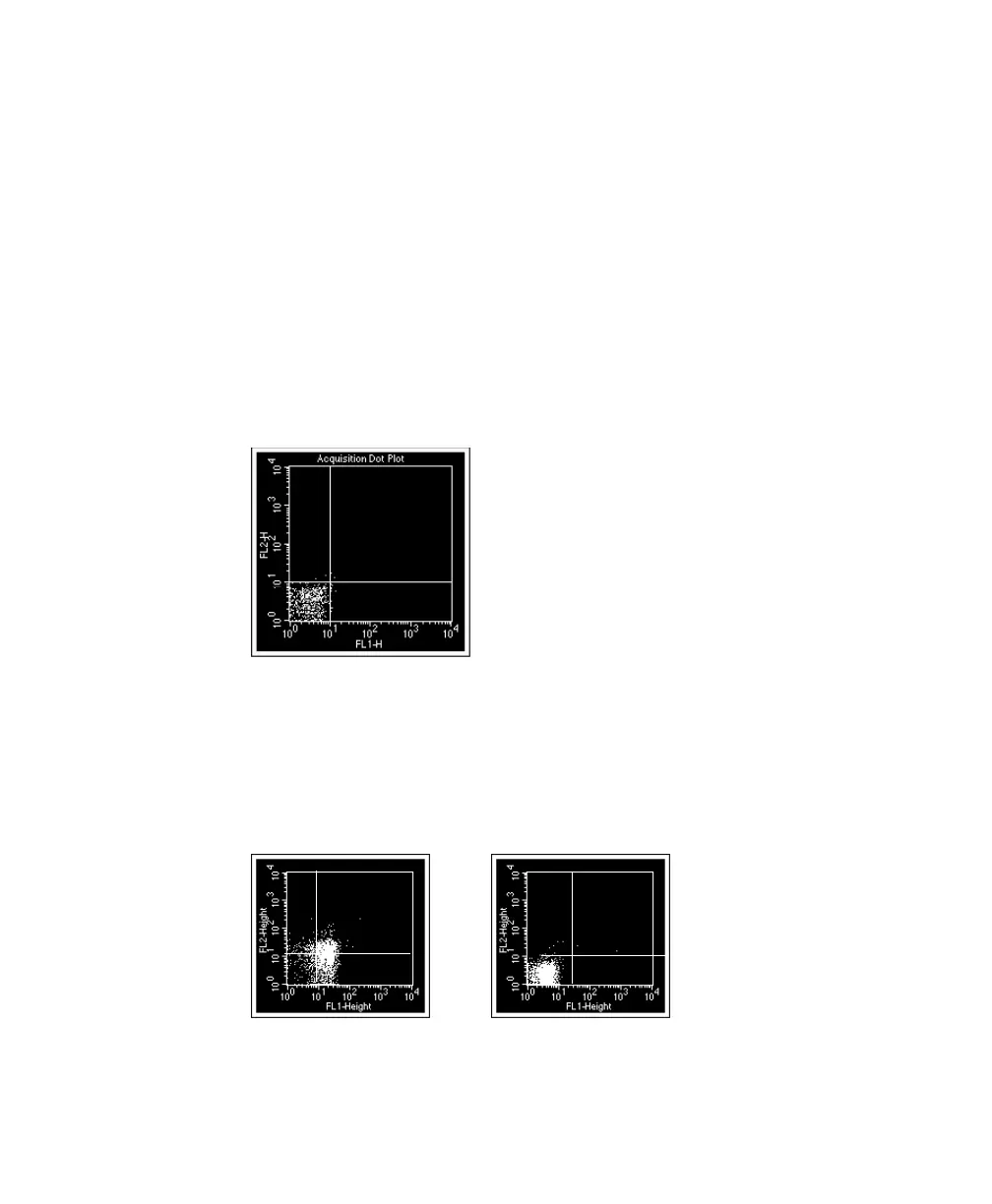
Fluorescence detector settings are adjusted to remove background fluorescence.
Background fluorescence can result from nonspecific binding of antibodies in the
isotype control and cell autofluorescence.
1 Verify that the Mode is set to Log for FL1, FL2, FL3 and FL4 in the
Detectors/Amps window.
2 In the FL1 vs FL2 plot, drag the quadrant marker intersection to 10
1
on the
x- and y-axes, respectively.
The markers will show areas of negativity and positivity.
3 Install the isotype control tube on the SIP, if it was removed.
4 Click Acquire in Acquisition Controls.
5 In the Detectors/Amps window, adjust the FL1 and FL2 Voltages to place
the negative population in the lower-left quadrant of the FL1 vs FL2 plot.
unadjusted adjusted



 To Next Page