104
Calibration
As Found Calibration
The As Found calibration documents the state of the instrument
before carrying out any adjustments. The calibration states the
amount of drift in the instrument during the calibration period.
MC5P supports multiple As Found tests. There is no fixed upper
limit for the number of repeats except the available free memory.
MC5P does not require you to save any As Found calibrations. If
you do not want to save information of the instrument’s state before
adjustment, just do the adjustments needed and perform as many
As Left calibrations as is needed.
Adjustment
MC5P calculates (among other figures) the maximum error found
during the calibration. Depending on the value of the maximum er-
ror, you decide whether you adjust the instrument or not. MC5P
supports four different error limit settings:
Reject if > acceptance limit for found maximum error,
Adjust if > the instrument need to be adjusted if this
limit is exceeded,
Do not adjust if < adjusting the instrument is not
necessary / of use and
Adjust to < after adjusting, the maximum error should
not exceed this limit.
MC5P has a special adjustment utility tool that can be used when
the input signal of the instrument is generated/simulated with MC5P.
See chapter MC5P’s Support for Instrument Adjustment on page
123. We recommend you use the utility whenever possible. In all
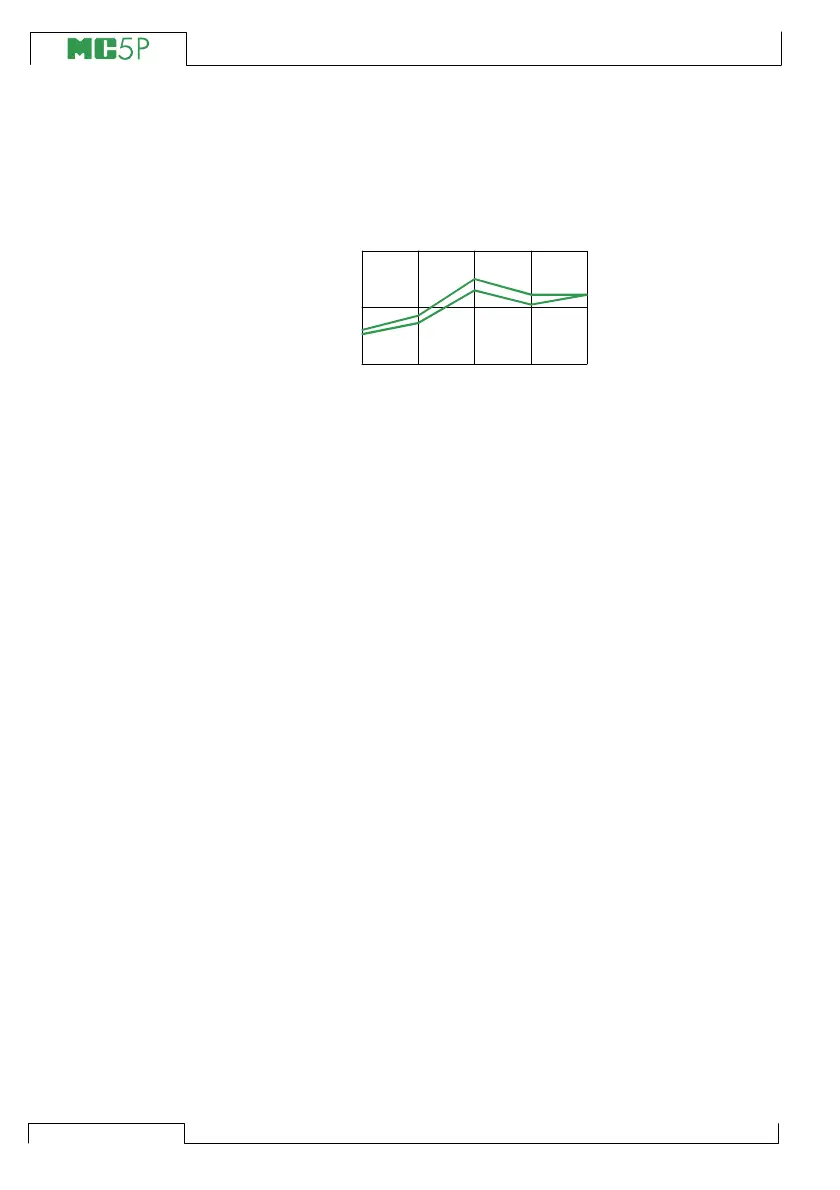
other situations, use the error graph and its error value to have a
view on how the adjustment affects the accuracy of the instrument
and how close the output signal is from the target value.
Use the instrument’s ZERO adjustment at lower end of the range.
Adjust the higher end of the range with the instrument’s SPAN ad-
justment. The two adjustment points do not necessarily need to be
the end points of the instrument range. You may want to use other
0
0 25 50 75



 To Next Page