123
MC5P’s Support for Instrument Adjustment
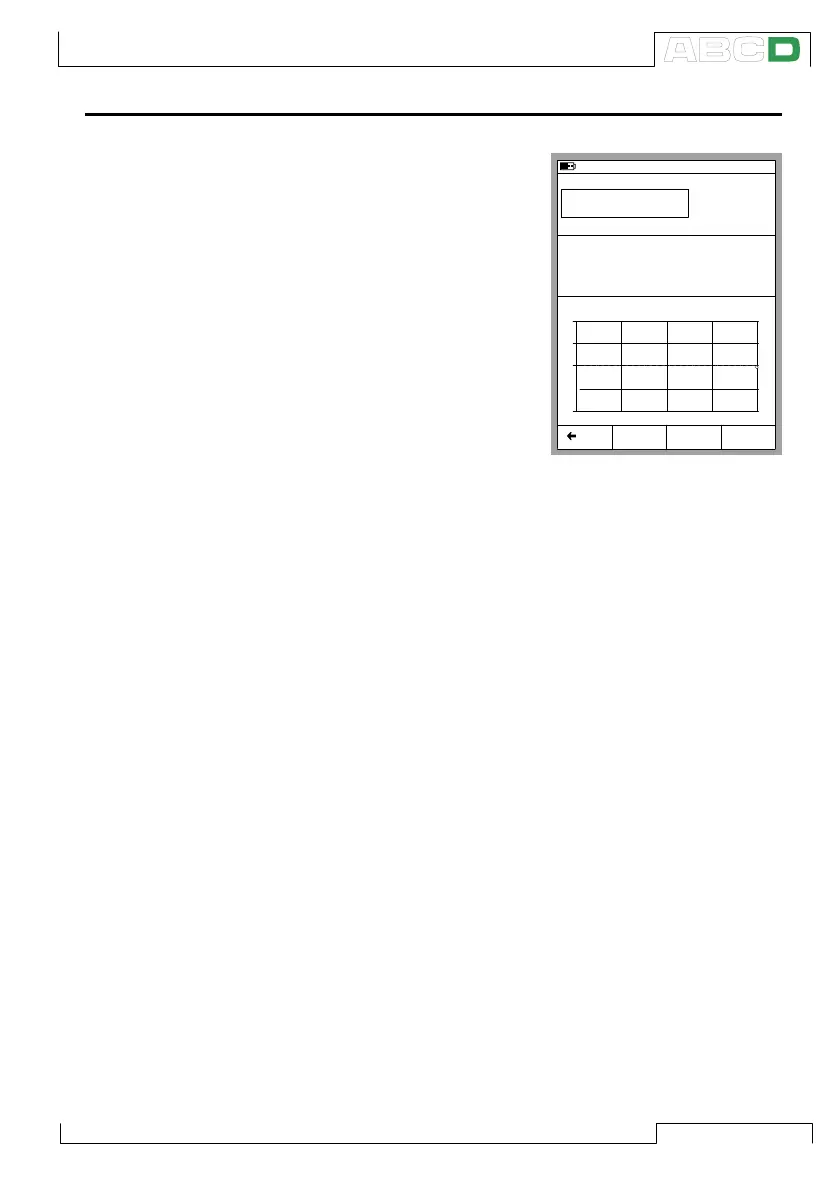
MC5P includes a special utility for
adjusting instruments. This tool is
of use when MC5P generates/
simulates the input signal or con-
trols an external device that gener-
ates/simulates the input signal (au-
tomatic calibration). Use the stan-
dard calibration screen when ad-
justing instruments that are cali-
brated manually. When viewing the
three Calibration Windows, open
the adjustment utility by pressing
the C/Adjust Function Key. Press
the Function Keys B, C and D to
quickly change the value of the in-
put signal.
Additionally, the input signal field is editable during instrument ad-
justment. This makes it possible for you to enter generation/simula-
tion values other than the ones available via the Function Keys.
Hint.
For help on how to adjust/trim HART instruments, see Appendix 1.
11.11.2003 13:22
Input
Error
1.00
Output
Pt100
α
385
°C (ITS90)
19.9918
-0.05 % of span
100.00
+
0
-
0% 50% 100%
RTD Temperature [ET: Simul]
Current [E: Meas]
mA
0% 100%
Back
50%
Calibrating an Instrument



 To Next Page