9
Keyboard
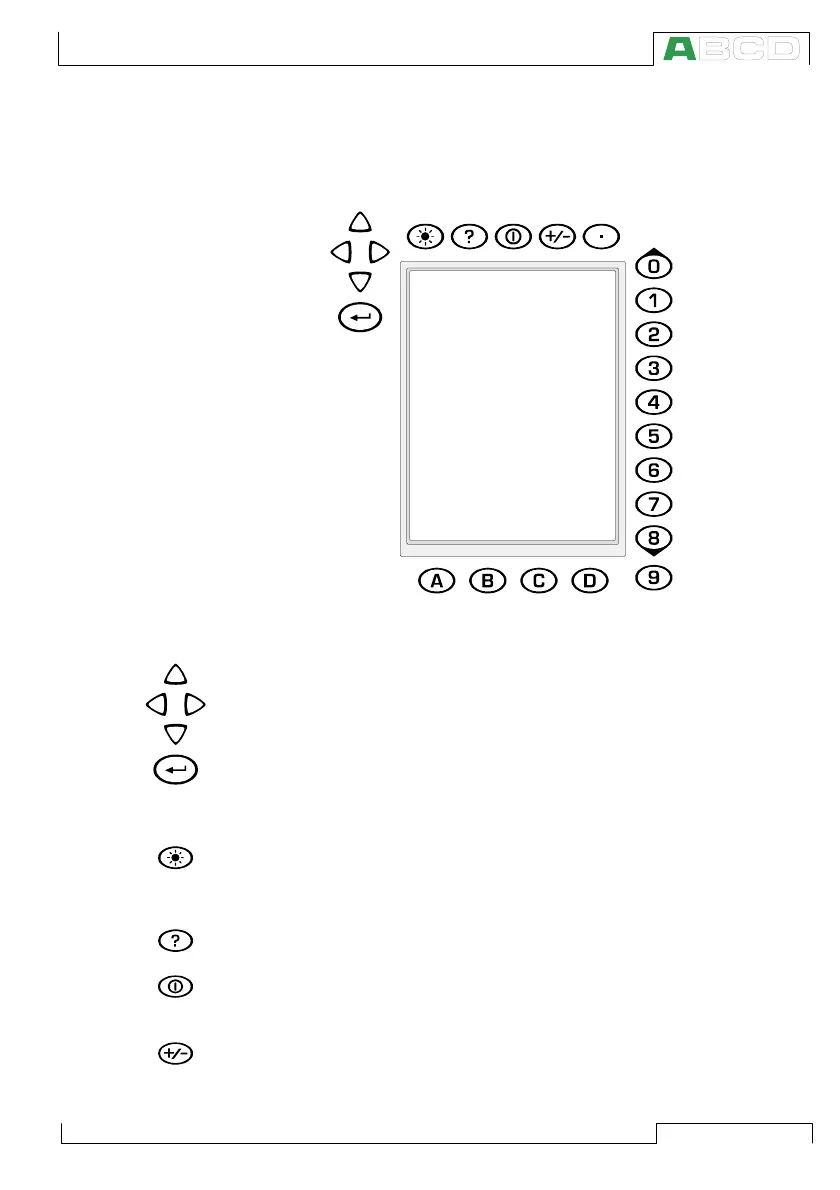
The keys on the MC5P’s keyboard are grouped according to their
function as follows:
The Cursor Keys and the Enter Key
The Cursor keys and the Enter key are located close to the upper
left corner of the display. The Cursor keys are used when moving
the cursor on the screen. They also have several special functions
in certain situations, e.g. when tuning the contrast of the display.
The Enter key finishes the entering of values.
The Keys Above the Display
The Light key toggles the back light of the display on and off. It is
also used when setting the contrast and the brightness of the dis-
play (see chapter Base Unit on page 5) and when printing
screenshots (see chapter Printing on page 13).
The Help key displays case sensitive help.
The On/Off key switches MC5P on and off. Press the On/Off key for
about half-a-second to switch on/off. This delayed function prevents
accidental on/off switching of MC5P.
Pressing the +/- key toggles the sign of the entered numeric value.
Note. The +/- key is applicable only in numeric fields.
MC5P Hardware



 To Next Page