86
Advanced Operation and Configuration
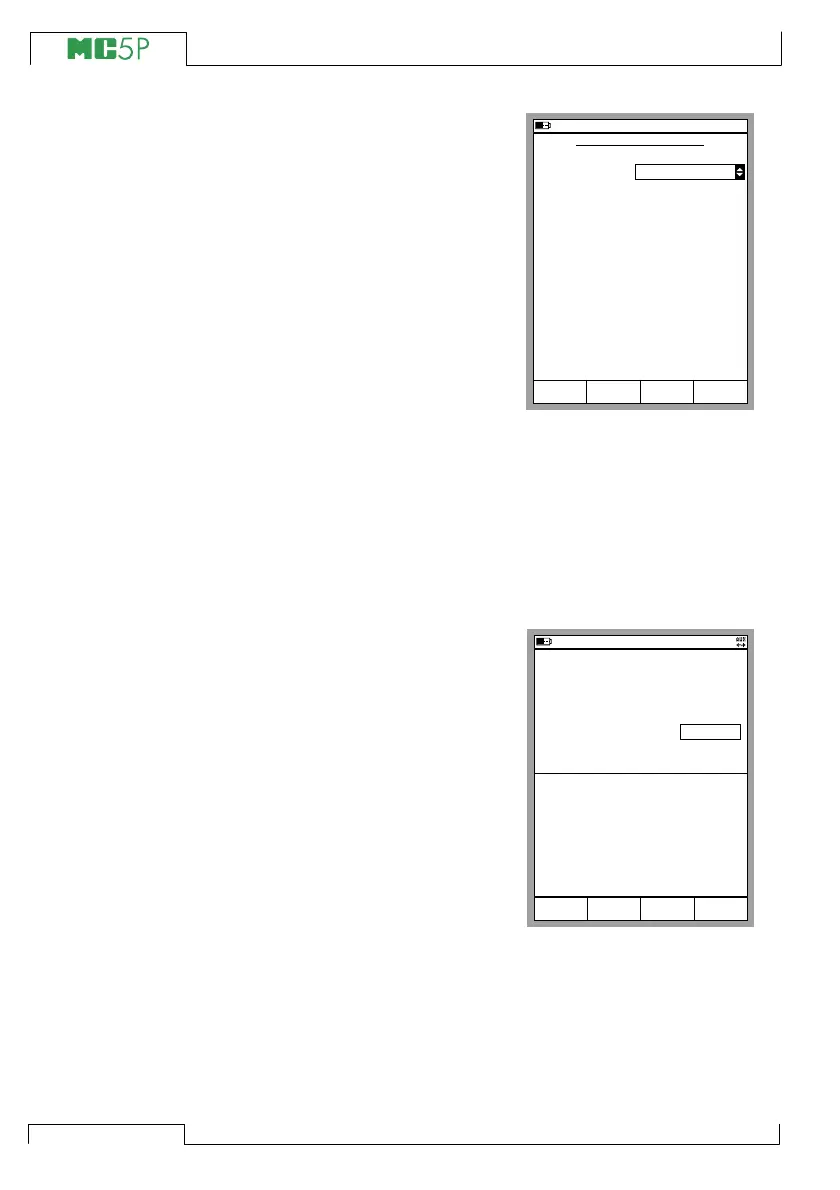
Select the Controller Type. The list
of available controllers varies de-
pending on installed options and the
selected quantity. The other settings
vary depending on the Controller
Type setting.
Note.
The Settings window for external
devices may also be opened from
Calibration Mode’s Instrument win-
dow. Additional information on how
to use external devices in Calibra-
tion Mode is in Part D chapter Us-
ing External Devices in Calibration Mode on page 124.
Controlling the External Device in Basic Mode
When an external device is configured for use, the device name is
displayed in the window it was assigned to, e.g. POC4 in the adja-
cent picture.Enter target values (setpoints) for the connected exter-
nal device in the numerical field following the device name.
Note.
If a field indicator cannot be moved
to the external device’s setpoint field
(or the field indicator is not seen at
all), make sure the connections and
the settings are in order. When
MC5P is able to communicate with
the connected device, a communi-
cation symbol is shown in the sta-
tus bar’s rightmost end (see picture
above).
10.11.2003 15:35
CONTROLLER SETTINGS
Controller Type
Cancel OK
POC4
Control Mode
Device Address
Shut Off
0
Serial Communication Settings
9600
Edit
10.11.2003 15:36
1 Pressure
2 Current
P2:INT20C/-1.0000...20.6840 bar g
E: Current Measurement
gauge
bar0.0003
4.0073
Mode
Calibration
MENU
mA
POC4 0.00



 To Next Page