138
Appendix 1, User Guide for MC5 HART Option
The standard Window Setup menu
is replaced by a HART menu. This
menu is automatically opened af-
ter the HART instrument is se-
lected. All HART menu options are
described in the subsequent chap-
ters. The measurement quantity of
the window where the HART instru-
ment was selected to is automati-
cally changed to the quantity of the
HART instrument’s Digital Output
(PV).
Disconnecting a HART Instrument
The HART instrument is to be disconnected when you need to
change the Quantity of a window assigned for HART measure-
ment.
To disconnect a HART instrument, select
D/Menu and
B/Window 2 Setup, if needed
1/Disconnect Device.
The HART communication is terminated and the HART menu is
replaced by the standard Window Setup menu.
Device Information
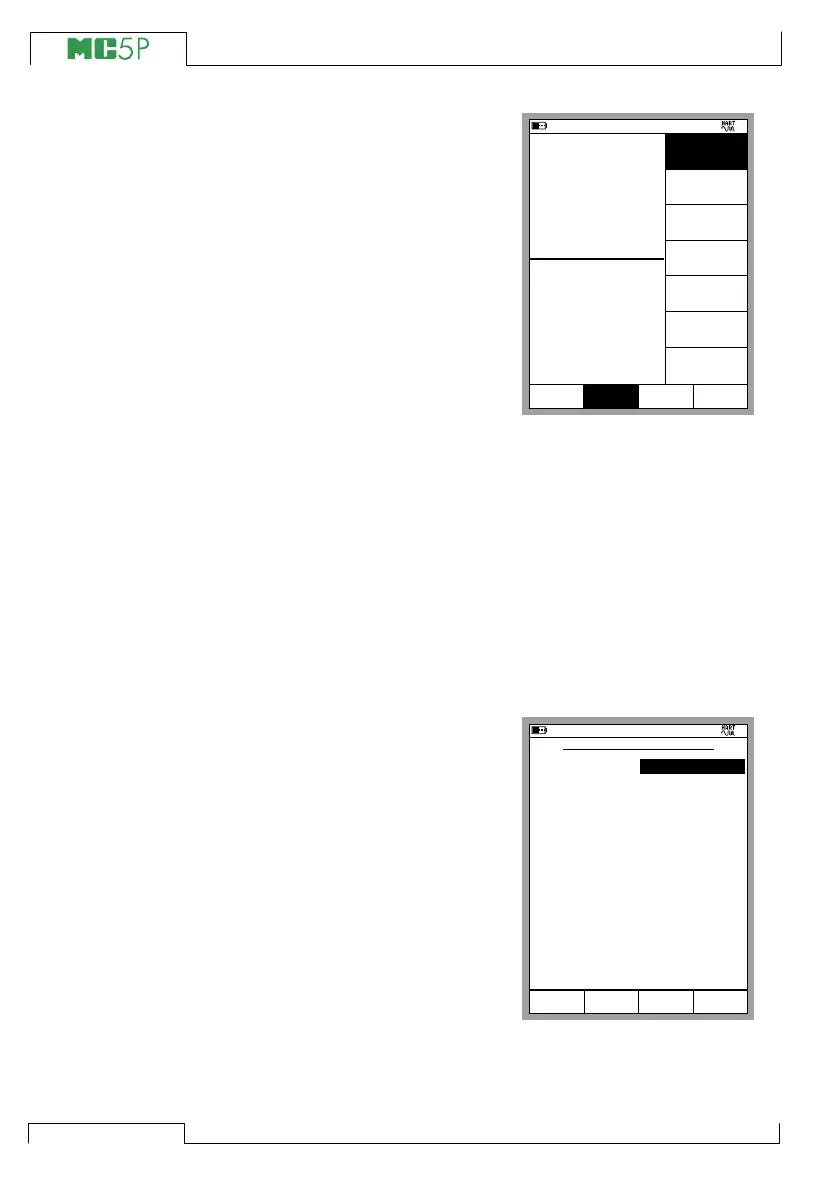
The adjacent picture displays the
data of the Device Info window.
The following fields are editable:
Tag,
Serial Number,
Date,
Descriptor and
Message.
11.11.2003 13:59
1
Pressure
P1: INT400MC/-41.400...41.400 kPa
E: HART/PV
gauge
kPa
0.087
0.084
tila
Kalibrointi
kenttä
Valitse
Valikko
kPa
2
Pressure
Disconnect
Device
Device
Information
Device
Settings
Unit
[kPa]
Trim
Instrument
Add HART
Instrument
to Database
Others
MENU
Close
Setup
Window 1 Window 2
Setup
11.11.2003 14:40
HART DEVICE INFORMATION
Tag
Device ID
Date
1109949
07.06.1999
Close
3051C
Descriptor
BEAMEX
Message
JUST TESTING
Serial Number
7292301
Manufacturer
Rosemount
Device Type
3051C
Software Version
5.3.176
Hardware Revision
1.0



 To Next Page