31
Basic Mode, Defined
Every time MC5P is switched on, the startup procedure ends in
Basic Mode.
All non-calibration related measurements and generations are per-
formed in the Basic Mode. Briefly: in Basic Mode MC5P works like
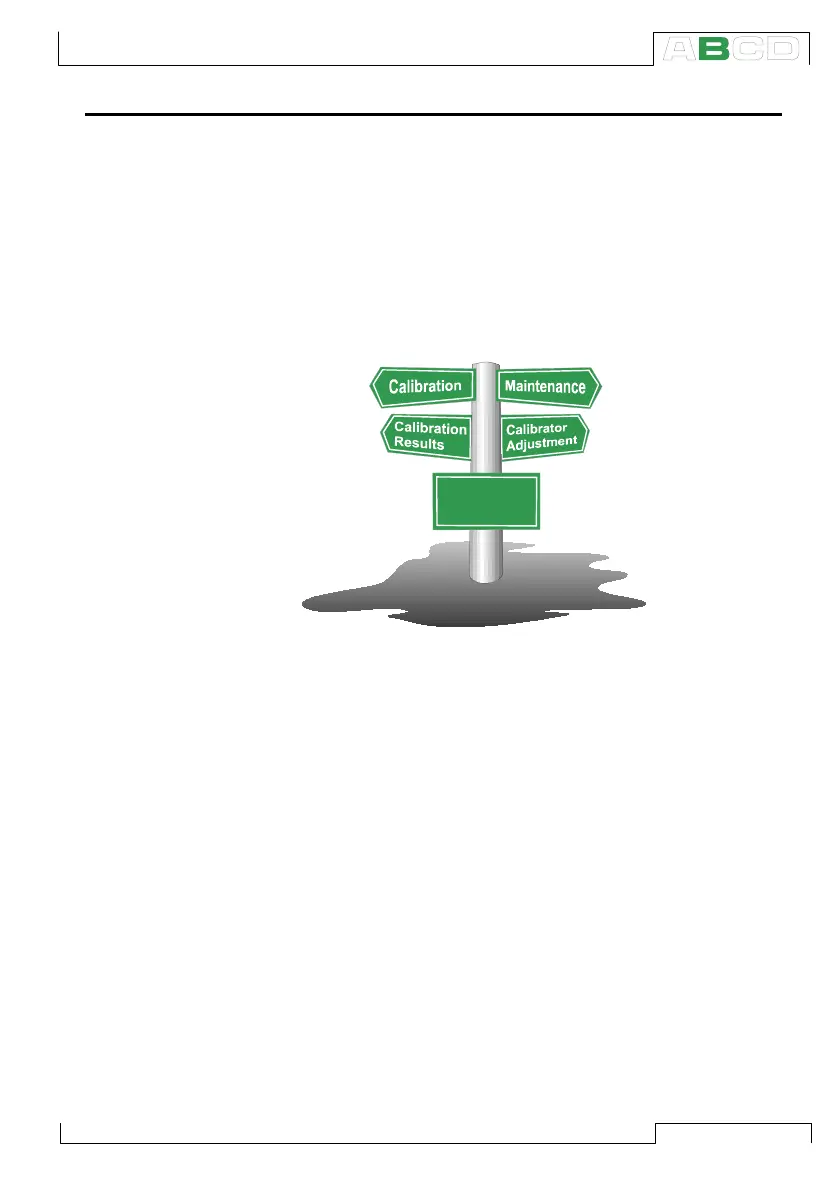
a high quality multimeter. When returning from MC5P’s higher level
operations (calibration, viewing of calibration results, calibrator and
user configurations), you always return to the Basic Mode.
In Basic Mode, the two available measurement/ generation/
simulation windows have default settings based either on factory
settings or settings defined when MC5P was previously used.
The first time the D/Menu key is pressed, the Window 1 Setup
menu is available. Other possible menus can be selected from the
function keys: B/Window 2 Setup and C/Others. The latter function
key opens a menu with some special functions and also includes
the possibility to go to higher level operations.
Basic Mode:
Measurement
Generation...
Starting MC5P



 To Next Page