81
Switch Simulation
Start the Switch Simulation as described in chapter Transmitter/
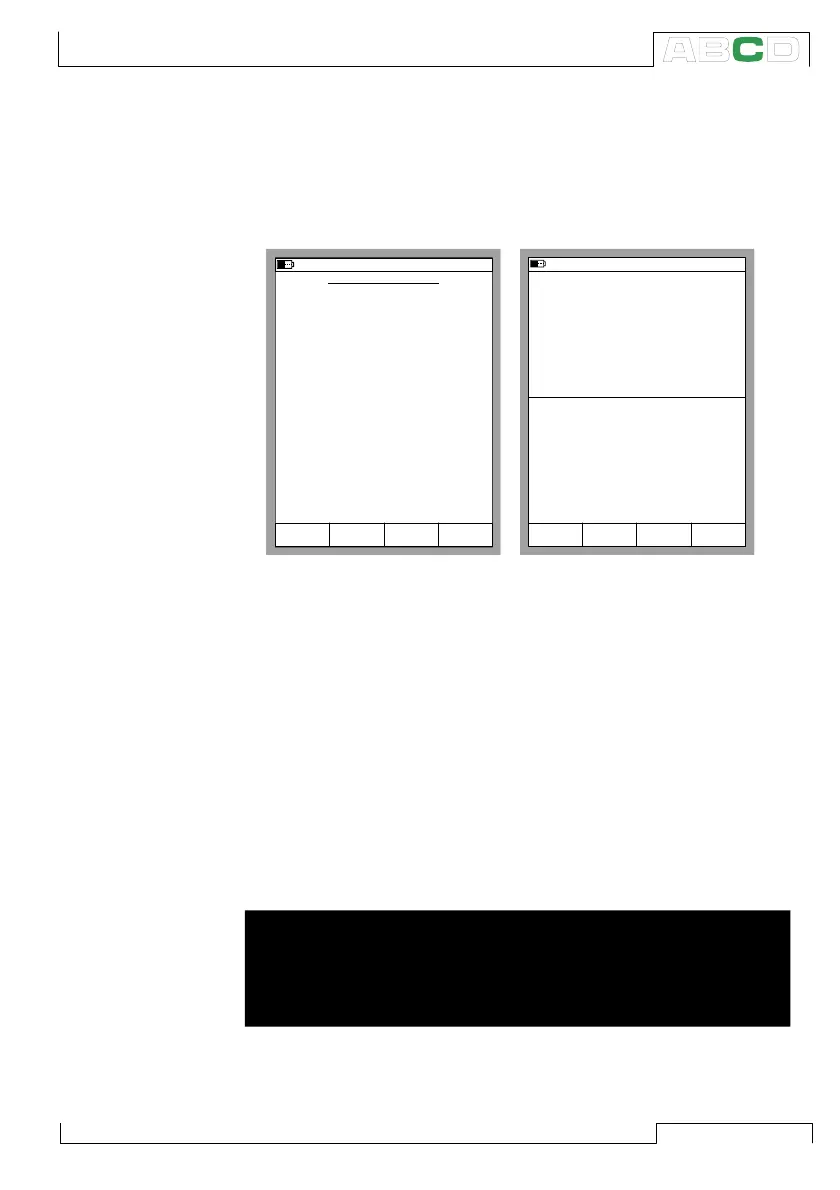
Switch Simulation on page 79. If the settings of the Basic Mode
windows suit Switch Simulation, a configuration window similar to
the lower left picture is shown.
Enter the actuating point and the deactuating point of the input sig-
nal. Also enter the output signal levels for an actuated output and a
deactuated output.
The upper right picture shows the Basic Mode window while Switch
Simulation is active. The second row of the upper window displays
the active port and the actuating and deactuating points. The sec-
ond row of the lower window displays the actuated and deactuated
output of the switch.
Note.
To Zero a pressure module during Switch Simulation, Press D/MENU
and 7/Zero Pressure Module.
Warning!
Remember to scale the output signal of the Switch Simulation
so that the instrument connected to the output signal loop is
not damaged.
SWITCH SIMULATION
11.11.2003 8:45
Stop
Ramping
Field StartCancel Edit
INPUT
Port
Pressure
P1:INT2C
kPa
kPa
50.000
40.000
OUTPUT
Port
Voltage
ET: V(gen)
V
V
5.0000
0.5000
Deactuated
Actuated
Deactuating
Actuating
Nominal Points
Switch Limits
11.11.2003 8:46
P2: INT20C/ (50.00/40.00 kPa g)
ET: V(gen)/ (5.000/0.500 V)
gauge
kPa52.034
5.0010
2
OUTPUT
1
INPUT
End
MENU
Measurement V
5.0011
Pause
SWITCH SIMULATION
Advanced Utilities



 To Next Page