84
Advanced Operation and Configuration
If the Trigger setting is Periodic, you can follow how the logging
advances in the lower part of the window. Both the amount of
samples to be logged and the remaining time is displayed.
If the Trigger setting is Keyboard, accept the values by pressing
the Function Key B/Accept Readings. .
Now the lower part of the window displays the amount samples
already logged and the time since the logging was started
To stop/interrupt the logging, be it periodically triggered or triggered
from the keyboard, select C/Stop Logging.
Viewing the Results
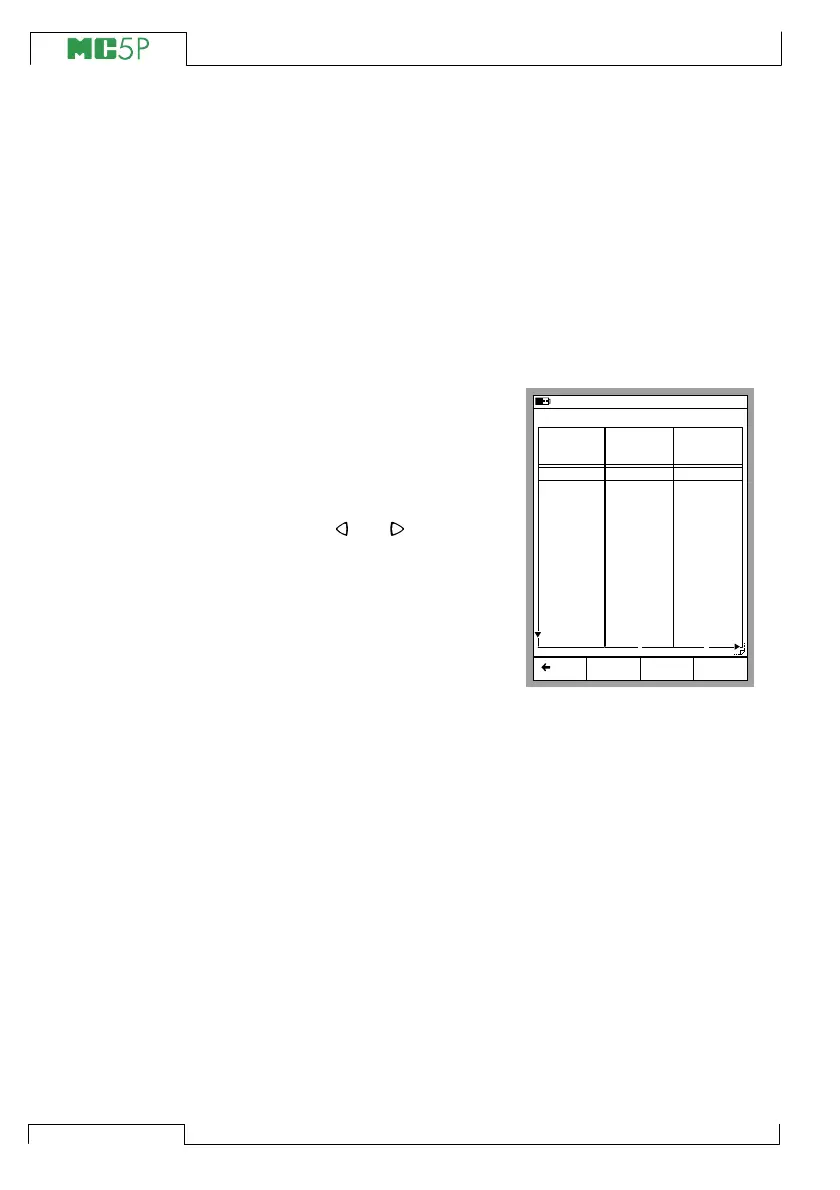
Opening the Log Results window
can be done both from the Configu-
ration window and the Logging win-
dow. Select D/MENU 2/View
Datalog Results. If you have
logged using more than two chan-
nels, use the and cursor keys
to scroll through all the columns.
Alternatively: use the numeric keys
to quickly jump to a column.
To see the minimum, maximum and
average values of the log see the
next result page by selecting
B/Next Page.
Removing Datalog results
To remove a set of data logging results, select D/MENU 3/Re-
move Datalog Data.
To remove all datalog results, select D/MENU 4/Remove All
Datalog Data.
Transferring the Results to a Personal Computer
A 32-bit Windows
®
software called MC5_Datalog.exe is shipped
together with MC5P if you bought the Data Logging option. Start
this software just as any other Windows
®
software.
All communication between the PC and MC5P is initiated from
MC5_Datalog.exe. More information of the software in Appendix 3.
20.11.2003 16:22
Back MENU
Just Testing - All values
Time
8:19:38
8:20:38
8:21:38
8:22:38
8:23:38
8:24:38
8:25:38
8:26:38
8:27:38
8:28:38
8:29:38
8:30:38
8:31:38
8:32:38
1: Instant
[bar]
1.0113
1.0113
1.0112
1.0112
1.0112
1.0111
1.0111
1.0111
1.0111
1.0110
1.0110
1.0110
1.0109
1: Average
[bar]
1.0113
1.0113
1.0113
1.0112
1.0112
1.0112
1.0111
1.0111
1.0111
1.0111
1.0110
1.0110
1.0109
1 2
10.11.2003 Pressure Pressure
page
Next



 To Next Page