124
Calibration
Maintaining MC5P’s Instrument Data-
base
This chapter and its subchapters describe how to create instruments,
edit instrument data and delete instruments.
Adding instruments to MC5P’s database by downloading the in-
struments from an external calibration database software is not pre-
sented here. When using such a software, consult the Instruction
Manual of the software.
MC5P’s memory is dynamic. There are no fixed amount instruments
and calibration data that you may keep in MC5P’s memory. It all
depends on how many calibration repeats and how much history
data is kept in the memory.
Normally, you can safely store some hundreds of instruments and
their calibration results without having “out of memory” messages.
If you want to delete instruments or calibration data from MC5P’s
memory, see chapters Deleting Instruments on page 128 and
Deleting Calibration Results on page 130.
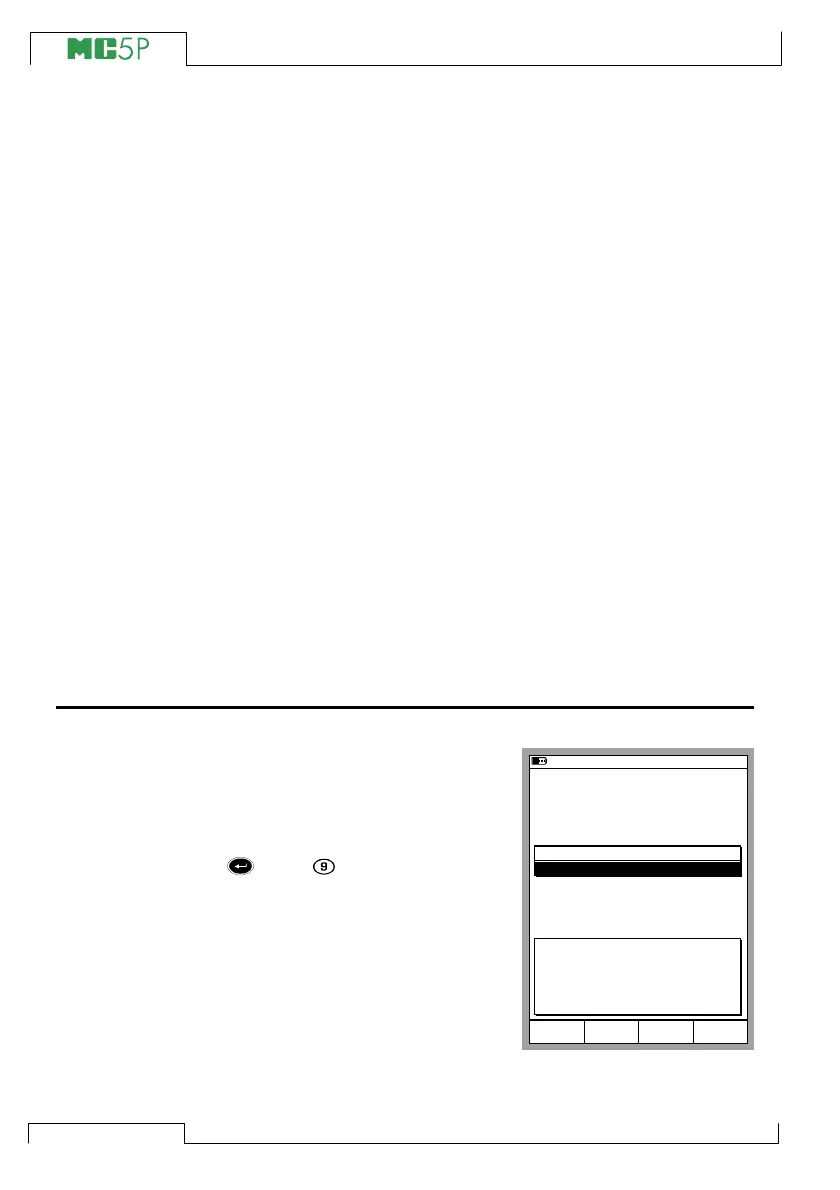
Adding New Instruments
If you go to Calibration Mode, but
there are no instruments in MC5P’s
database, the Position ID list is
empty except for the possibility to
create a new instrument. Select the
or the key to create a new
instrument. If the Position ID list is
not empty, you can add new instru-
ments by selecting D/MENU and
1/Create New Instrument.
11.11.2003 13:41
POSITION/DEVICE ID
Create New Instrument...
Device ID
Position Name
Calibrated
Mode
Basic
MENUSelect



 To Next Page