53
Redundant Measurement
In redundant measurement the measurements of the main port and
the second port are compared with each other. If the readings differ
more than the entered limit value, MC5P gives an audible alarm.
Start the redundant measurement by selecting:
D/Menu and B/Window 2 Setup, if needed,
or ,
1/Special Measurement,
Redundant Meas….
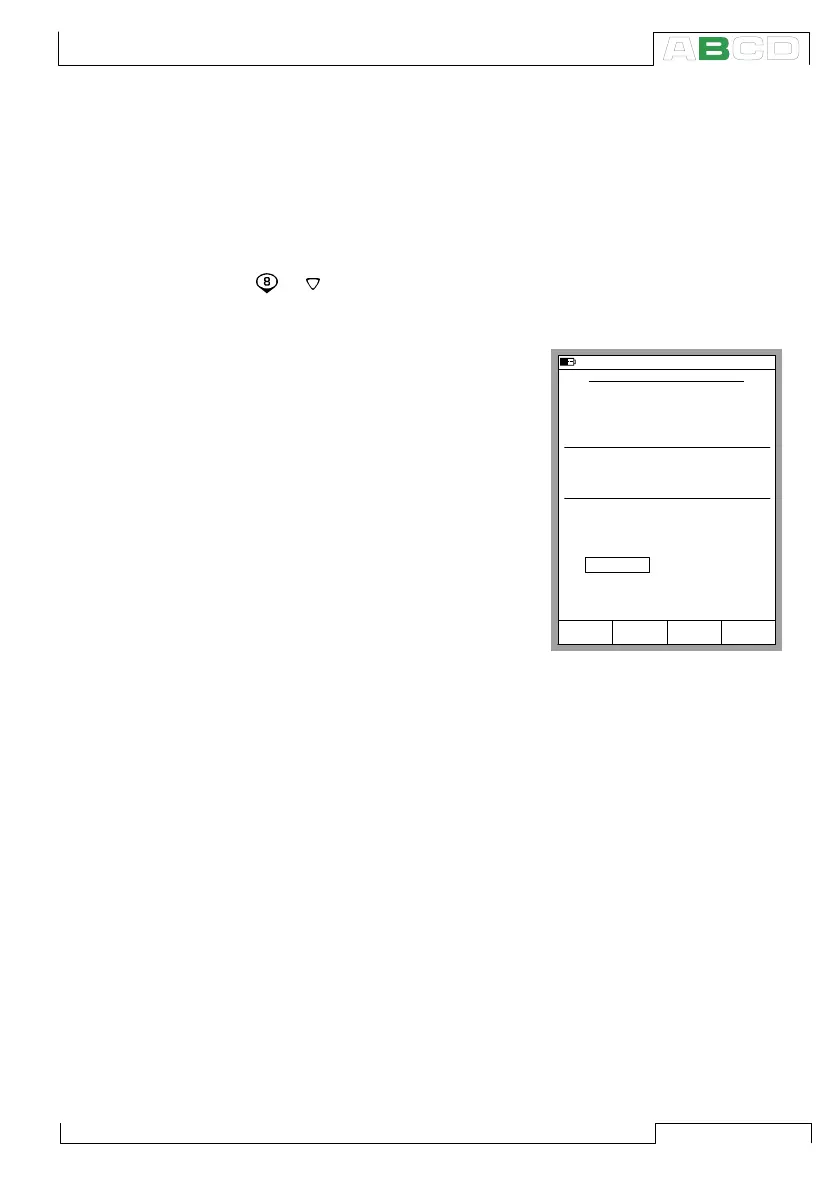
You can enter the allowed devia-
tion between the two measure-
ments when you start the special
measurement mode.
Notes.
Redundant measurement is not
available as an option in the list of
special measurements, unless two
measurement ports are selected for
use in the same window. The mea-
surement value of the second port
is displayed on the special mea-
surement row. You may assign the
allowed deviation value to be dis-
played on the Extra info row at the
bottom of the window.
When setting the allowed difference, take the accuracies of the
measurements into account.
If the measuring spans of the selected ports are different, make
sure you do not exceed the measurement range of either port.
10.11.2003 16:03
REDUNDANT MEASUREMENT
Main Measurement
Quantity
Pressure
0.00100
bar
Port
P1
Second Measurement
Quantity
Pressure
Port
P2
While displaying the main measurement,
compares it to the second and alarms if
readings differ more than
StartCancel Edit
Special Measurements



 To Next Page