50
Startup and Basic Operation
Mathematical Special Measurements
Mathematical special measurements may be assigned to all measurements.
Minimum value
Start the minimum value measurement by selecting:
D/Menu and B/Window 2 Setup, if needed,
or ,
1/Special Measurements,
Minimum Reading.
Maximum value
Start the maximum value measurement by selecting:
D/Menu and B/Window 2 Setup, if needed,
or ,
1/Special Measurements,
Maximum Reading.
Min/Max value
Start the minimum/maximum value measurement by selecting:
D/Menu and B/Window 2 Setup, if needed,
or ,
1/Special Measurements,
Min/Max Readings.
Rate of Change
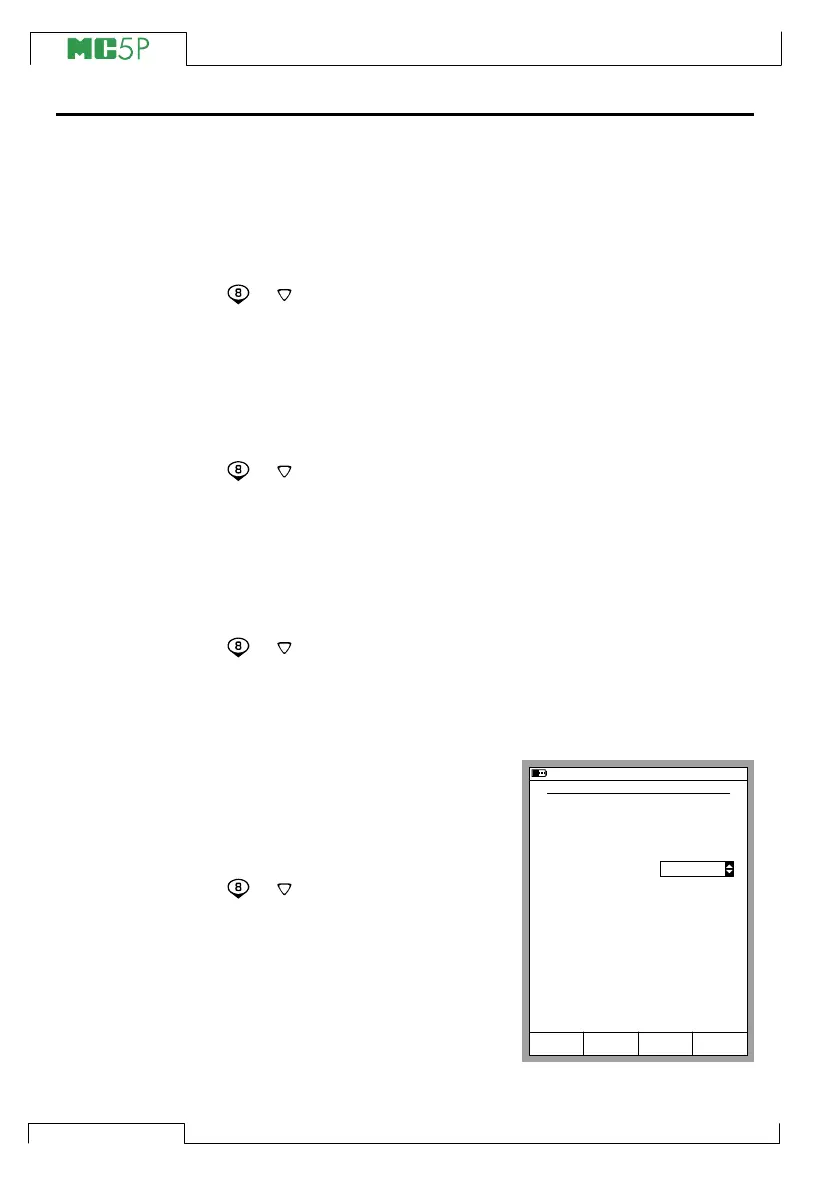
Start the rate of change measure-
ment by selecting:
D/Menu
and B/Window 2 Setup, if
needed,
or ,
1/Special Measurements,
Rate of Change….
Before the special measurement is
started MC5P prompts for the rate
of change unit which can be se-
lected from the following options:
1/s, 1/min and 1/h.
10.11.2003 16:00
RATE OF CHANGE MEASUREMENT
Quantity
Port
Unit
Rate of Change Unit
T/C-temperature
ET: TCi(meas)
°C
1/s
StartCancel Edit



 To Next Page